Run the whole shop from one screen
POS back office software: stock, orders, customers and reports in one browser tab, updated by every till and online sale.
Included with every till, at no extra cost
Search products, orders, customers⌘K
All locations
Overview
All locations30 days
1 Oct 2026 – 30 Oct 2026
Orders
1,284
In the selected period
Revenue
€38,583.00
Order value in this period
Low stock
7
Reorder needed · All locations
Chargebacks
1
Open on linked orders
Sales performance
OrdersRevenue
1,2841 Oct–30 Oct
1,195 in the previous period
Recent orders
| Order | Customer | Payment | Fulfillment | Total |
|---|---|---|---|---|
| #1291 | Lucía Ortega 3 items · POS | Paid | - | €38.60 |
| #1290 | Tomás Brandt 2 items · Online store | Paid | Unfulfilled | €64.90 |
| #1289 | Walk-in customer 1 item · POS | Paid | - | €12.40 |
Action required
Disputes to respond to1
Drawers open since yesterday1
Offline devices1
How it works
One sale updates everything
Ring it up at the till or take it online, and the back office is already up to date.
Current sale
Sale #1291 · 3 items
Lucía OrtegaLoyalty member
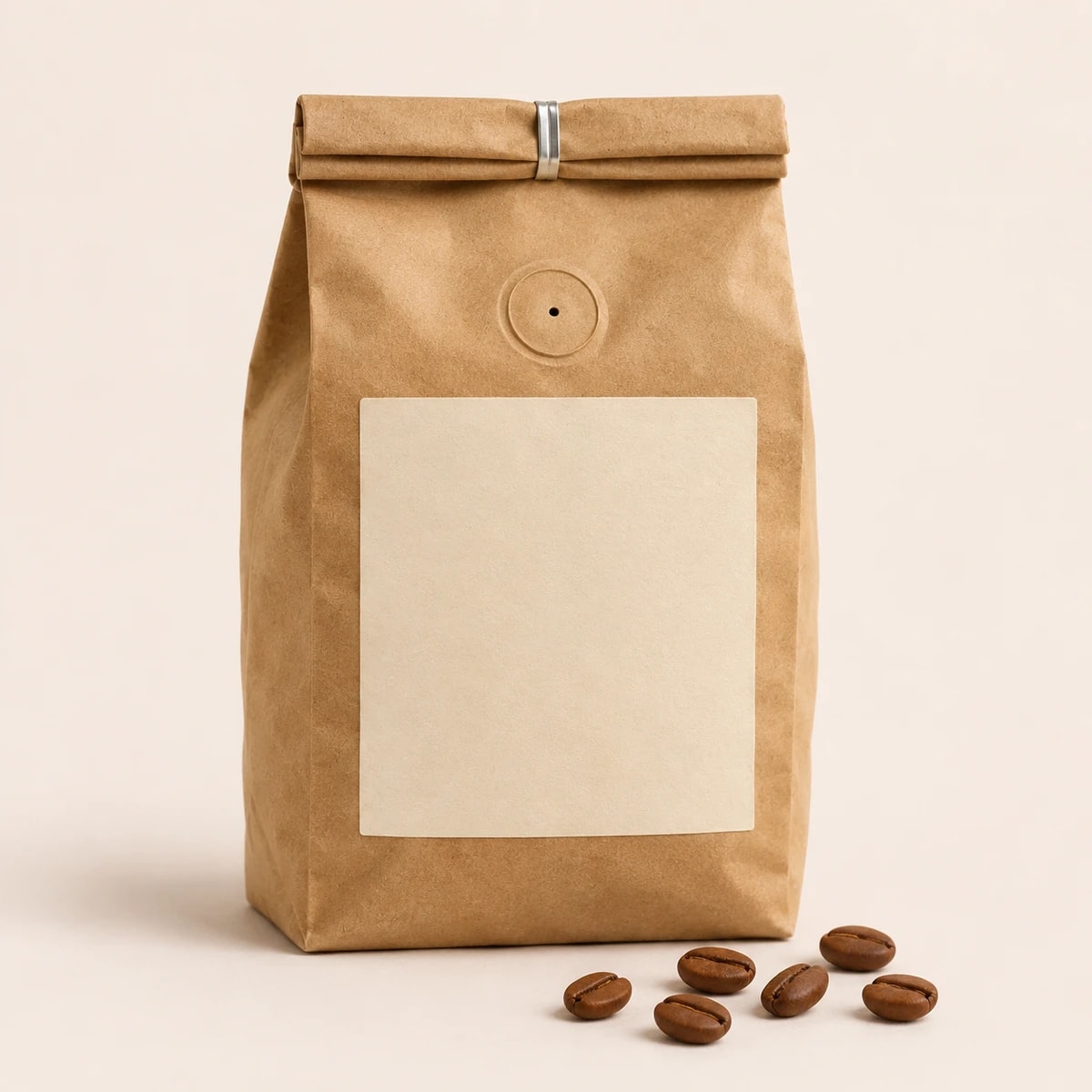 House espresso beans2 × 250 g bag€25.00
 Oat flat whiteRegular€3.80
Total€28.80
Paid by card
- StockHouse espresso beans at Front shop-22422
- OrdersOrder #1291, paid by card at the till+14142
- CustomersLucía Ortega, loyalty points+28312340
- ReportsSales today at Front shop+€28.80€1,280.80€1,309.60
Online order
Order #1292 · 1 item
Tomás BrandtFourth order
 Stoneware setBowl, vase and cup€64.90
Total€64.90
Paid online · To ship
- StockStoneware set, online store-198
- OrdersOrder #1292, paid online, to ship+167
- CustomersTomás Brandt, orders on record+134
- ReportsSales today in the online store+€64.90€354.00€418.90
Products and stock
Stock in every location
Every sale moves the count in the shop that made it, so each location knows what it holds.
- Reorder points and low-stock alerts per location
- Counts and transfers, scanned as you go
- Restock suggestions that turn into purchase orders
Purchase orders and transfers
Orders drafted from what sold
A restock suggestion becomes a draft order with the supplier's codes, costs and case sizes already on it.
- Transfers between shops, sent and received
- Import an order from a CSV or the supplier's PDF
- Received in part, and back on sale at once

Stock counts
Count without closing the shop
Full or partial counts, blind if you like, and nothing posts until the differences are reviewed.
- A whole location, a category or chosen products
- Blind counts hide what is expected
- Recount or approve each difference


Customers
Every customer on one record
Orders, notes, consent and loyalty sit on one record, whichever till or channel the customer bought from.
- Points and tiers earned at every till
- Consent kept with its source and date
- Segments you can open as a report
Reports
The numbers, by shop and period
More than 30 reports compare each location and period with the one before, or the same one last year.
- Restock, ABC-grade, dead-stock and sell-through reports
- Every report exports to CSV
- Margin on every product, from its cost
Tally
Ask Tally about your shop
Ask in plain words; Tally reads your stock and orders, and asks before it changes anything.
Explore the questions
1 of 20
What's running low?
Read stock for 214 products
Three products are below their safety stock.
Below safety stock
All locations · 3 products
 Oat milk 1 LOAT-1L4 of 12Coffee beans 250 gCF-2506 of 18
 Beeswax candleCAN-BW2 of 8




The till
Set up the till's screens here
What staff tap, where they sign in and what your customer sees are all designed in the back office.




Several shops
Every shop in one view
Pick one location or all of them, and every figure, list and report follows.
Total sales
€38,583+8%
1,284 orders, against the 30 days before
- Front shop€12,896
- Market Street€10,582
- Online€8,547
- Harbour Road€6,558
- Stock and low-stock alerts for each shop
- Transfers scanned out and scanned in
- Any report for one shop or all of them
Features
Everything the back office does
Four jobs it does every day, and what else comes with it.
Products
Variants, barcodes, cost and margin.
Stock and buying
Counts, transfers and purchase orders.
Orders
Till, online and draft, with returns.
Reports
Sales, stock and customers, for any dates.
No. It comes with every Tickalio till at no extra cost, with every area on this page.
Any up-to-date web browser on your computer. It is a web app, so there is nothing to install or update.
Import them from a CSV file. The assistant can also read a document, such as a supplier's price list, and prepare the records for you to check before anything is saved.
Yes. Any list or report downloads as a CSV file, and invoices, packing slips and labels print or save as PDF.
Yes. Pick one location or All locations to see every shop at once. Stock, reorder points and reports are kept per location, and transfers move stock between shops.
Export your transactions, tax collected and reports to CSV for any period, and hand the files to your accountant.
We set it up with you, from bringing your products in to your first day of sales.
Sending purchase orders: the back office drafts and tracks them, and you send them to your supplier yourself. And any change the assistant proposes waits until you approve it.
See your own shop in it
A 30-minute walkthrough of the back office on your own products.