AI product photos, ready to post
Fix a product photo, put it on a model or in a scene, and turn it into a post.

Products
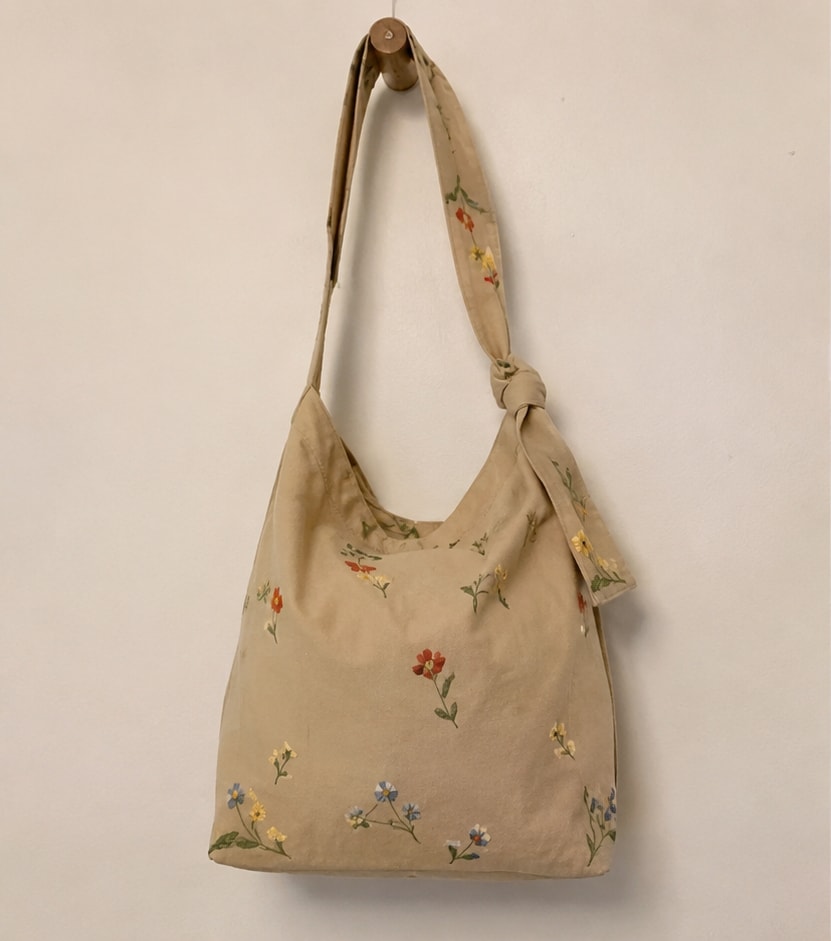
Better photos of what you sell
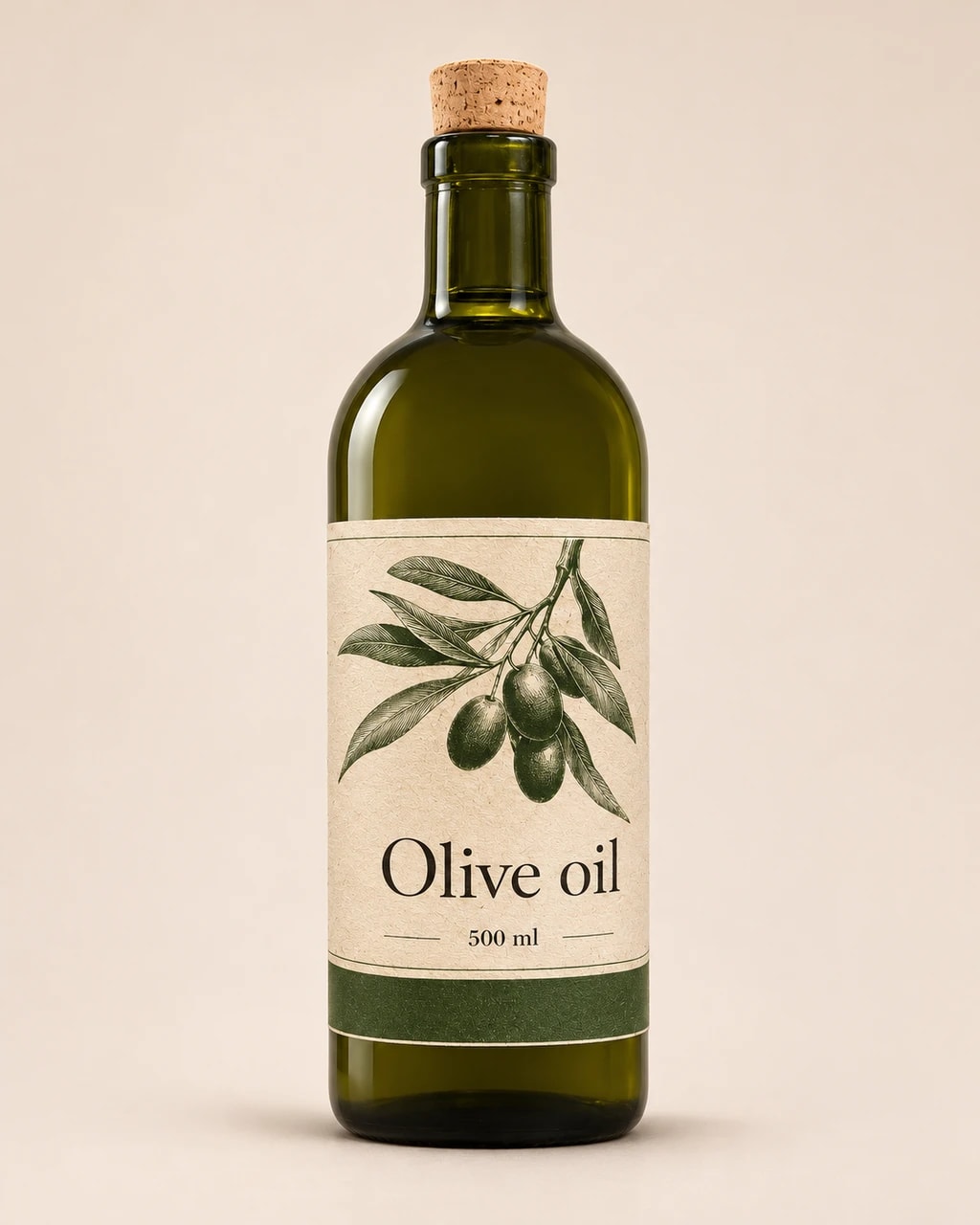
Open a product, tick what to fix, and keep the result as its photo or a new one.
- Clean background, even light and true colour
- Straighten, sharpen, upscale and remove marks
- Several photos of a product at once
Models
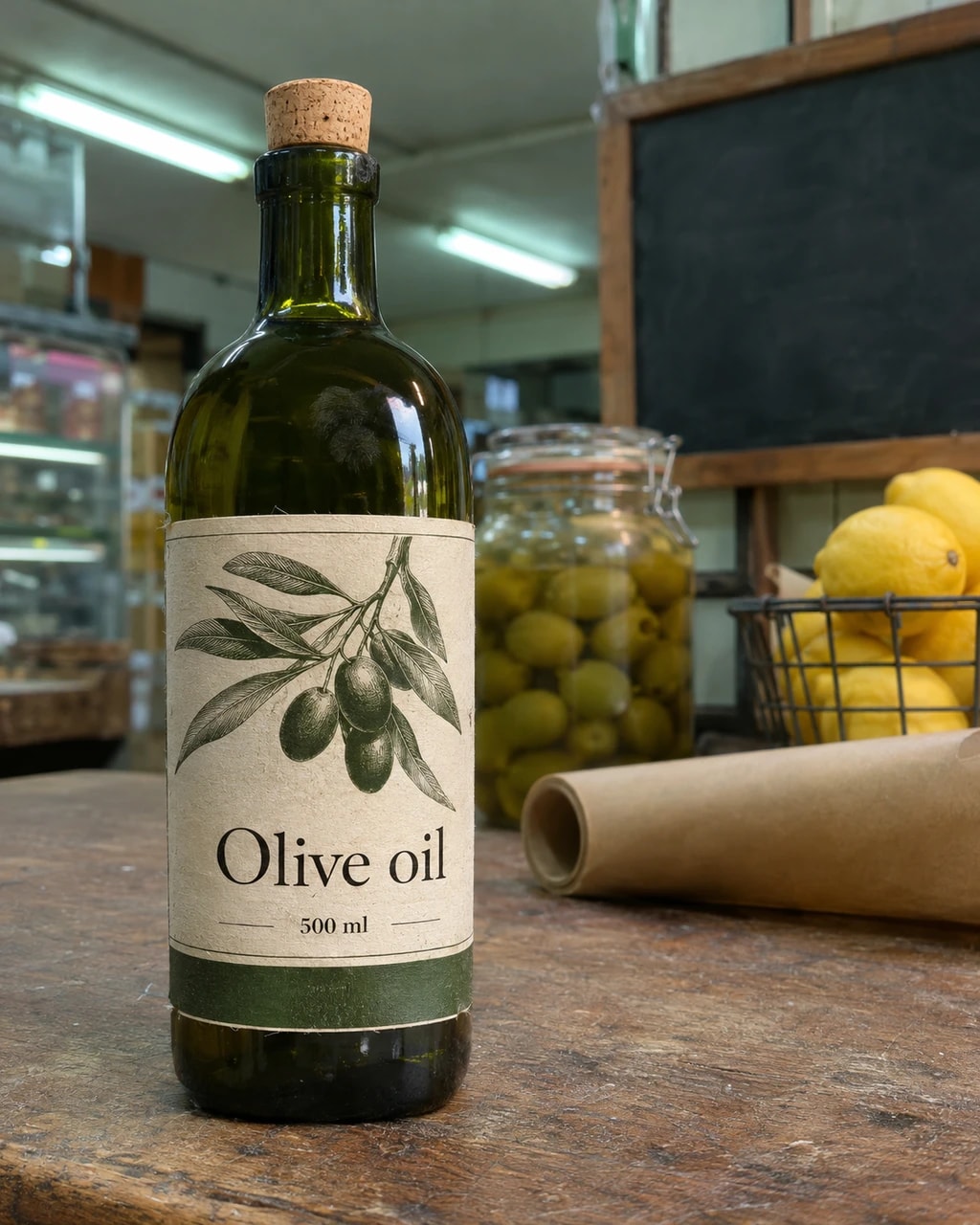
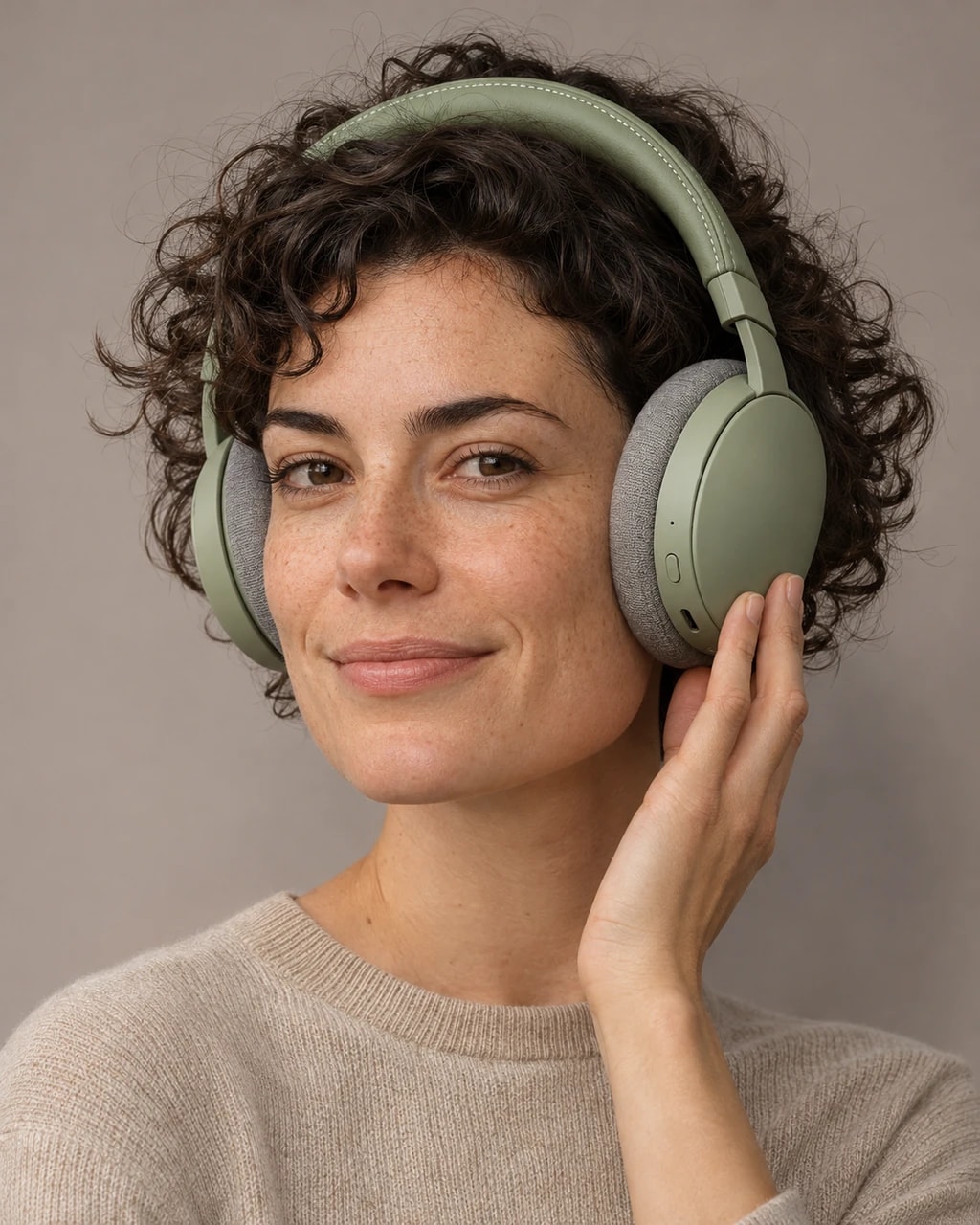
One model for every product
Describe a person once, or a pet or a mannequin, and every product can be shown on them.
- The same face in every picture
- Framing, pose, wardrobe and background
- Saved, ready for the next product

Scenes
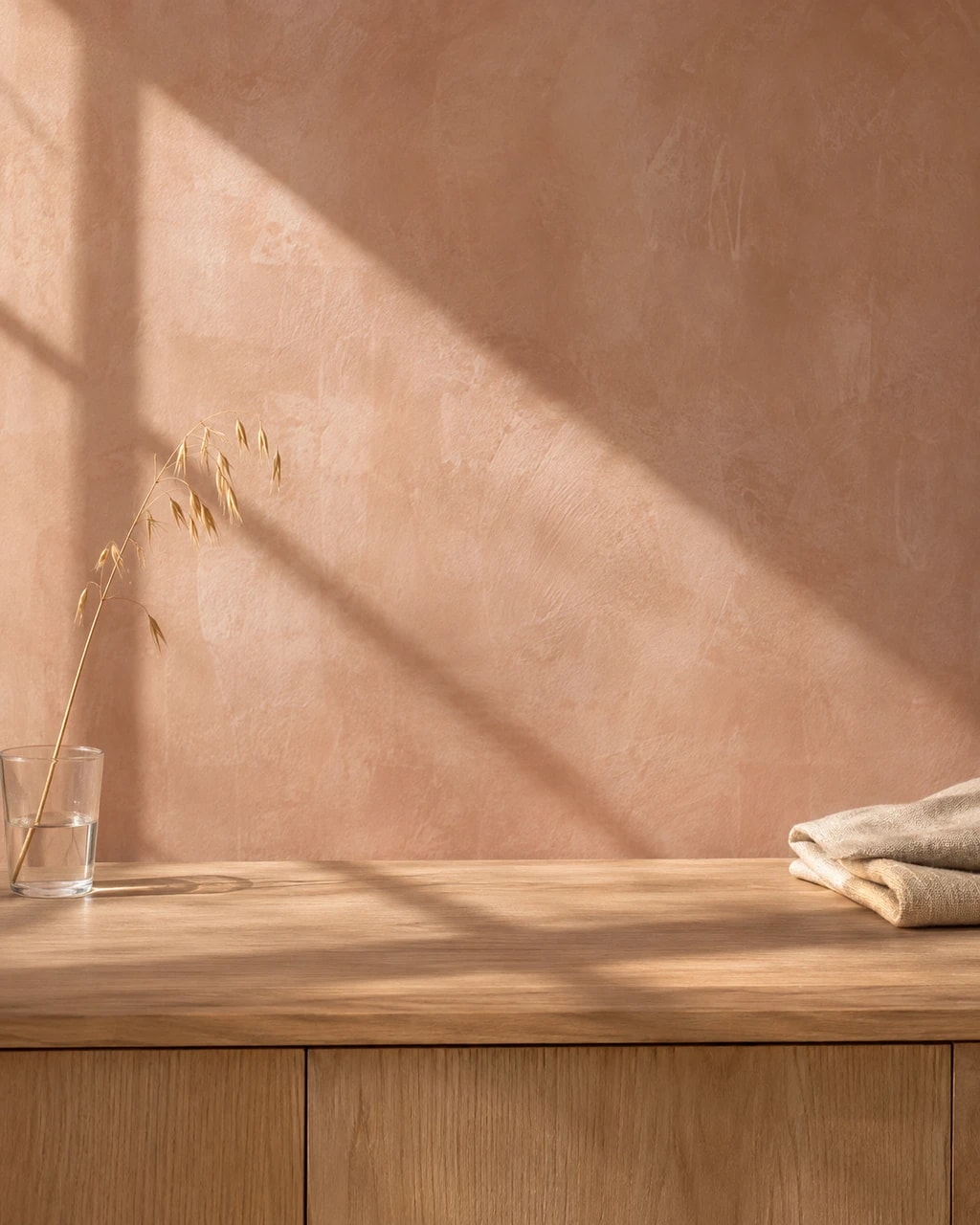
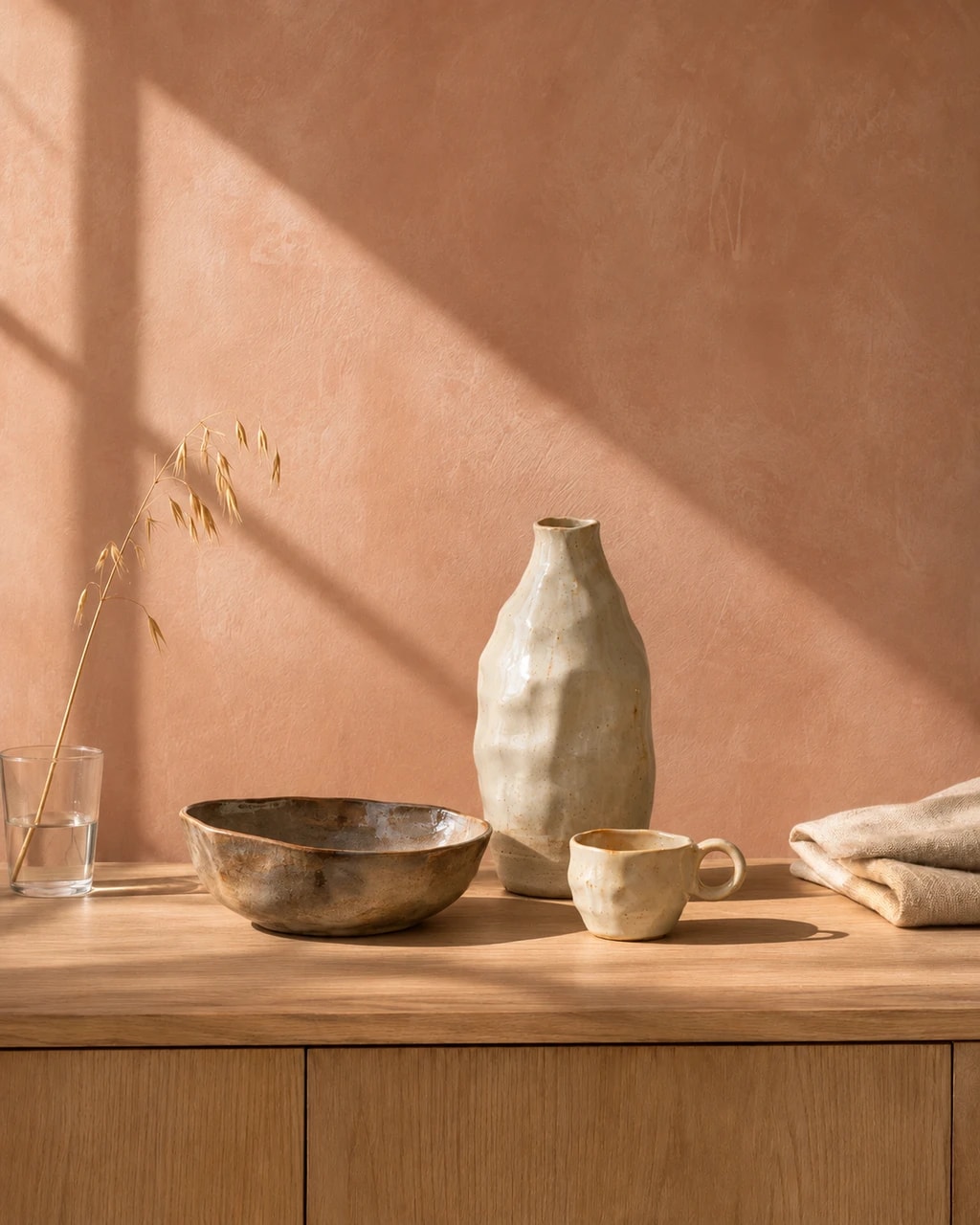
One setting, so every photo matches
Set up a studio, a room or the outdoors once, and products shot weeks apart look like one shoot.
- Studio, interior or outdoors
- Soft daylight, warm side light or contrast
- Room left for the product

Marketing
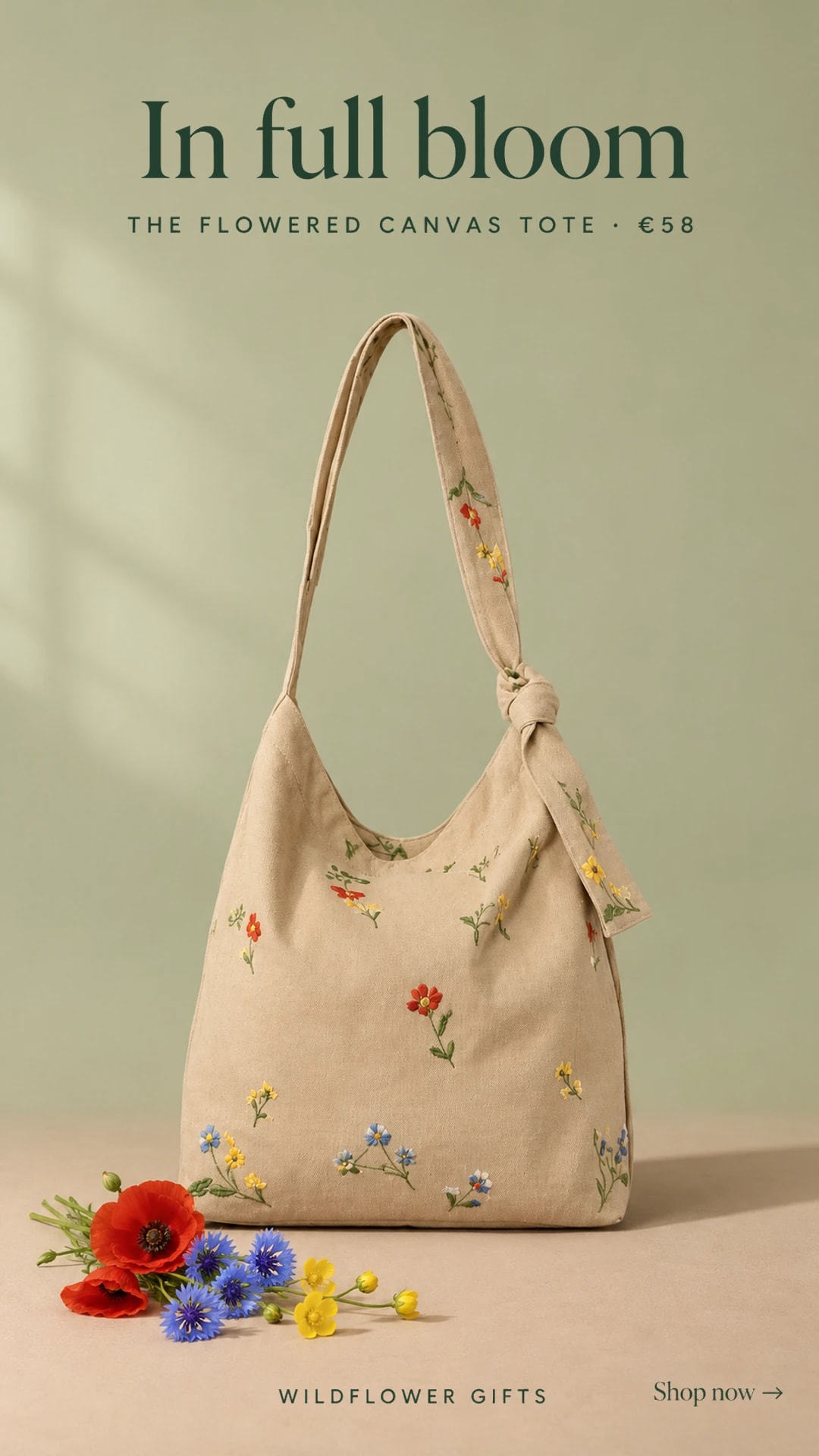
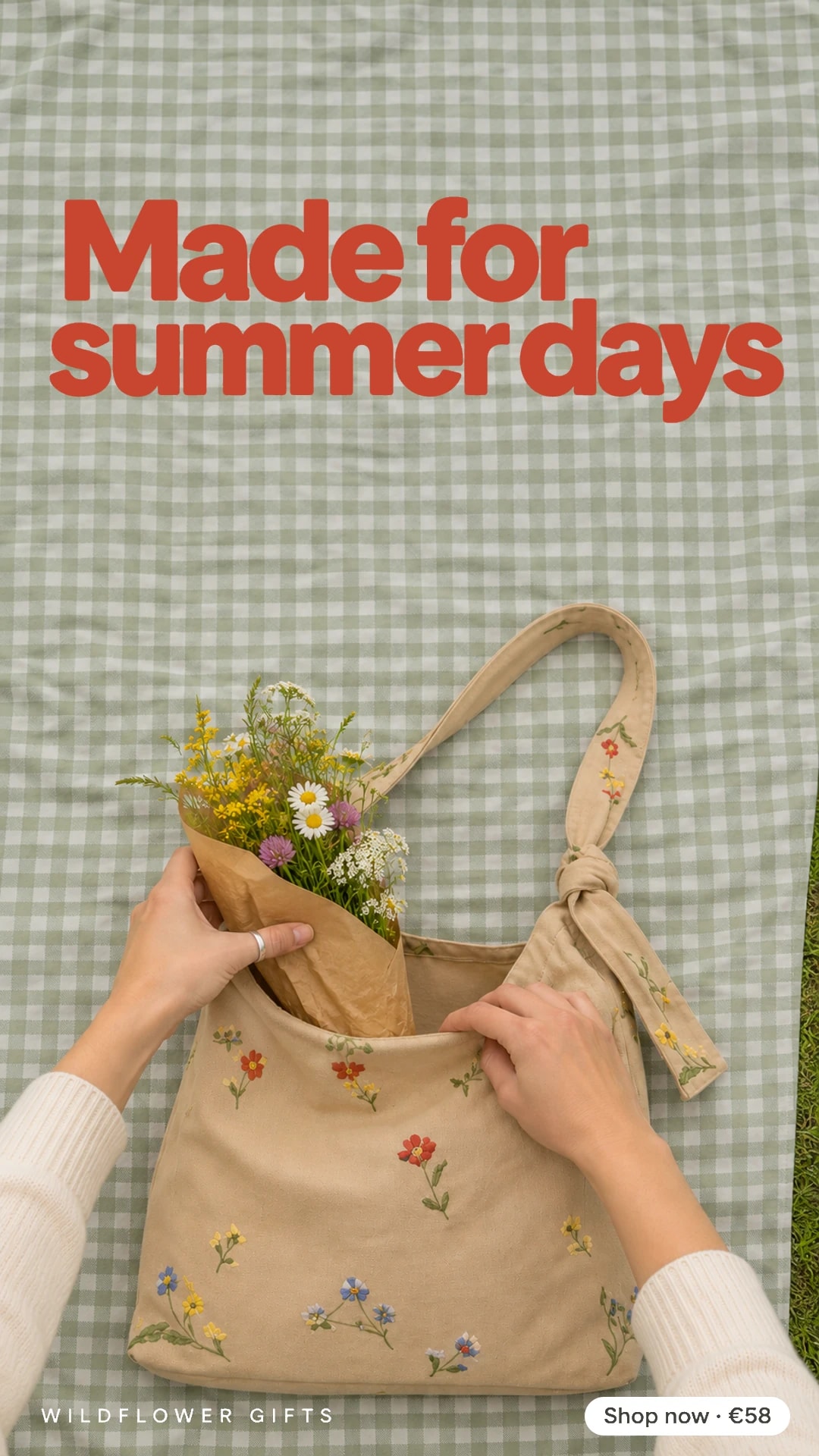
Turn a product into a post
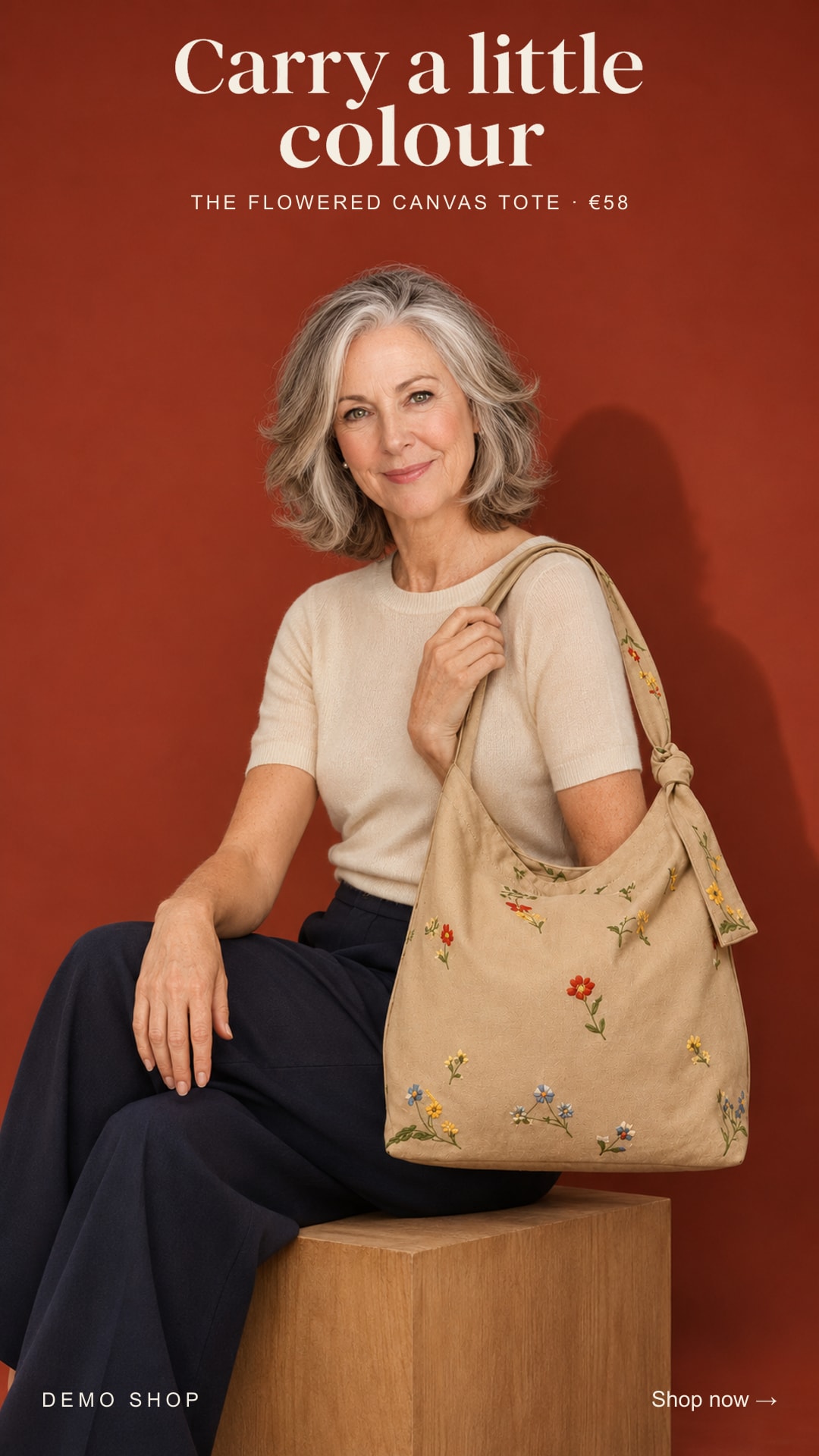
Say where it goes and what it is for, add the headline, and pick from up to four.
- Instagram, Facebook, TikTok, YouTube, X and LinkedIn
- Email, your website and display ads
- A story, a post, a banner or a sale

Step by step
How Creative Studio works
From the photo you already have to a post you can use, all in your back office.
Pick the product
Start from the photo it already has.
Write the brief
Choose where it goes and how many, then add a line.
Choose the best
Up to four at once, side by side with your photo.
Keep it
Save it to the product or the library, or download it.
Save a model, a scene or a photo look once, and every product can use it.
Products
Better photos of what you already sell.
- Clean background
- Even lighting
- Straighten
- Sharpen
- Upscale
- Contact shadow
- True colour
- Remove marks
- Put it on a saved model
- Put it in a saved scene
- The original beside the result
- Replace it or add it as a new photo
- Several photos at once
Models
A person, a pet or a mannequin, kept the same.
- A person, a pet, a mannequin or a product
- Age group and presentation
- Portrait, three-quarter or full body
- Relaxed, standing, seated or in motion
- Wardrobe and styling in your words
- Plain studio or in context
- The same face in every picture
Scenes
A setting you make once and use again.
- Studio, interior or outdoors
- Soft daylight, warm side light or contrast
- Eye level, overhead or low angle
- Shallow or deep focus
- Room left for the product
Photo looks
House rules applied to every picture.
- Light, background, colour and crop in words
- Applied to every picture if you choose
- Starter: studio white
- Starter: warm key light
- Starter: square crop
- Starter: studio mannequin
- Starter: worn by a model
Marketing
Every place it makes pictures for, and what for.
- TikTok
- YouTube
- X
- Your website
- Display ads
- Feed post, story, reel or carousel
- Video cover and thumbnail
- Email header
- Website banner and product page image
- Announcement, new arrival or sale
- Your headline and audience in the brief
Sizes
The right shape for each place, at up to 4K.
- Square, 1:1
- Portrait, 4:5
- Story, 9:16
- Link, 1.91:1
- Banner, 2:1
- Wide banner, 3:1
- 1K, 2K or 4K
- Crop or fit to any shape
- Downloaded at the exact size
Working with it
Choosing, changing and keeping what it makes.
- Up to four at a time
- Compare with the original
- Describe a change and go again
- Up to four reference pictures
- Use a model in a scene or a post
- Every go kept in its chat
- Save to the product's photos
- Save to the media library, in folders
- Folders for models, scenes and posts
- Pin one as the default
- Download
Creative Studio is part of Tally, the assistant built into Tickalio.
Meet TallyA product in your catalogue with a photo, even one taken on a phone. You can also attach up to four pictures for reference, such as your logo or a pose you like.
Instagram, Facebook, TikTok, YouTube, X, LinkedIn, email, your website and display ads. Each picture comes in the shape that place uses, from square posts to stories and banners, at up to 4K.
Yes. Save a model once and choose it for any product, and the same face carries across your pictures. A saved scene works the same way, so photos taken weeks apart match.
Only if you choose. Every result sits beside the original until you replace it, add it as a new photo or discard it.
No. You save the picture to the product or to the media library, or download it at the exact size, and post it where you want.
Creative Studio is part of Tally, so an administrator turns Tally on first. Saving a picture to a product needs permission to edit the catalogue.
They stay your shop's. Your shop's data is never used to train AI models, it is processed in the EU under GDPR, and it is encrypted in transit and at rest.
Make your next post here
See Creative Studio work on your own products in a demo.