Meet Tally, your shop's AI assistant.
Tally works inside your back office, answers from your own records, and changes nothing until you say yes.


































Chat
Ask your shop anything.
Tally answers from your own products, stock, orders and customers, and shows the records it read.
- Starters on every back office screen
- Answers in plain words and tables
- Chat never changes a thing
Assist
Nothing changes until you approve.
Tally drafts the change on the real form, marks each field, and waits for your yes.
- The old value beside the new one
- Approve one change, or all of them
- Every saved change in the activity log
Import any document
Send the file you were sent.
Drop in a supplier's PDF, a photo or a spreadsheet, and Tally reads it into a review screen.
- PDF, photo, CSV or XML, up to 10 MB
- Purchase orders, products, customers and suppliers
- Nothing applied before you review it
Creative Studio
One studio for every product.
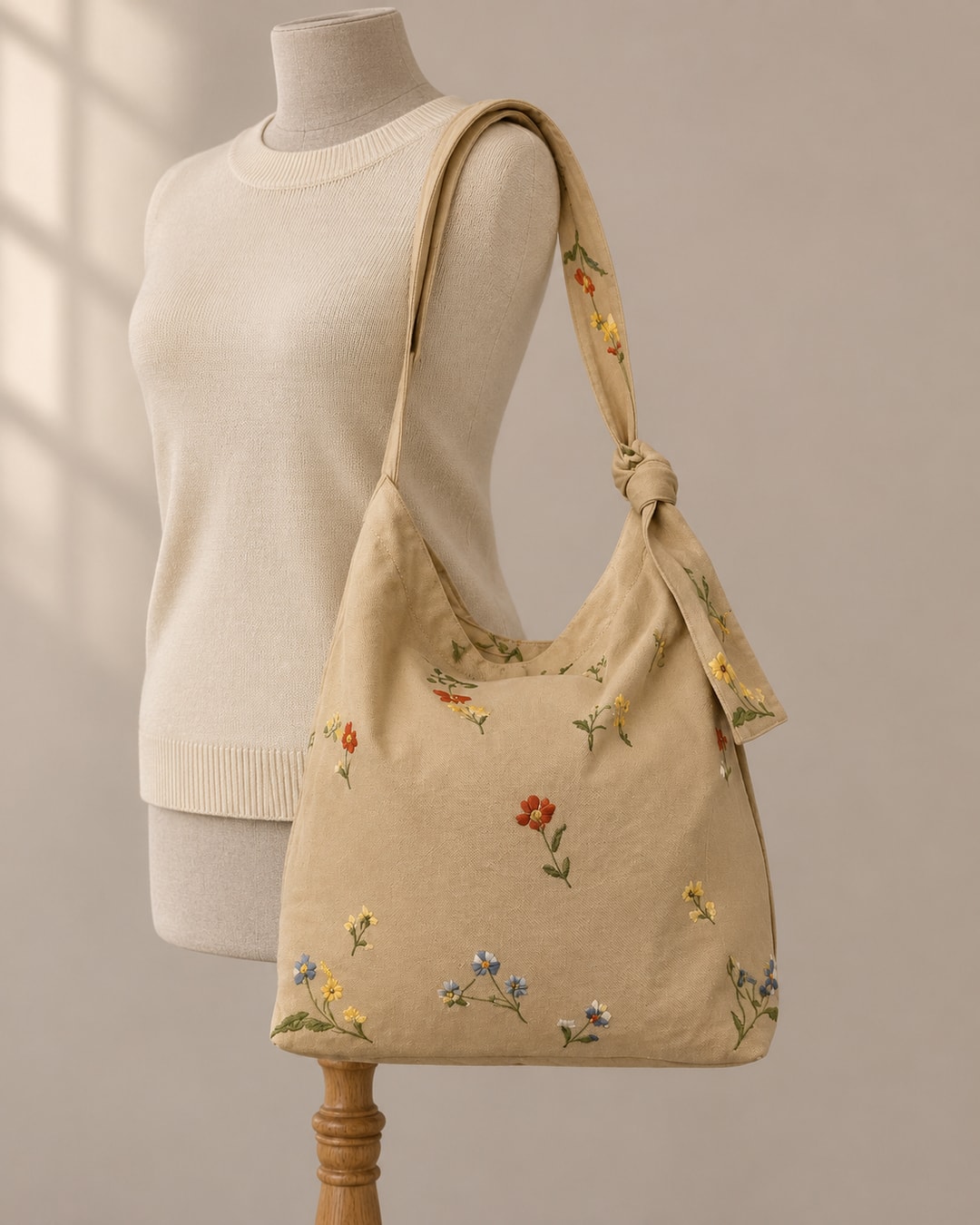
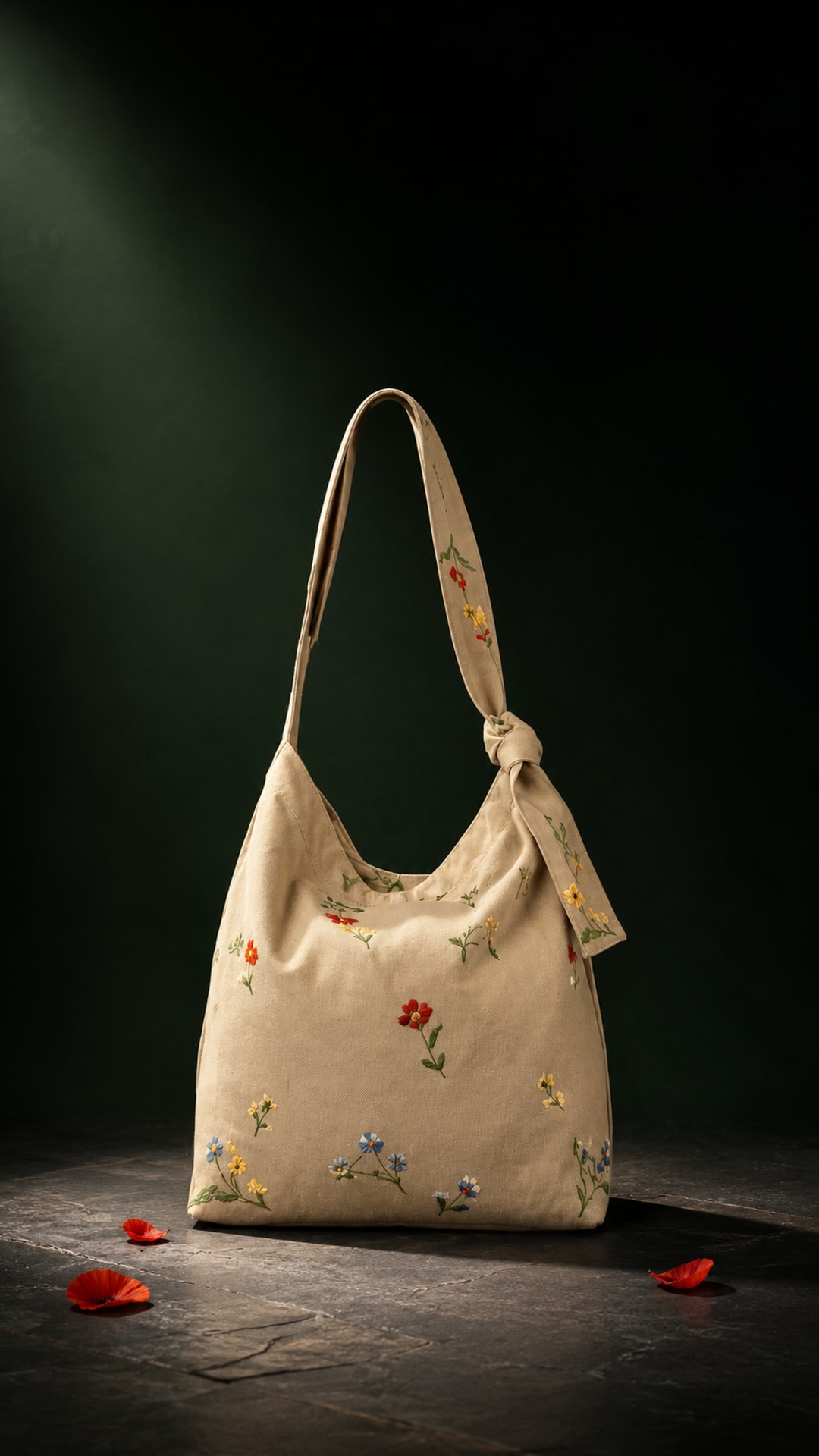
Start from any photo you have, and put the product on a model, a mannequin or white.
- Models, scenes and styles you reuse
- One to four pictures at a time
- Add as a new image or replace the original


Write with AI
Words from the details you keep.
Tally writes a product's description from its own details, then drafts its search listing.
- Make it shorter, or add more detail
- Keep, try again or discard
- Draft SEO for products and collections
Chat
Ask your shop anything
Tally answers from your own products, stock, orders and customers, and shows the records it read.
Pick a question to see Tally answer
What's running low?
Read stock for 214 products
Three products are below their safety stock.
Below safety stock
All locations · 3 products
 Oat milk 1 LOAT-1L4 of 12
 Coffee beans 250 gCF-2506 of 18
 Beeswax candleCAN-BW2 of 8
Chat changes nothing. Assist proposes changes for you to approve.
Design
Your brand, printed and on screen.
Ask once, and Tally designs your receipts, labels, gift cards, email templates, the till's lock screen and customer display.
Creative Studio
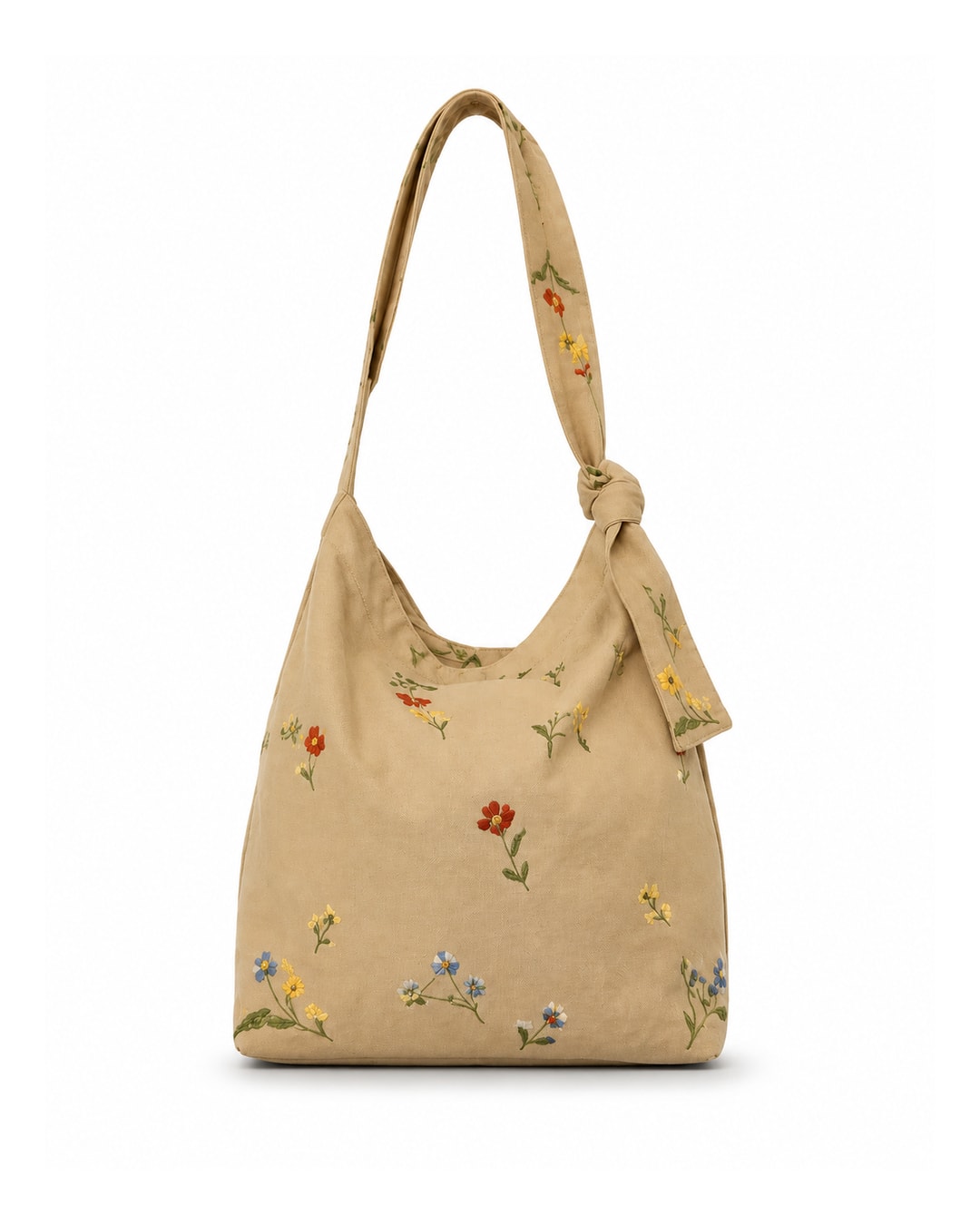
One photo. Every picture you post.
Model shots, product shots, posts and story ads, made from the photo you already have.










Read and analyse
Answers questions from your own records.
- Products
- Orders
- The customer on an order
- Customers
- Inventory
- Purchase orders
- Purchase order lines
- Reports
- Tailoring measurements
Every answer cites the records it used
Build and extract
Prepares drafts and imports for you to review.
Drafts it prepares
- Products
- Collections
- Categories
- Brands
- Customers
- Companies
- Customer segments
- Discounts
- Suppliers
- Stock transfers
- Stock counts
- Reports
- Operational alert rules
- Garment, work and material types
Documents it reads in
- Purchase orders
- Products
- Inventory
- Customers
- Companies
- Collections, categories and brands
- Discounts
- Supplier documents
- Transfer documents
- Count documents
- Tailoring measurements
Every import opens on a review screen first
Content writing
Writes details, notes, tags and templates.
- Product details
- Product tags
- Collection search text
- Brand search text
- Order notes
- Order tags
- Customer details
- Notification templates
Nothing is saved until you approve it
Image work
Finishes product photos and makes new ones.
- Enhanced product photos
- Creative Studio image presets
- Kept as new or replacing the original
Keep it as a new image or replace the original
Document and till design
Lays out what you print and the till, from what you ask.
- Receipt layouts
- Label layouts
- Invoices and packing slips
- Gift card designs
- Till screen layouts
- The till's product grid
Works in the editors you already use
Guided help
Finds the answer in the manual and shows you where.
- Answers from the online manual
- Finds the fix for an issue you describe
- Shows you where a setting is
- Opens the panel you need
- Suggests form values for you to review
Form values wait for your review
All of it happens inside what you allow.
Your controls
You decide what it touches
Tally works inside each person's permissions, and the shop decides what it may read and do.
Your permissions
Tally sees only what each person may.
You approve
Every change waits for your yes.
Typed to confirm
Archiving or cancelling needs the name typed.
Every change logged
The activity log marks each one.
- Never trains AI models
- Processed in the EU
- Encrypted throughout
No. The chat on this website answers questions about Tickalio. Tally lives inside your back office and works with your shop's own records.
The records you can see: products, stock, orders, customers, purchase orders and reports. Your shop decides whether it may read personal and financial records, and every answer shows the records it used.
No. In Chat it only answers. In Assist it proposes changes on the page, and nothing is saved until you approve it. Changes that cannot be undone ask you to type the value to confirm.
Anyone you allow. Tally works inside each person's own permissions, so it can never see or change more than they can.
Your data is never used to train AI models. It is processed in the EU under GDPR and encrypted in transit and at rest.
In the back office, on every screen. Open it with the button in the top bar, or press Ctrl or ⌘ and J.
Open the records it cites and check them. Proposals show the old value beside the new one, so you can discard anything that is not right.
Meet Tally in your back office.
One assistant beside every screen, working only on what you allow.