Know your stock. Everywhere.
Inventory management for one shop or twenty: every product's stock at every location and online, updated as you sell.






Counts
Count without closing the shop
Full or partial counts, blind if you like, and nothing posts until the differences are reviewed.
- A whole location, a category or chosen products
- Blind counts hide what is expected
- Recount or approve each difference


Tally
Ask Tally about your stock
Ask in plain words; Tally reads your stock and orders, and asks before it changes anything.
Explore the questions
1 of 6
What is below safety stock at Harbour Road?
Read stock on this page
Two products are below their safety stock at Harbour Road. The slate knit in M has 2 available against a safety stock of 4.
| Product | Available |
|---|---|
| Ribbed knit · Slate M | 2 of 4 |
| Wool scarf · Charcoal | 1 of 3 |
At the till
Check stock at the till
Every product's stock, a shelf count and deliveries on their way, right on the POS at the counter.
Every product's stock
Each product with its stock by size, and how many are in, low or out of stock.
Each size of a product
Open a product to see its stock size by size, with its low-stock status.
Count and save
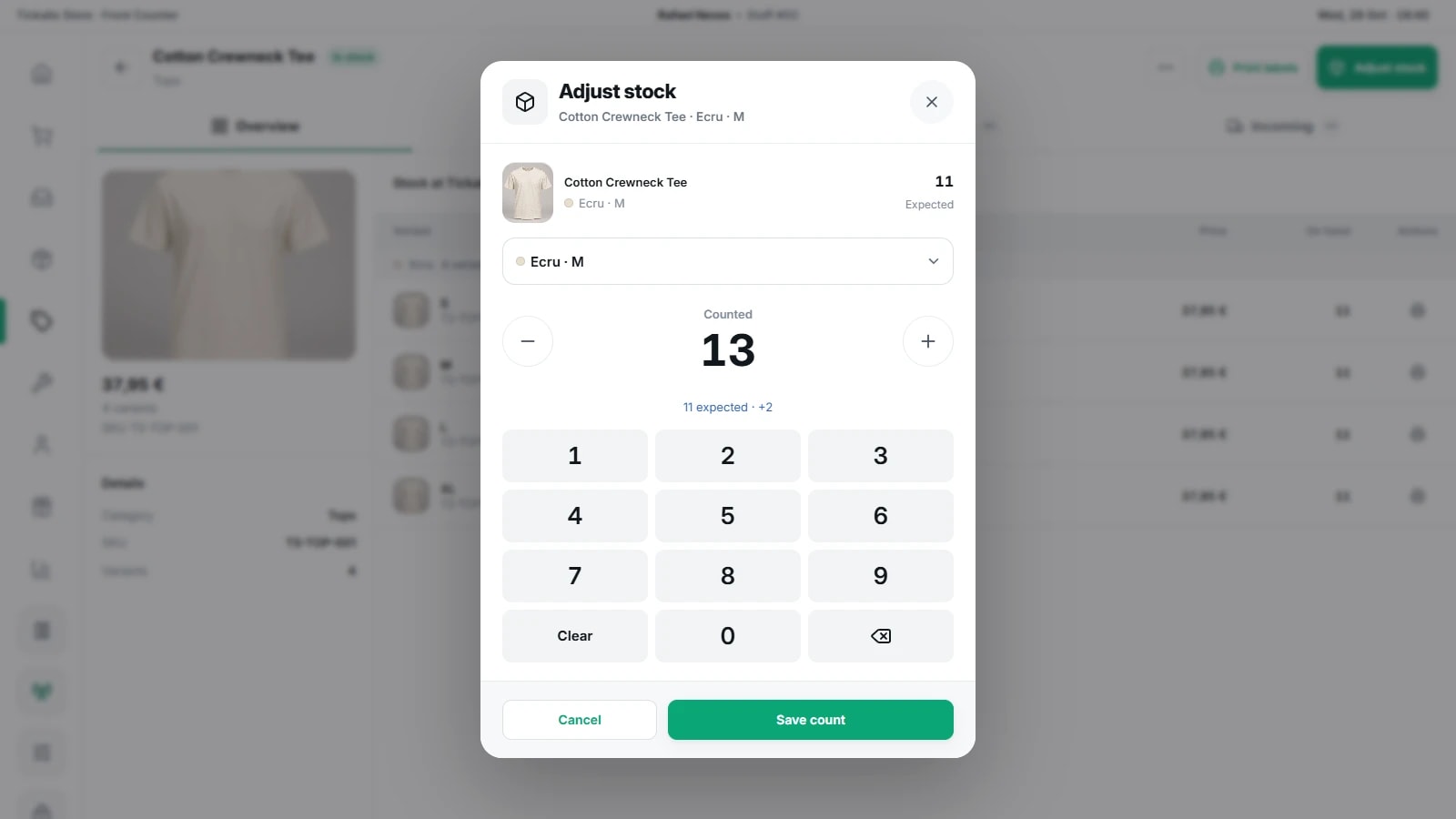
Enter what is on the shelf; the till shows what it expected before you save.
What is on its way
Transfers and supplier orders coming to this shop, with their expected dates.
Low and out of stock, counted
The list says at the top how many products are low or out of stock.
Search by name, SKU or colour
Find any product's stock from the search bar, or scan its barcode.
Also included
Everything else stock needs
The small things that keep stock work quick, at the counter and in the back office.
Questions
Inventory questions
What shop owners ask before they move their stock across.
Yes. One shop, a shop with a stockroom, or many shops: each is a location with its own stock, and everything on this page works the same way for one location as for twenty.
Yes. The till and your online store sell from the same stock, so a sale in either place updates the count everywhere.
Import a spreadsheet of your stock for each location. The back office matches every line to your products and shows the changes before it applies any of them.
How switching worksYes, product by product. Choose which products may sell when they are out of stock; at the till the sale is marked to ship when restocked.
No. Wherever you can scan, you can also search by name. A scanner makes receiving deliveries and counting faster, and you can print your own barcode labels.
Only the staff you allow. Every change records its reason and who made it, and at the till a count that changes stock needs a manager's approval.
You place it with your supplier the way you do today. The order here records what is on its way, follows it to the shelf and is what you receive against. The restock list also copies as text for an email.
Run your stock from one place
Book a demo and we will walk through it with your own products.