Your coffee, your counter
A POS system for your café or bar: orders, service and stock, together.
Your kind of place
Made for your counter
From the first coffee to the last round, keep orders, stock and service connected.
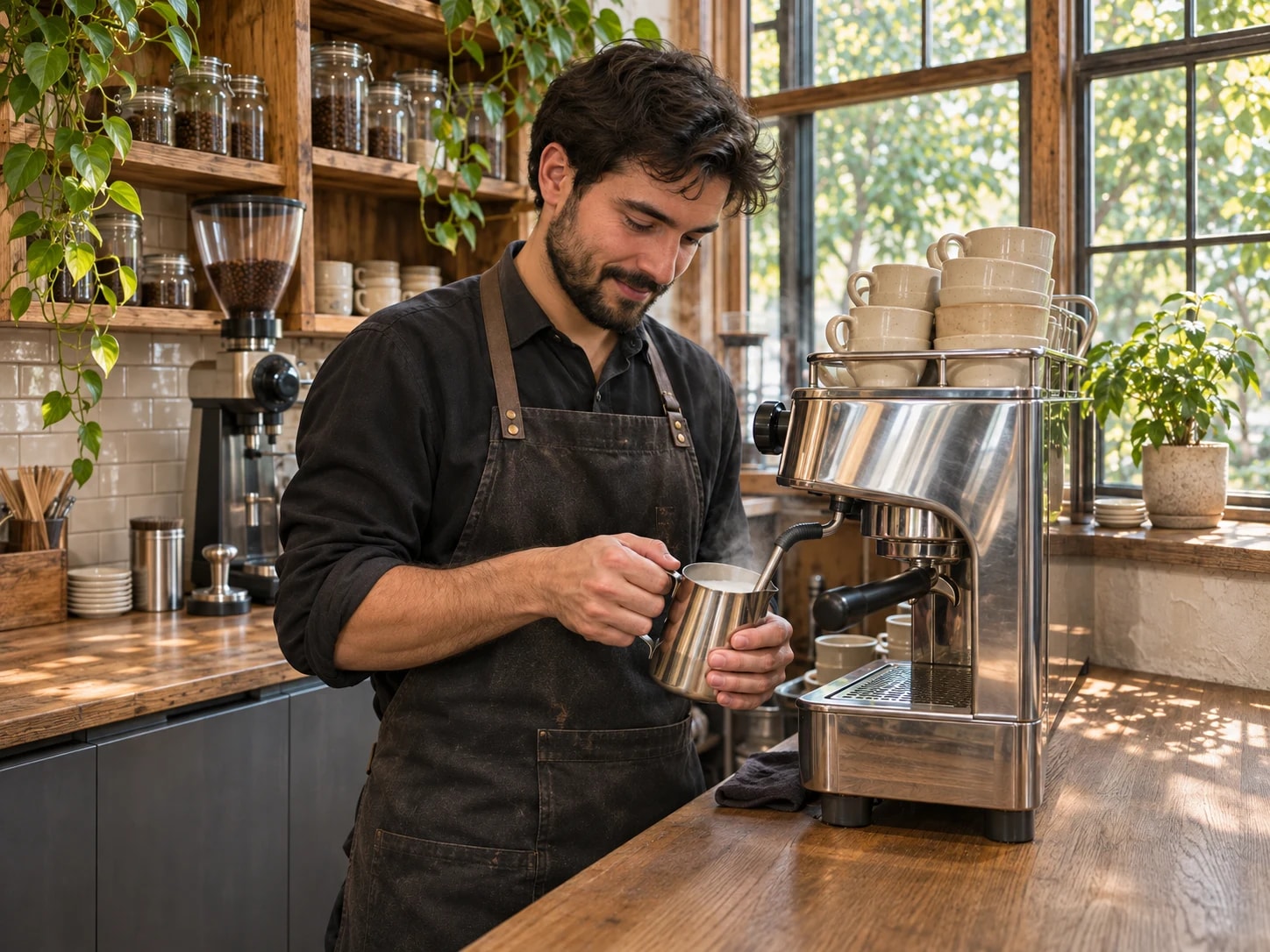 Coffee shops
Coffee at the counter
Find drinks in your product list or add a custom sale at the till.
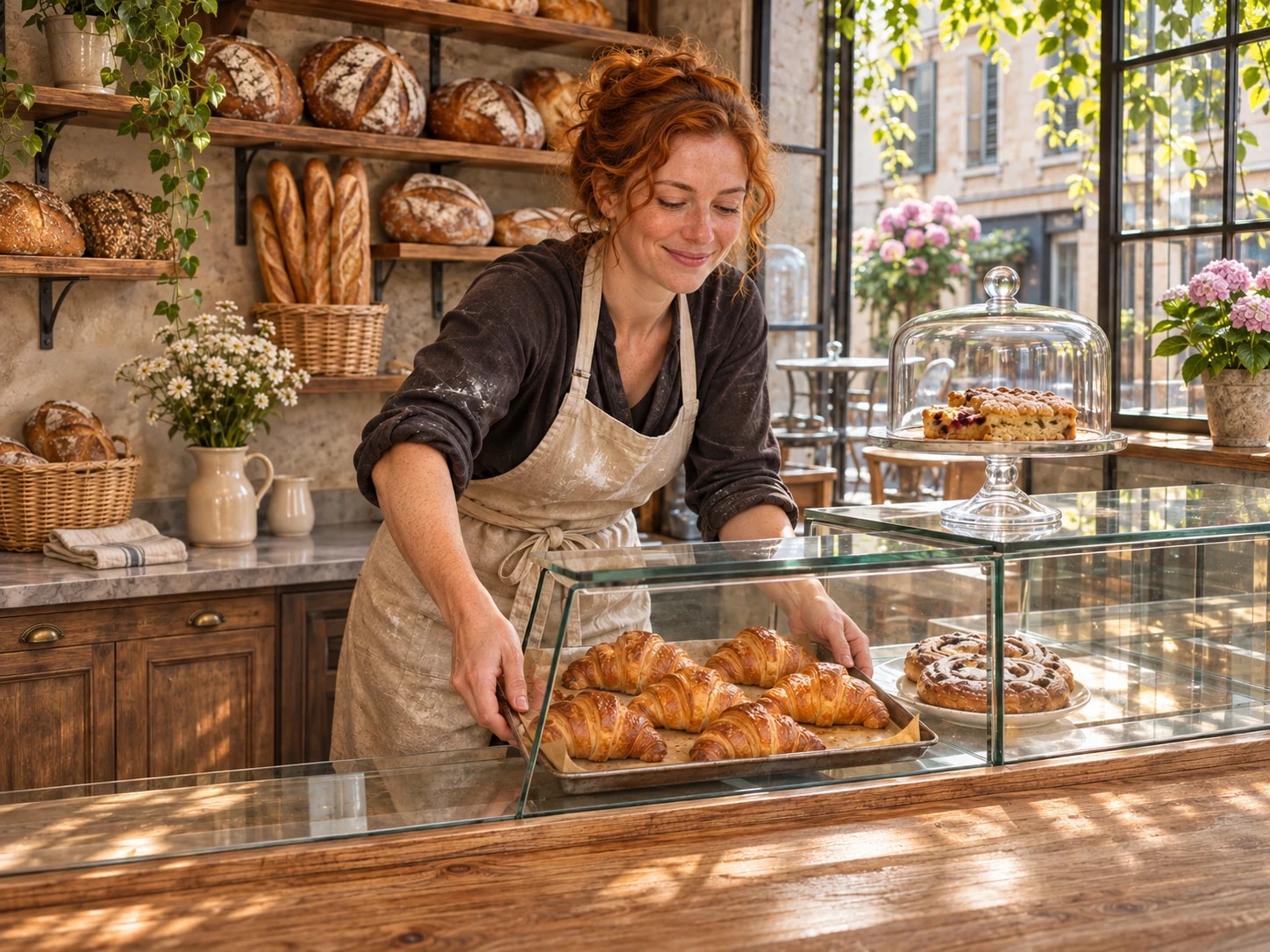 Bakery cafés
Fresh from the counter
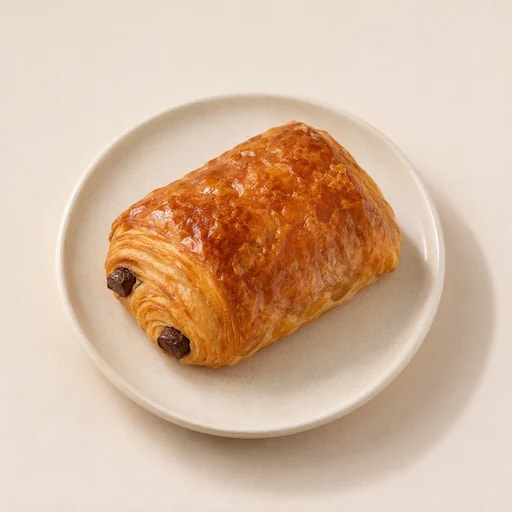
Keep pastries and drinks in one product list, ready for the next counter sale.
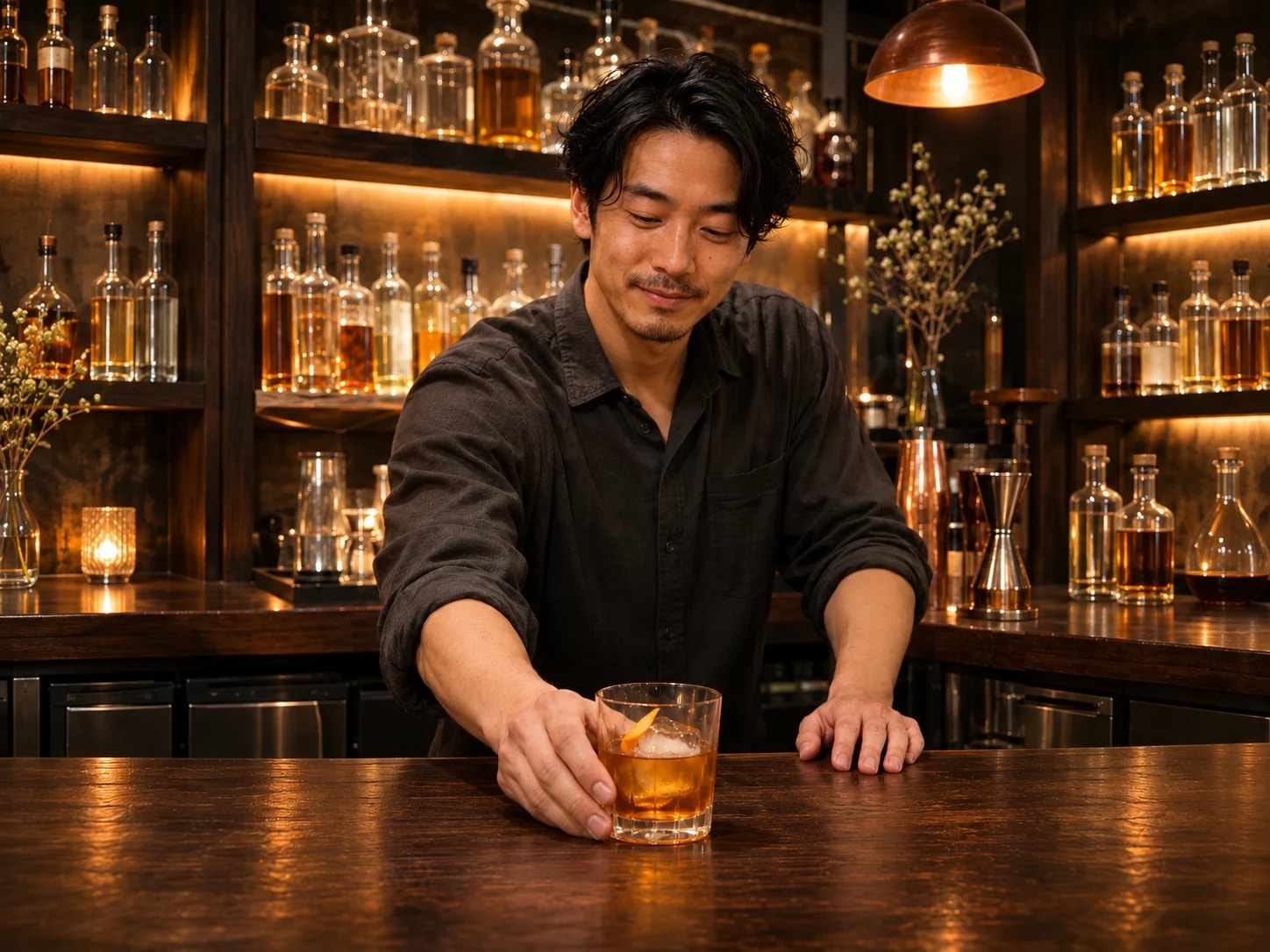 Bars
Serve the next round
Browse your drinks and take each counter sale through checkout.
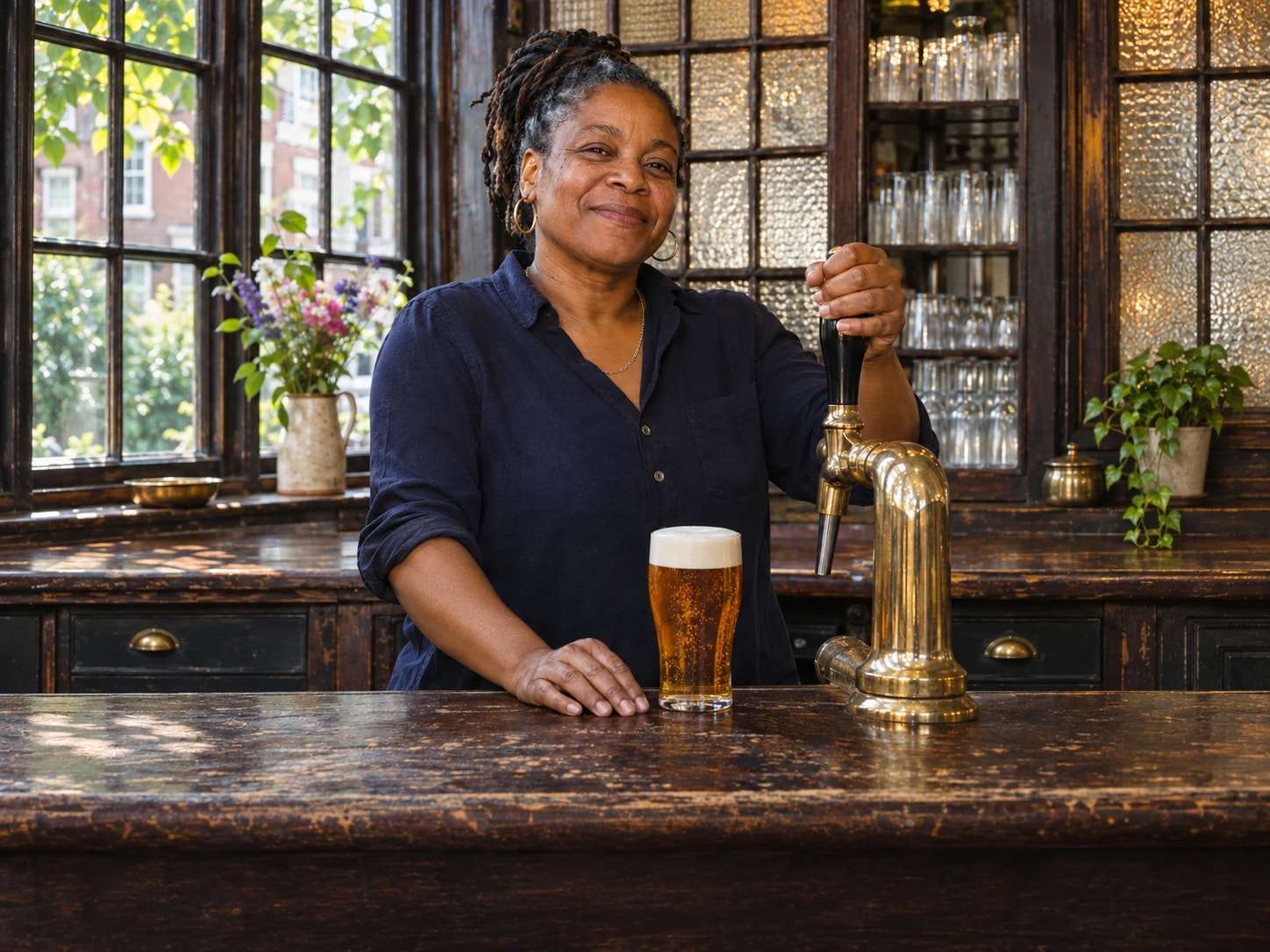 Pubs
Your bar, your products
Keep the drinks you sell together in the till, with a custom sale when you need one.
 Coffee kiosks
A smaller counter
Bring your coffee selection into one product list and handle sales from the till.
And more
More places to pour, serve and sell
- Tea rooms
- Juice bars
- Wine bars
- Taprooms
- Dessert cafés
- Takeaway counters
- Tea rooms
- Juice bars
- Wine bars
- Taprooms
- Dessert cafés
- Takeaway counters
At the counter
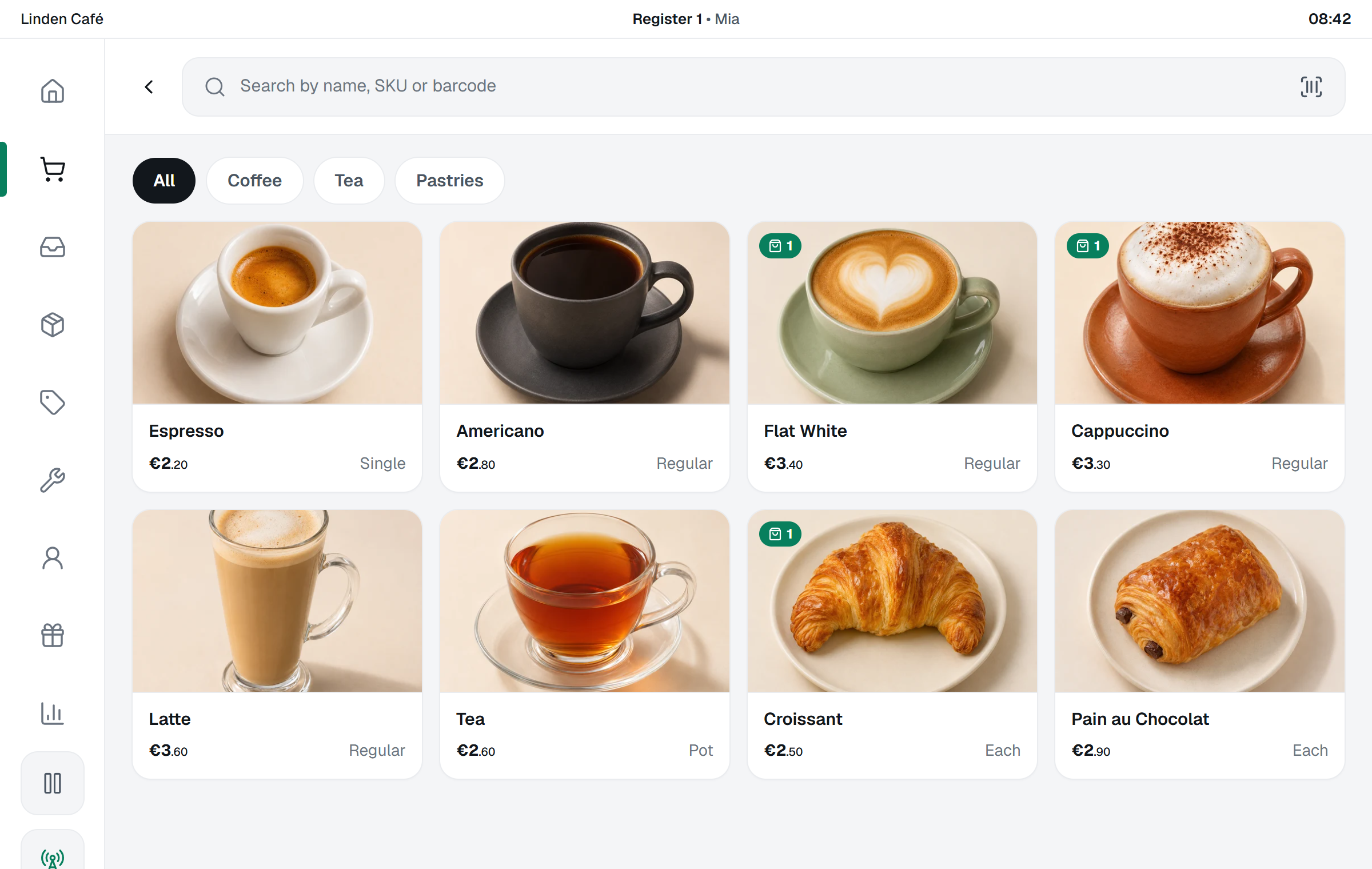
The whole order on one screen
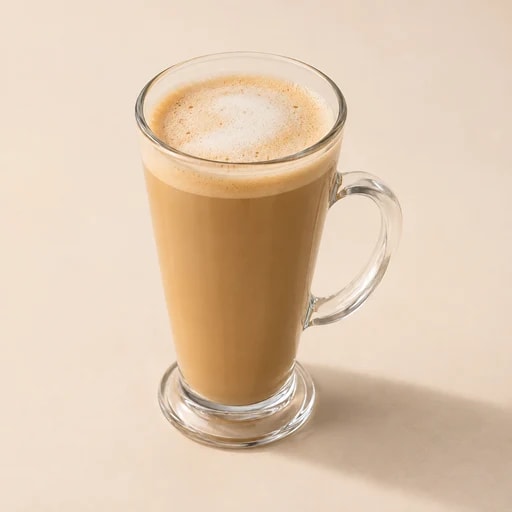
Tap a drink or a pastry, and the order and its total stay in view until you charge.
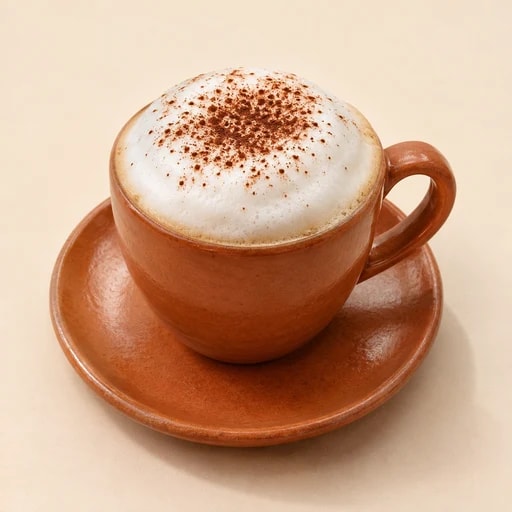
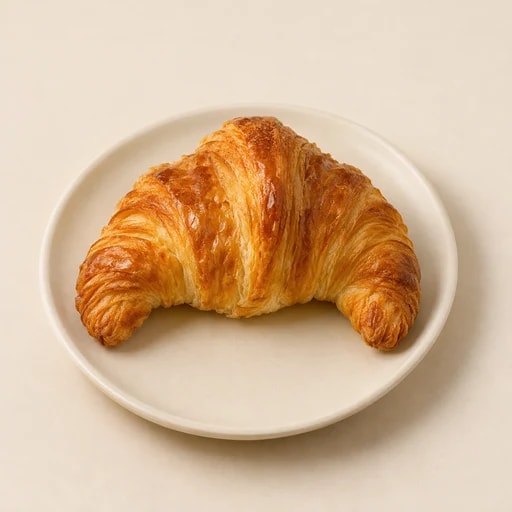
- Your own photos on every tile
- Coffee, tea and pastries a tap apart
- The same till on a tablet or a phone

Tables and tabs
Table management and open tabs
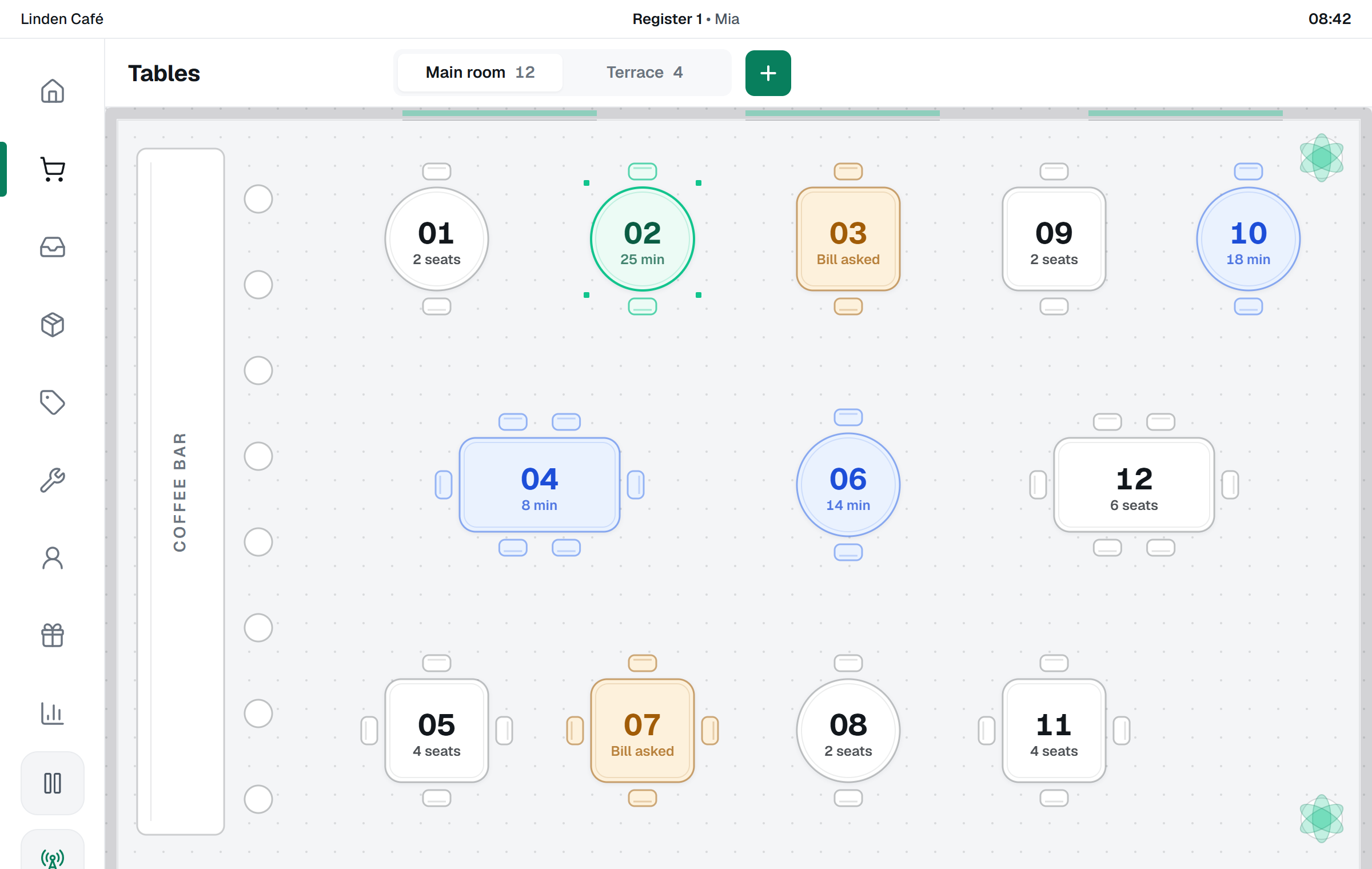
See every table on the floor plan, seated, free or waiting for the bill, and open its tab in one tap.
- A floor plan for every room
- Table status at a glance
- Open tabs and totals in one list
Tips
Tips asked for before they pay
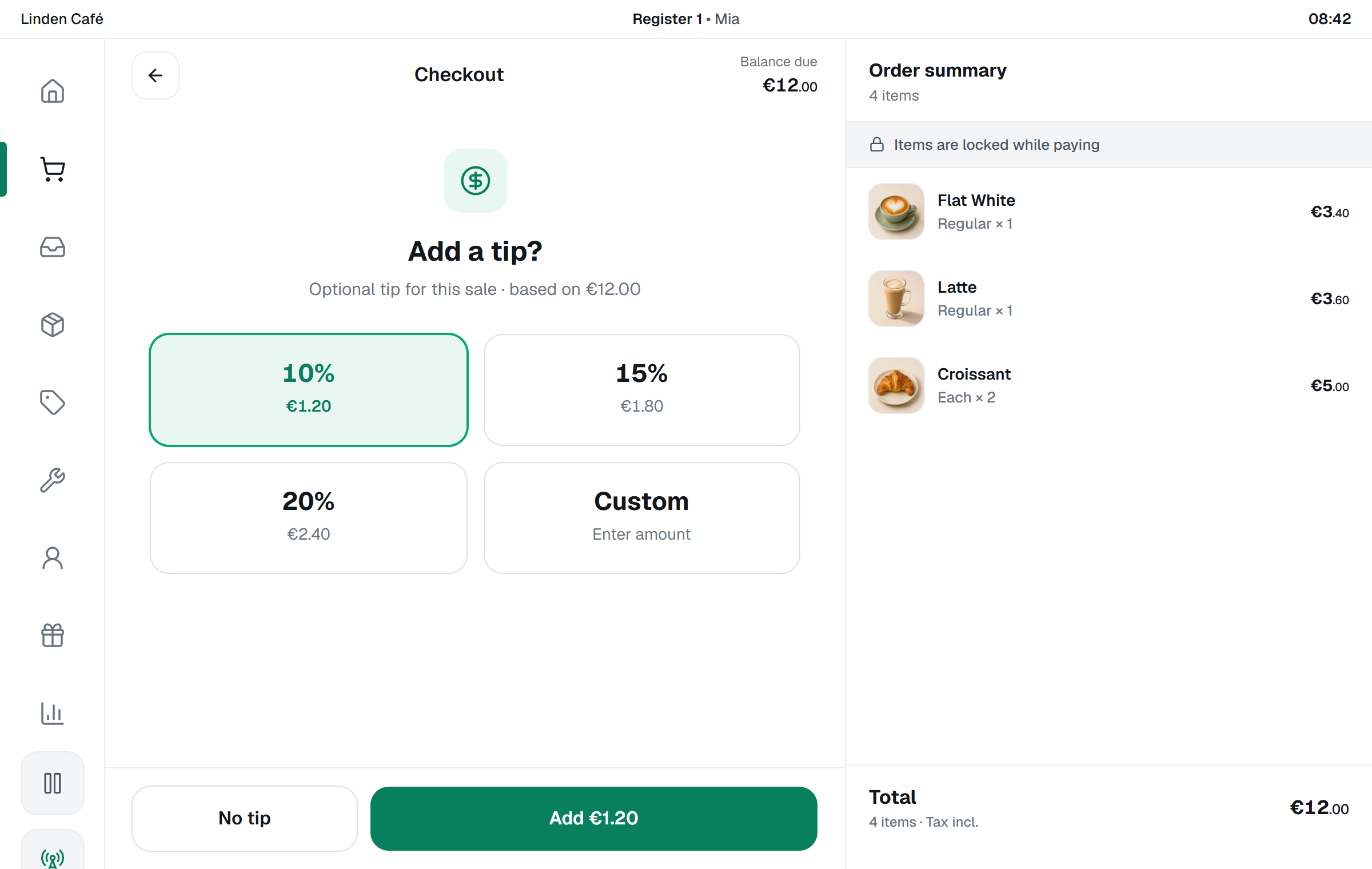
The till offers your tip presets before the guest pays, or they enter their own amount.
- Your own presets, such as 10, 15 and 20%
- A custom amount when the guest wants one
- No tip in one tap
Kitchen and bar
Kitchen and bar display system
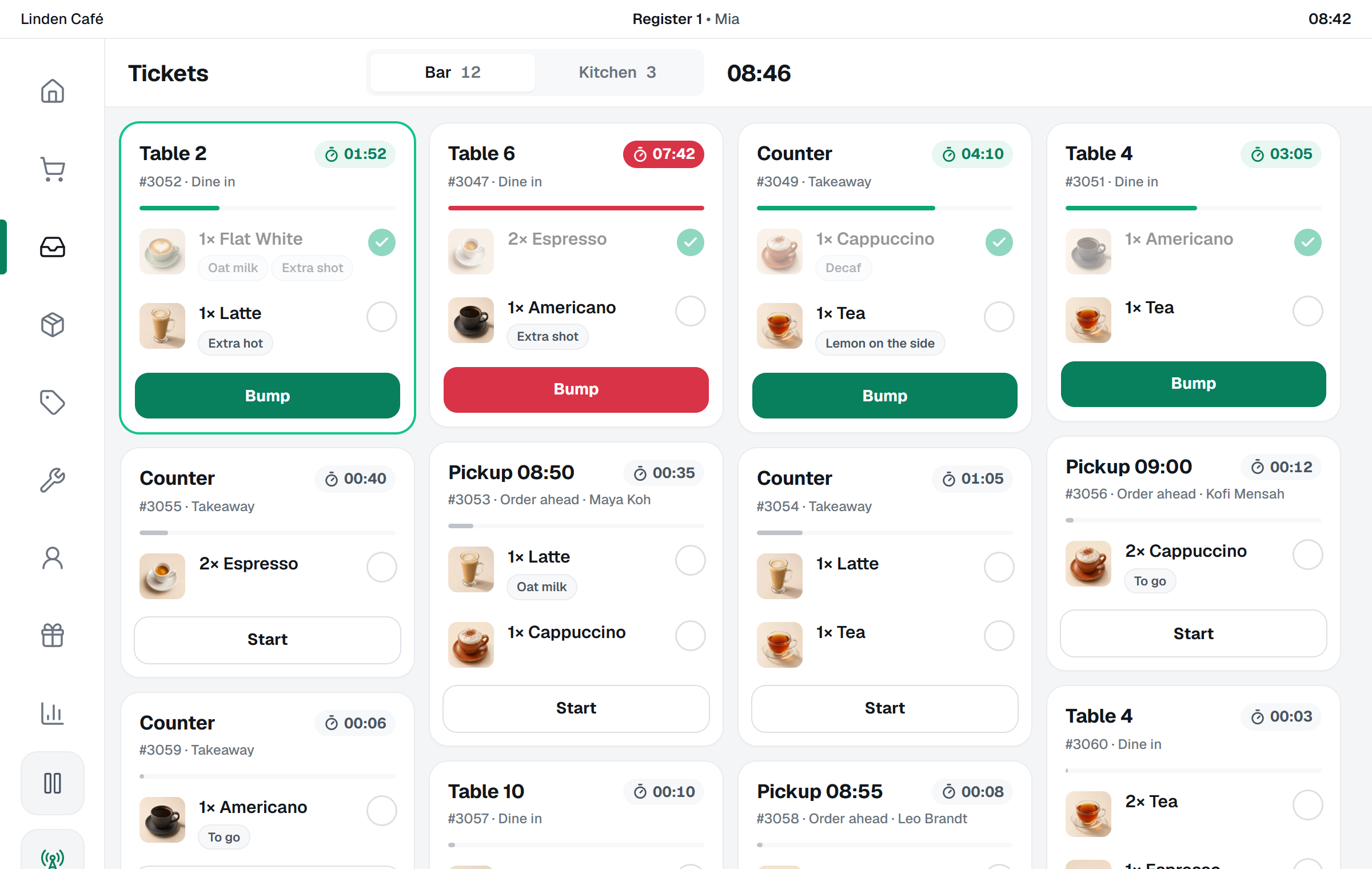
Send every order to the bar or kitchen screen with its modifiers, track each ticket’s time and fulfil it when ready.
- Separate bar and kitchen screens
- Modifiers and notes on every ticket
- Ticket timers that flag late orders
Stock & purchasing
Inventory and purchase orders
See stock for every product by variant and location, and receive supplier deliveries against the purchase order.
- Every size and variant under one product
- Incoming stock from open purchase orders
- Deliveries received against the order
Online ordering
Order online, collect at the counter
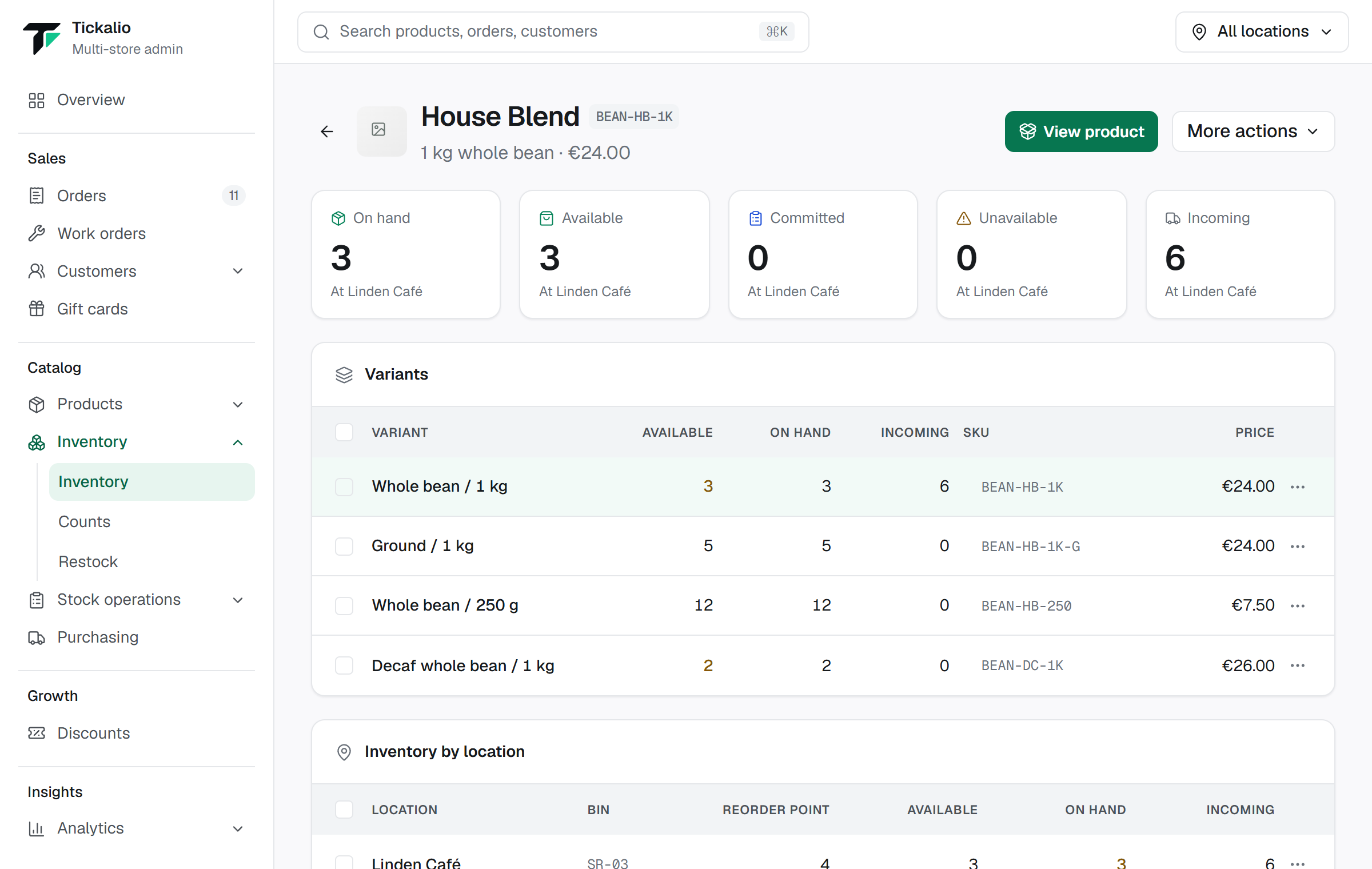
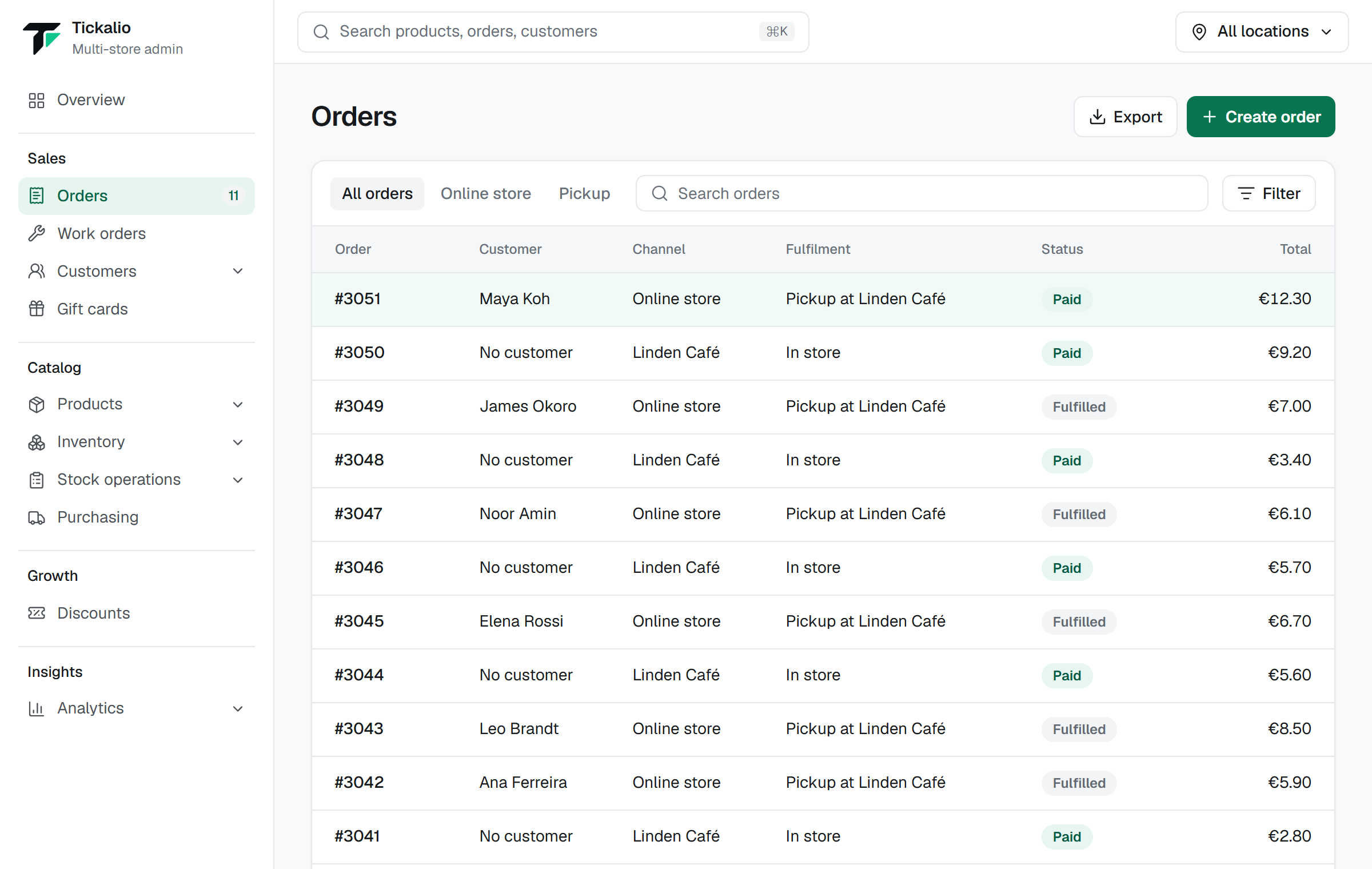
Customers order on your website from the till’s menu and collect at the counter with a code.
- Your till’s menu on your own website
- A pickup code, and the customer told when it's ready
- Orders ahead beside the till’s sales in one list
Regulars
Know every regular by name
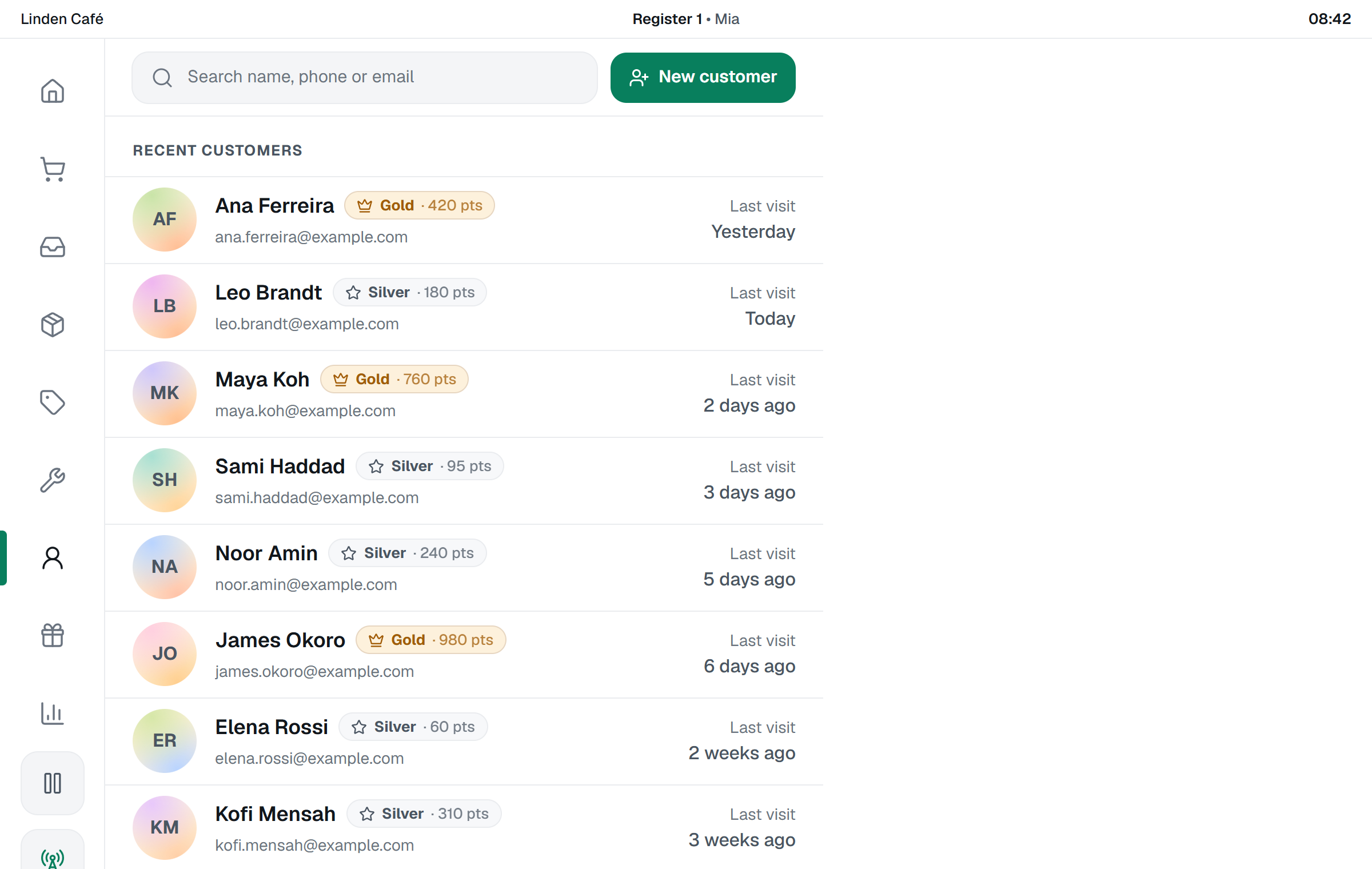
Add a regular to the order and their tier and points sit on it, with every visit kept in their history.
- Find them by name, phone or email
- Tier and points on the order
- Every order kept in their history
QR ordering and takeaway
QR and online ordering for cafés
Guests order from their table by QR code, or online to collect.


Tally for cafés & bars
Ask your café anything
Choose a question. See Tally answer from your café or bar’s records.
Explore the questions
1 of 12
Which coffee supplies are low?
Read products and inventory
Minimum stock levels
Inventory
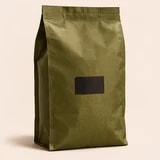 House beans · 1 kg3 of 8
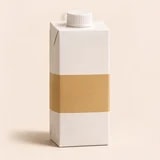 Oat drink · 1 L4 of 12


Reports
See the detail behind your counter
Explore orders, product stock and location reports in the same back office.

Example report · Sales · 16 – 22 Jul
Orders · 42 · 40 · Previous period
| Period | Selected period | Previous period |
|---|---|---|
| 22 Jul | 42 | 40 |
22 July 2026 · Orders for this date

Explore the report library · 6 reports
| Name | Category | Last viewed | Created by |
|---|---|---|---|
| Total sales over time | Sales | — | Tickalio |
| Total sales by product | Sales | — | Tickalio |
| Orders over time | Sales | — | Tickalio |
| Stock on hand by location | Inventory | — | Tickalio |
| Inventory value by ABC grade | Inventory | — | Tickalio |
| Stock on hand over time | Inventory | — | Tickalio |

Example report · Inventory · 20 – 21 Sept
Units on hand · 47
| Product | Units on hand | Units not selling |
|---|---|---|
| Ceramic Mug | 42 | 30 |
| Canvas Tote · Natural | 5 | 5 |
21 September 2026 · Example merchandise inventory

Example report · Inventory · 20 – 21 Sept
Units on hand · 47
| Location | Units on hand | Items below reorder point |
|---|---|---|
| Depot | 35 | 0 |
| SoHo | 12 | 1 |
21 September 2026 · Example merchandise inventory

Explore the report library · 6 reports
| Name | Category | Last viewed | Created by |
|---|---|---|---|
| Total sales over time | Sales | — | Tickalio |
| Total sales by product | Sales | — | Tickalio |
| Orders over time | Sales | — | Tickalio |
| Stock on hand by location | Inventory | — | Tickalio |
| Inventory value by ABC grade | Inventory | — | Tickalio |
| Stock on hand over time | Inventory | — | Tickalio |
Tally · Assist · Example · Bar · Reports
Build a weekly drinks sales report.
Here is a sales-by-product report. Nothing is saved until you approve it.
Drinks sales by product, this week · Waiting for your approval
- Kind
- By dimension
- Metric
- Net sales
- Grouped by
- Product
- Columns
- Units sold, net sales
Everything included
Everything your café or bar needs
Every tool your counter and room need, each with its own page.
Payments & tips
Card, tap and tips at checkout.
Offline
Take cash sales without internet.
Menu
Drinks, food and prices, kept together.
Tables & tabs
Floor plans and open tabs.
At the counter
Regulars and online
Set up with you
Ready before the first coffee.
We come to your place to load the menu, map the room and practise with your team.
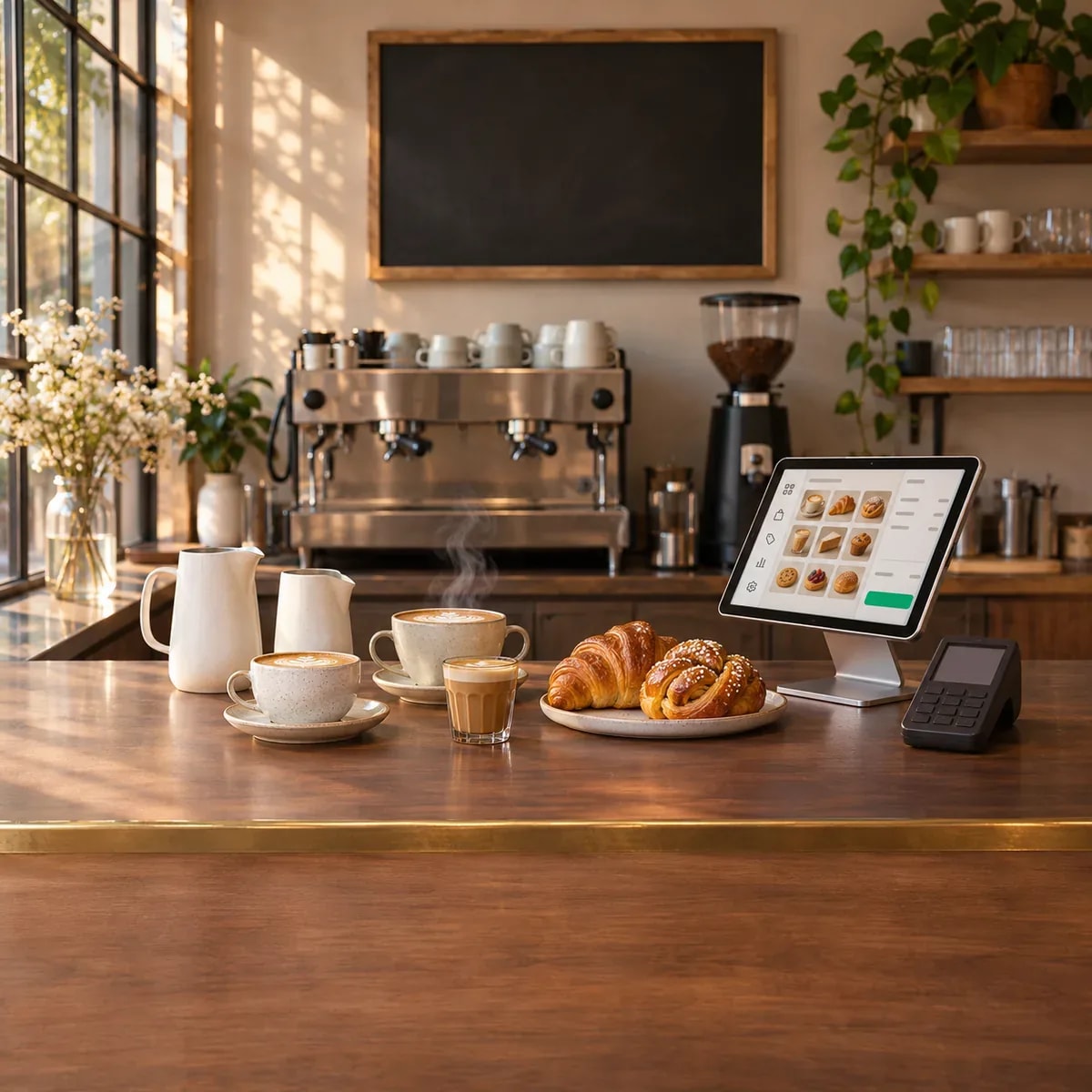
Menu loadedDrinks, food and prices
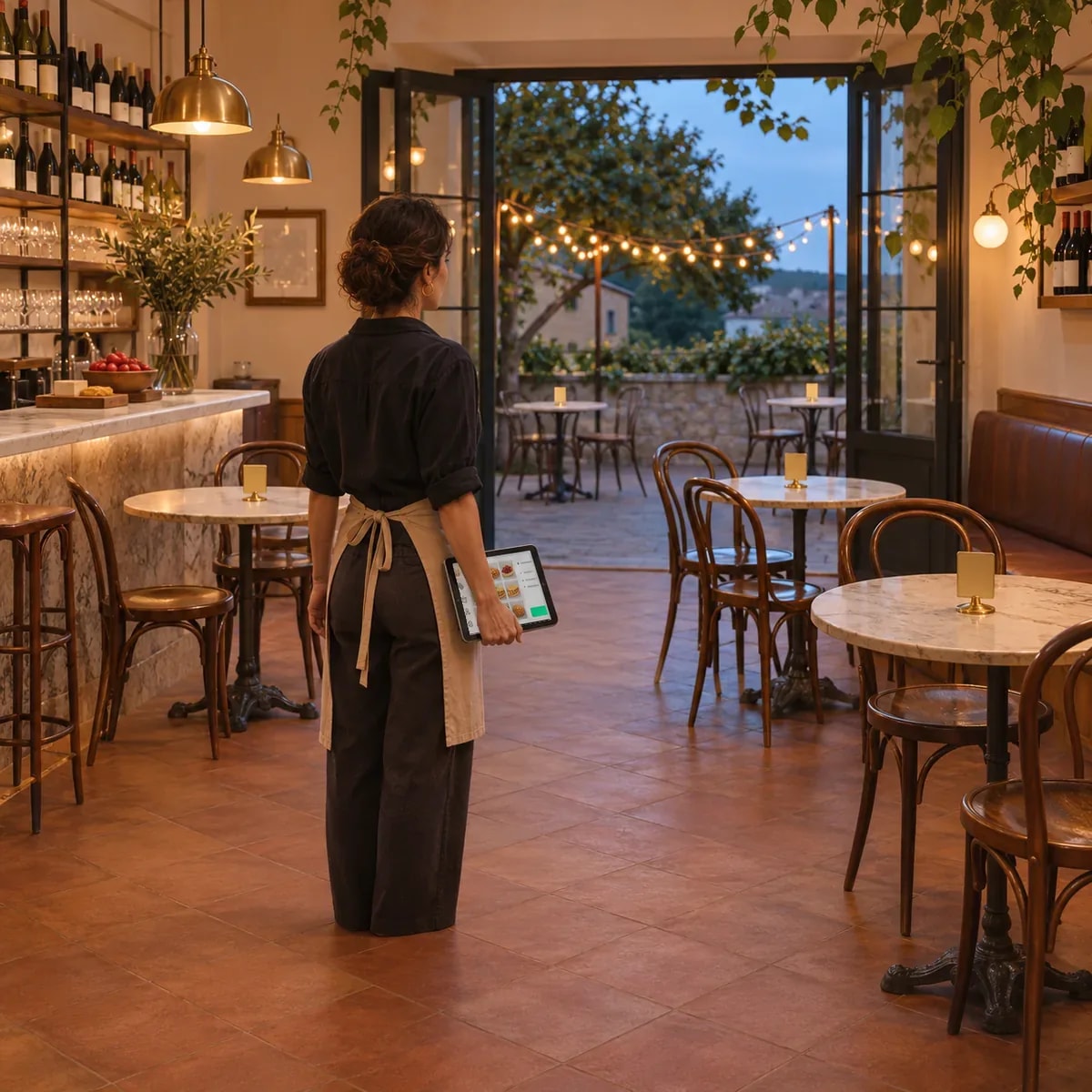
Room mappedTables, tabs and terrace
Stations
Bar and kitchen, connected.
Each station sees the drinks and dishes it needs to prepare.
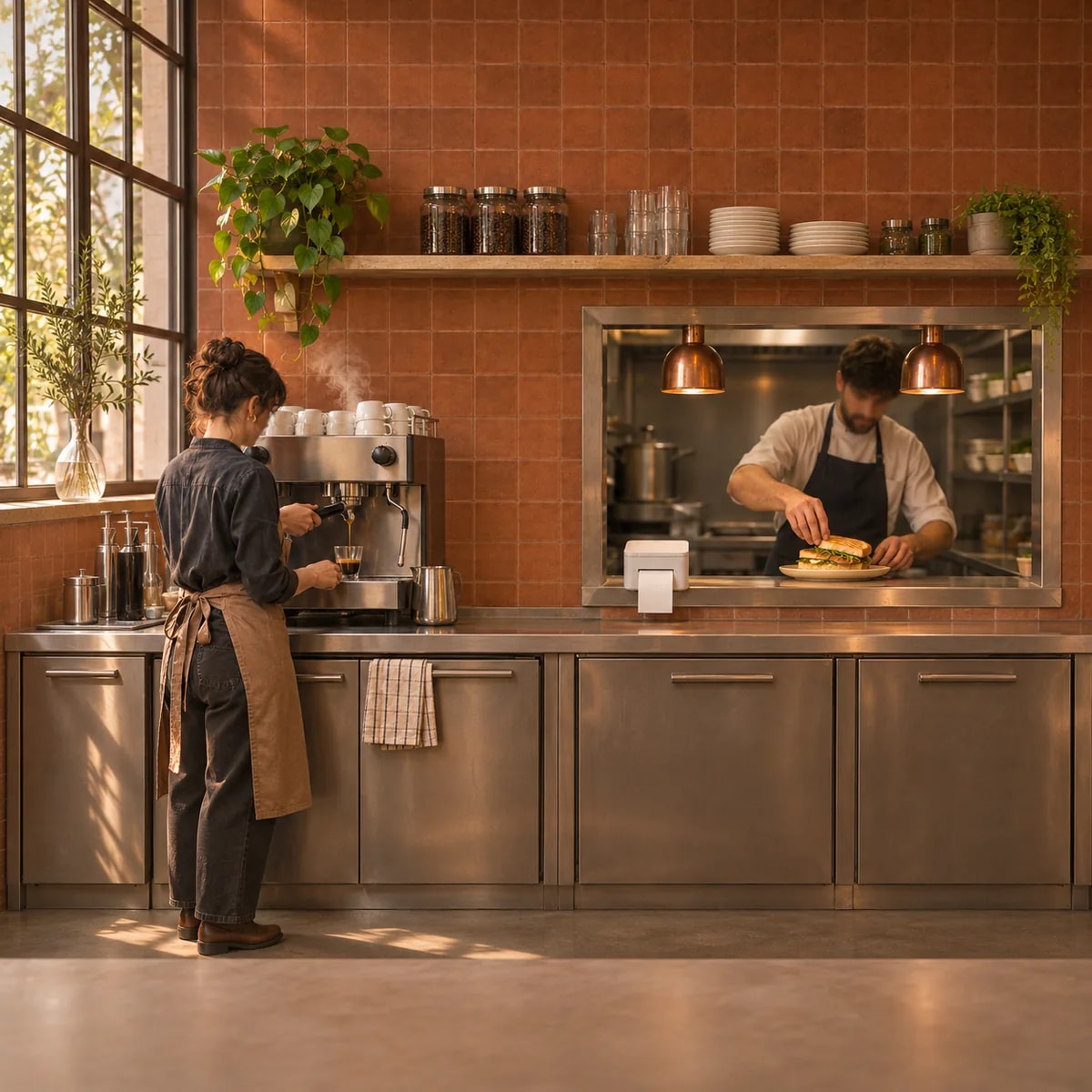
Stations connectedBar and kitchen
Team
The team, practised.
A practice service together, from the first order to the settled tab.
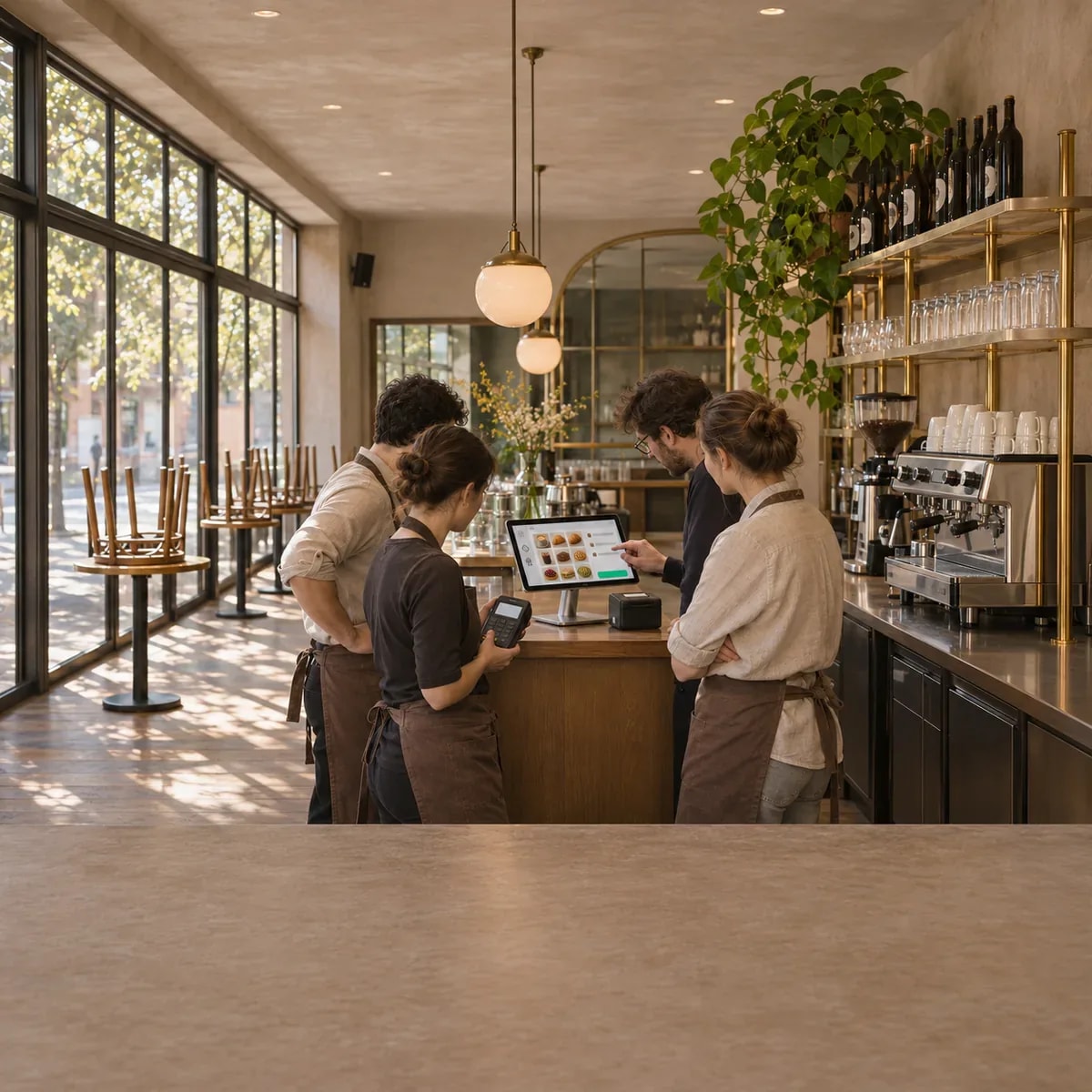
Team practisedFirst order to settled tab
Before you switch
Your questions, answered
Talk through your service, your setup and the tools your café or bar needs.
Tickalio brings your counter, service and back office together. Run sales, customer records, stock and reporting in one system, with a service setup shaped around your café or bar.
Drink options, tabs, tables and preparation belong to the same service flow. Your team can keep the order together as it moves from the counter or room to preparation and checkout.
The till runs on Windows and Android. We check your devices and peripherals with you before setup, so you know what can stay and what you need.
Offline selling is limited to cash. Connected tenders, including gift cards, need an internet connection. We can walk through the offline cash flow with you before you choose.
Yes. Setup is in person, with your shop. We agree the preparation and timing with you before getting started.
Both plans are month to month, with a monthly subscription per device and a one-off setup fee. One lowers the monthly price for the first 24 months in exchange for a higher setup fee. The other starts at the standard monthly price with a lower setup fee. See pricing for the full terms.