A till for your food shop
A grocery POS to scan, weigh and apply offers in one basket, with stock and shop tools close at hand.
Your kind of shop
For shops feeding your street
From everyday essentials to something special, keep your products and counter working together.
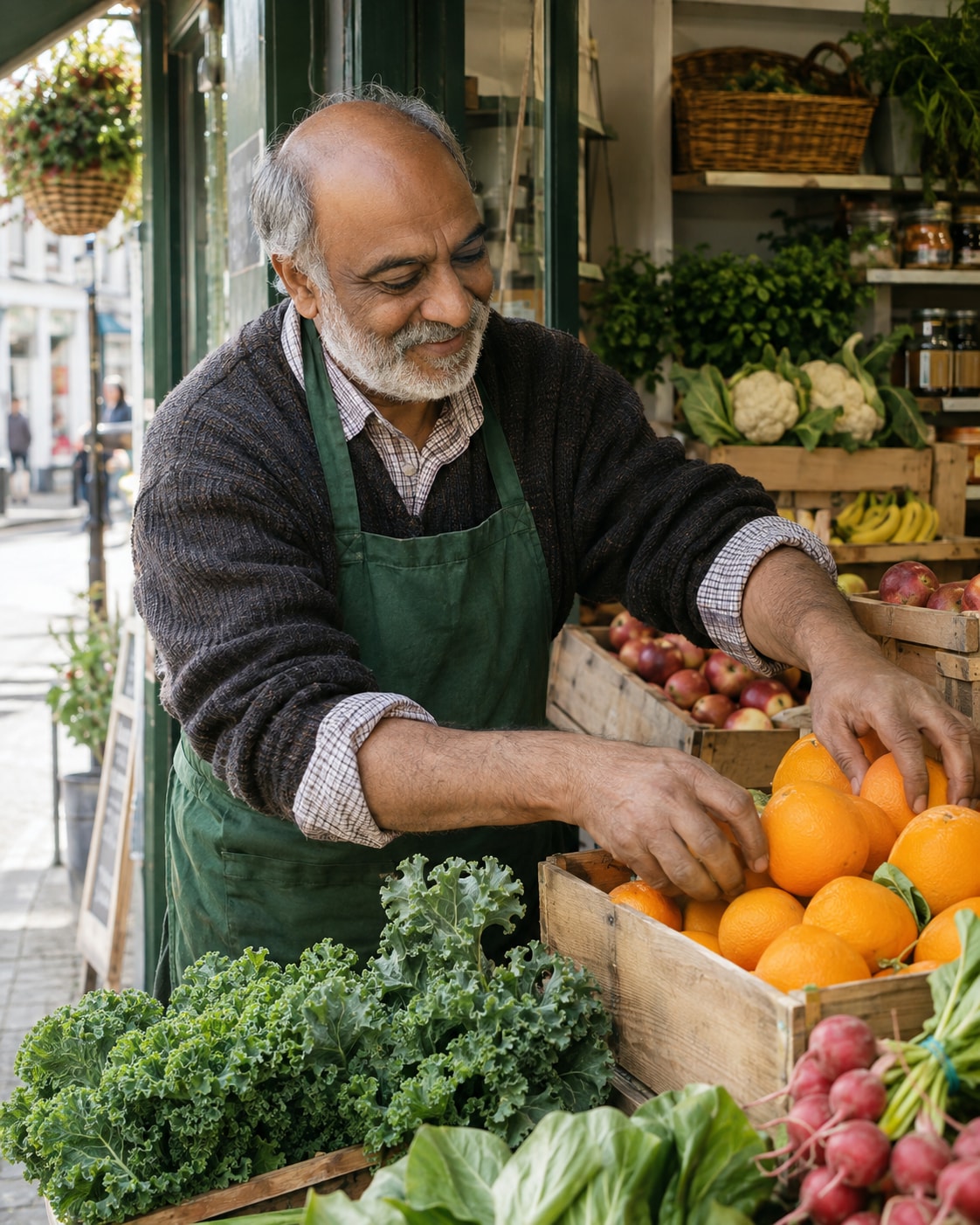 Corner shops
Everyday essentials, ready for checkout.
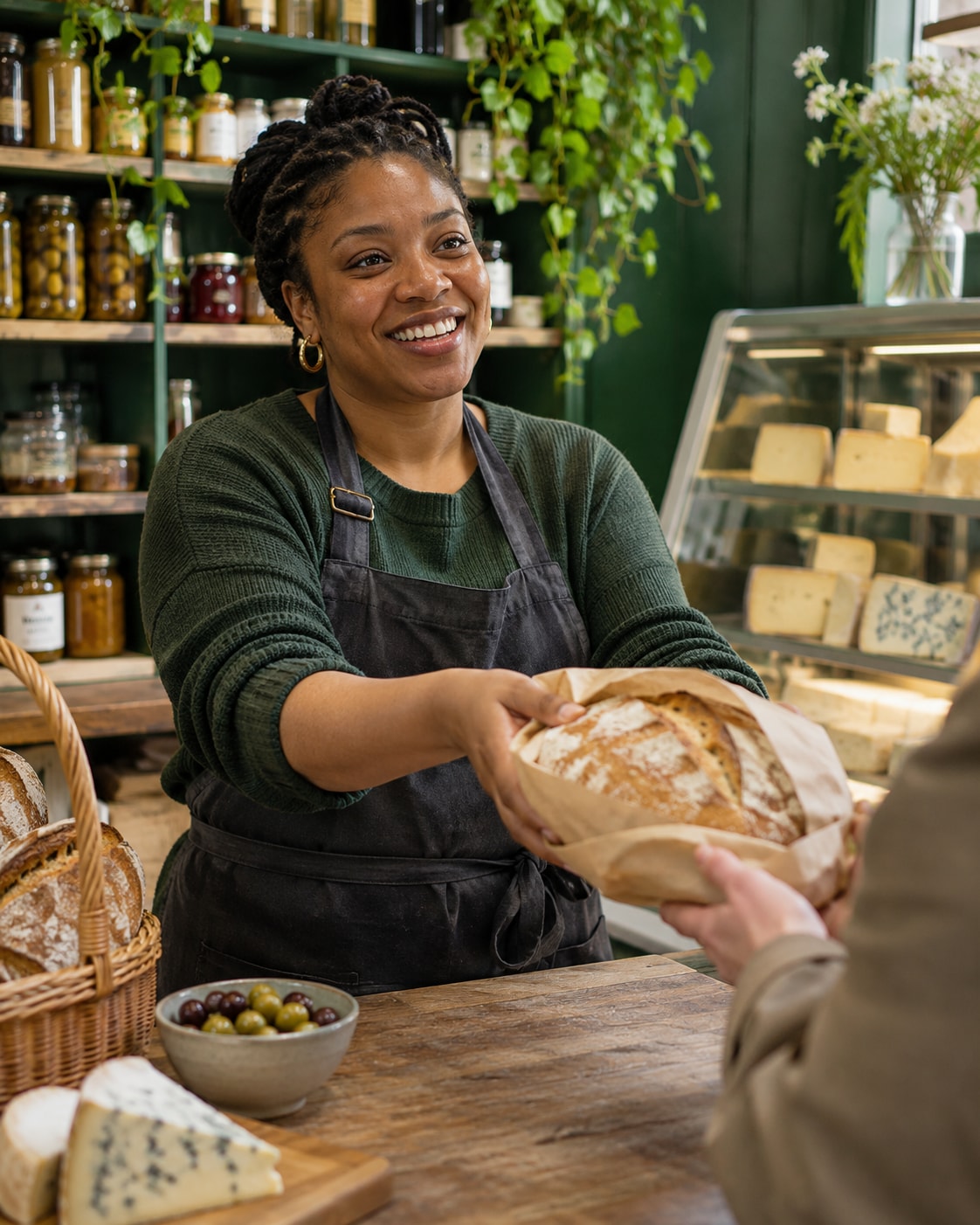 Delicatessens
Weighed and packaged favourites together.
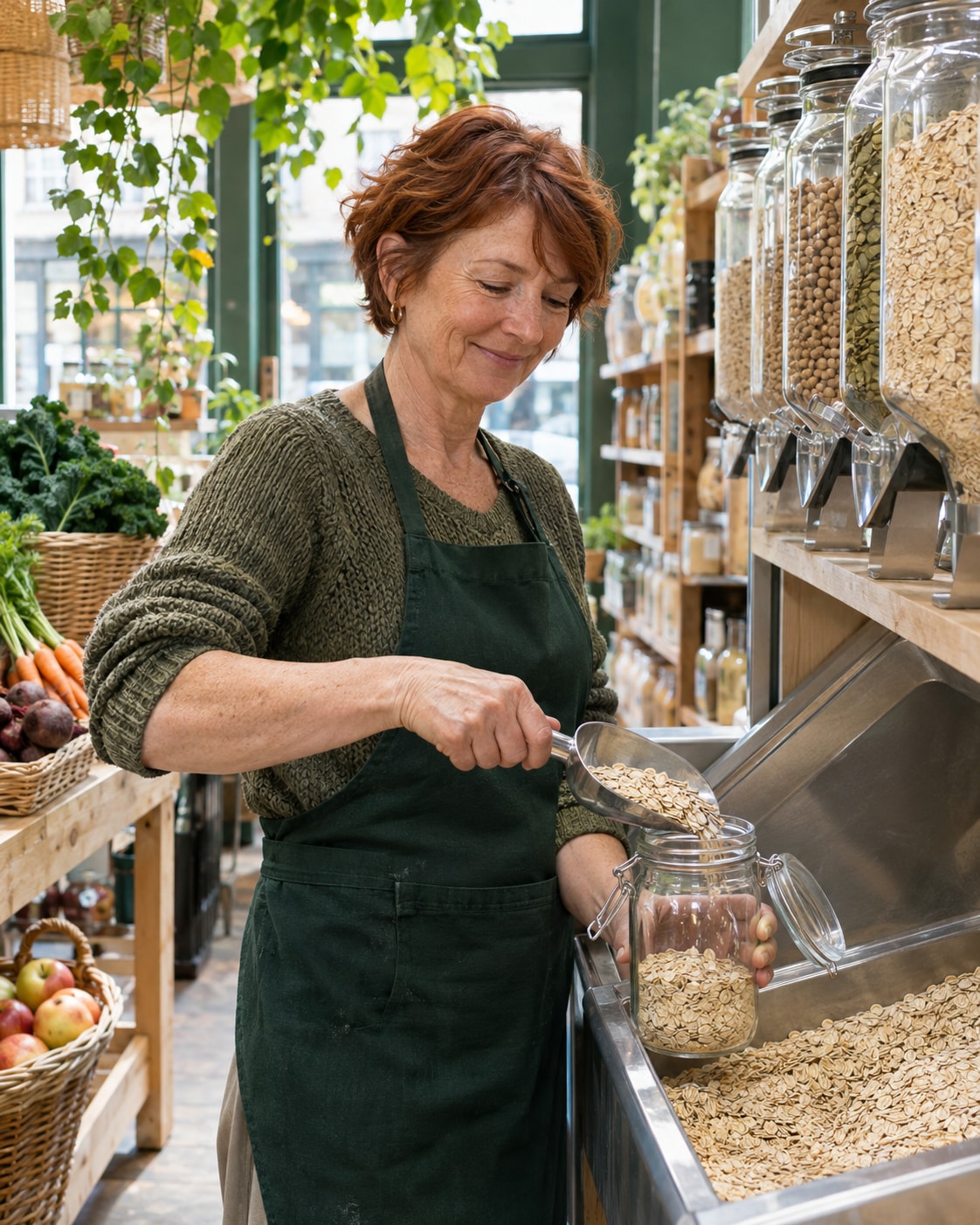 Organic shops
Fresh produce and pantry stock in view.
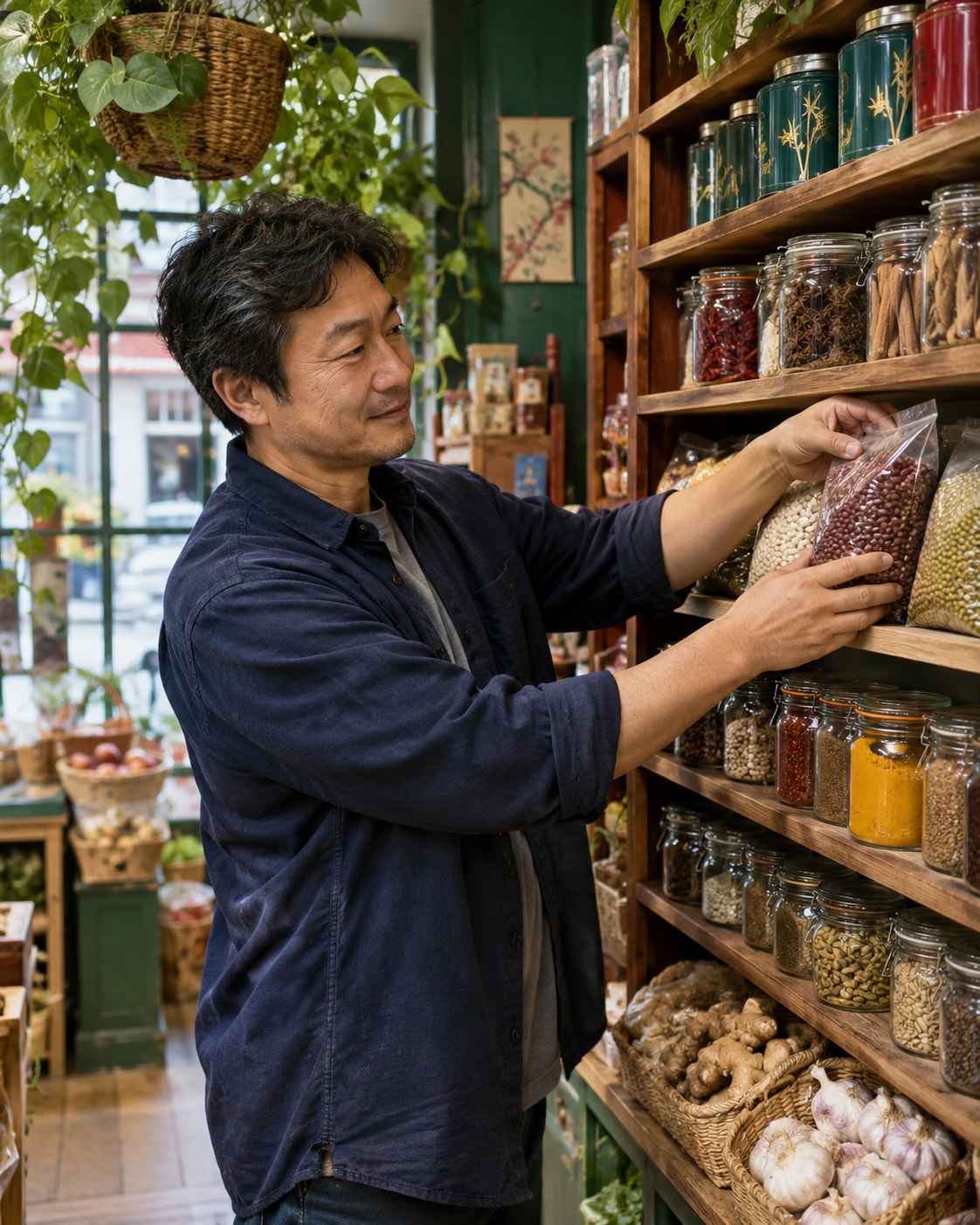 Specialist food shops
Organise your distinctive food range.
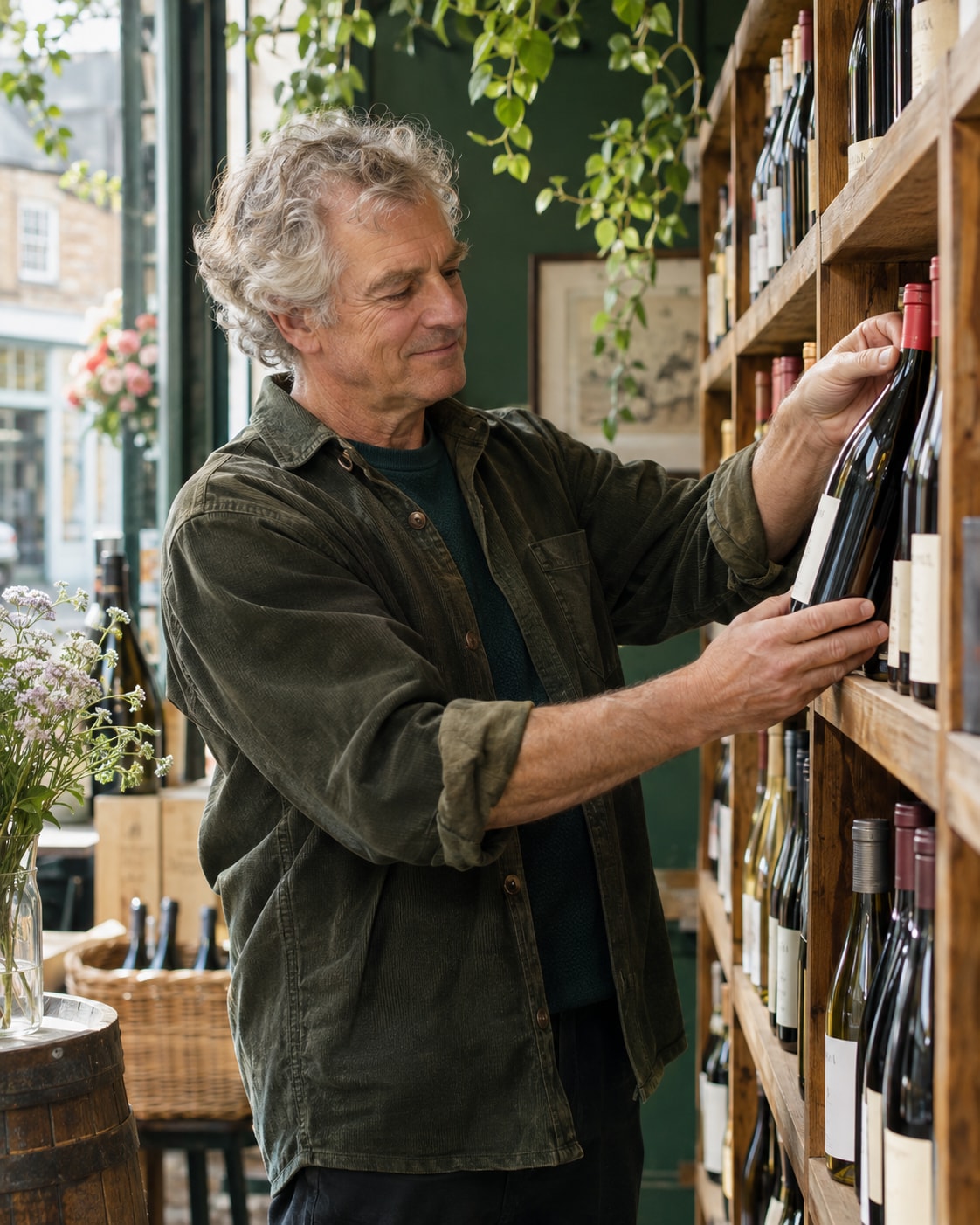 Off-licences
Bottles, mixers and snacks in one basket.
And your food shop
A counter for your own mix.
- Corner shops
- Delicatessens
- Organic shops
- Specialist food shops
- Off-licences
- Corner shops
- Delicatessens
- Organic shops
- Specialist food shops
- Off-licences
At the counter
The whole basket on one screen
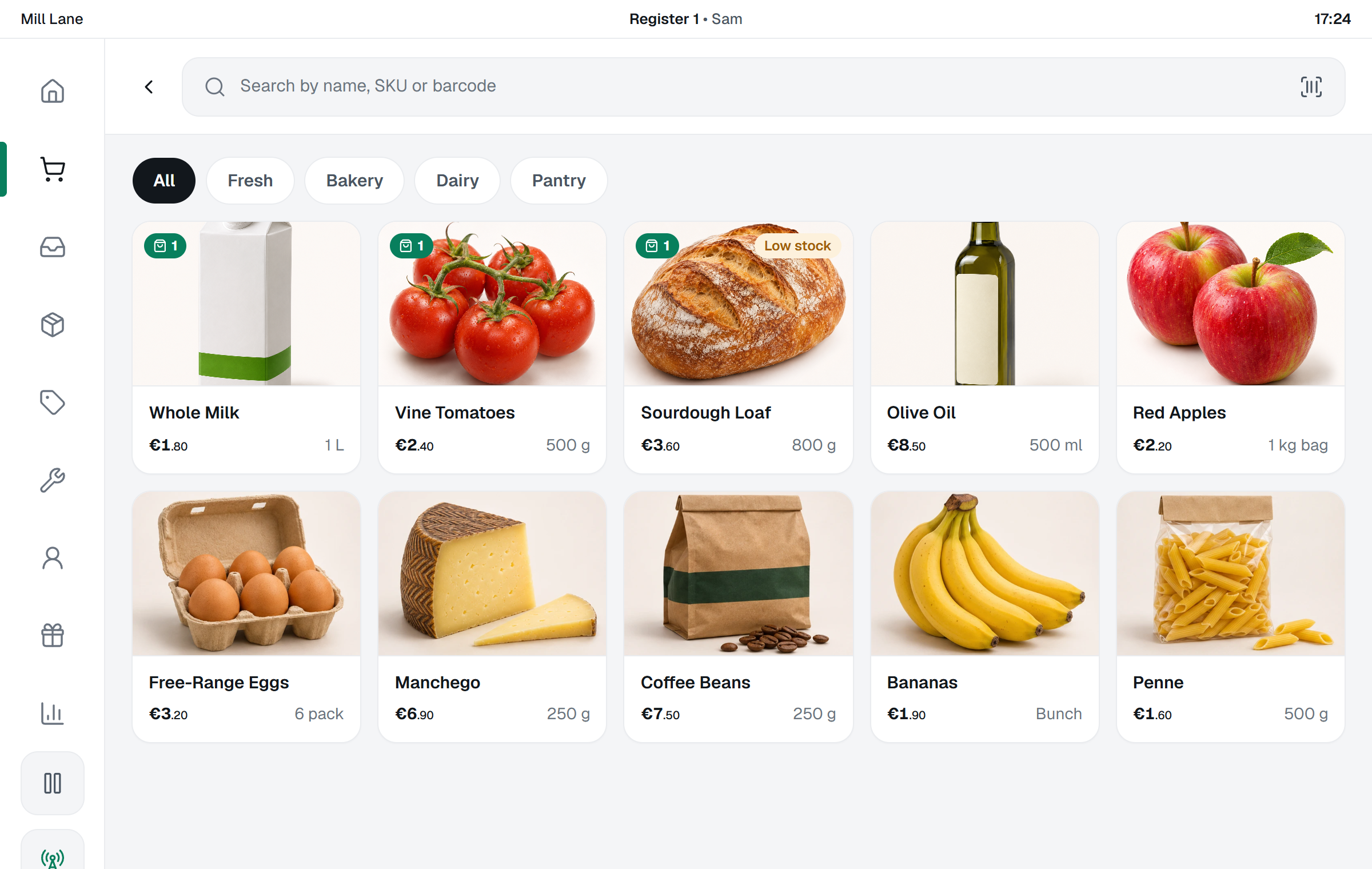
Scan the barcode or tap the photo, and every line and the total stay in view until you charge.
- Scan a barcode, or search by name or SKU
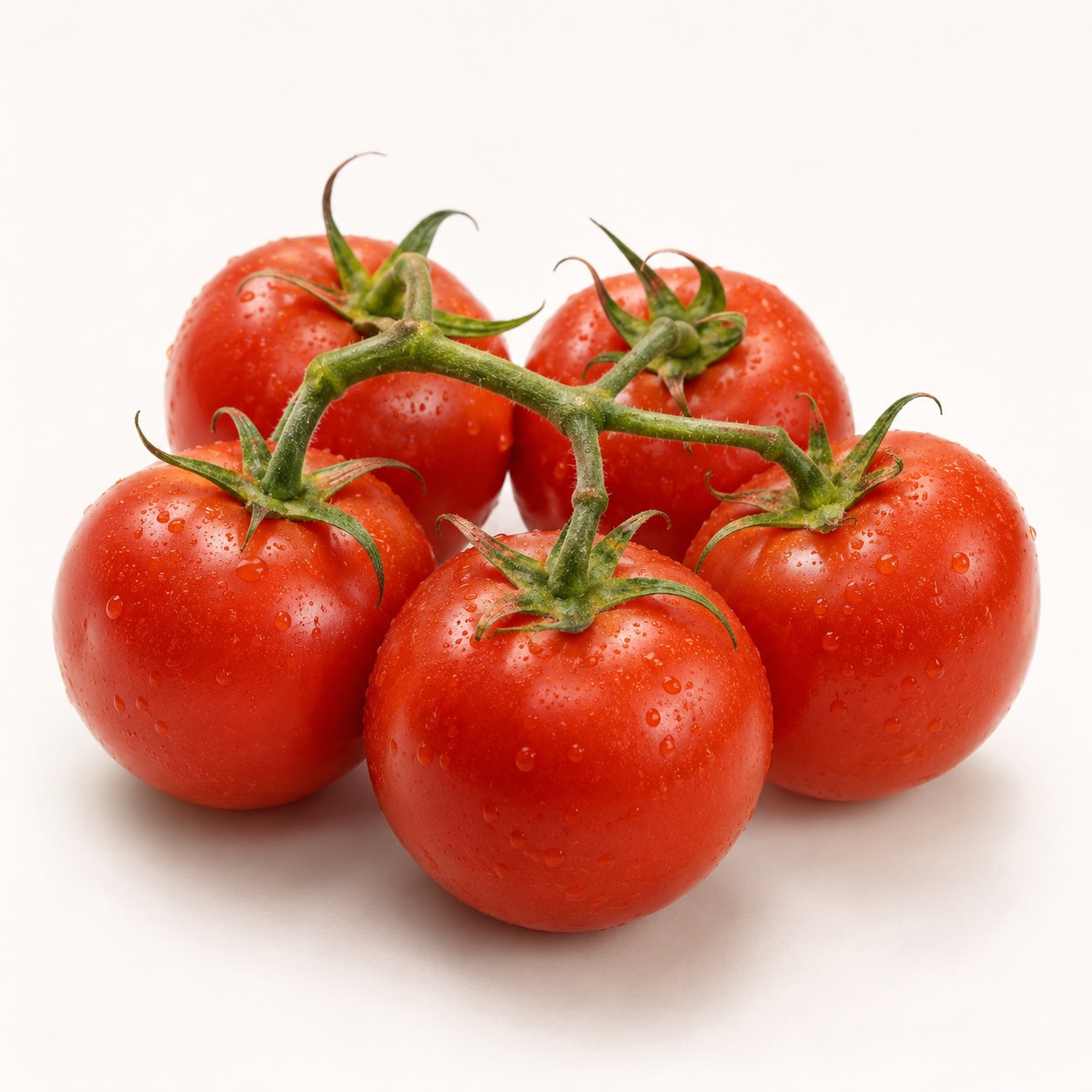
- Your product photos on every tile
- The same till on a tablet or a phone
Discounts and held sales
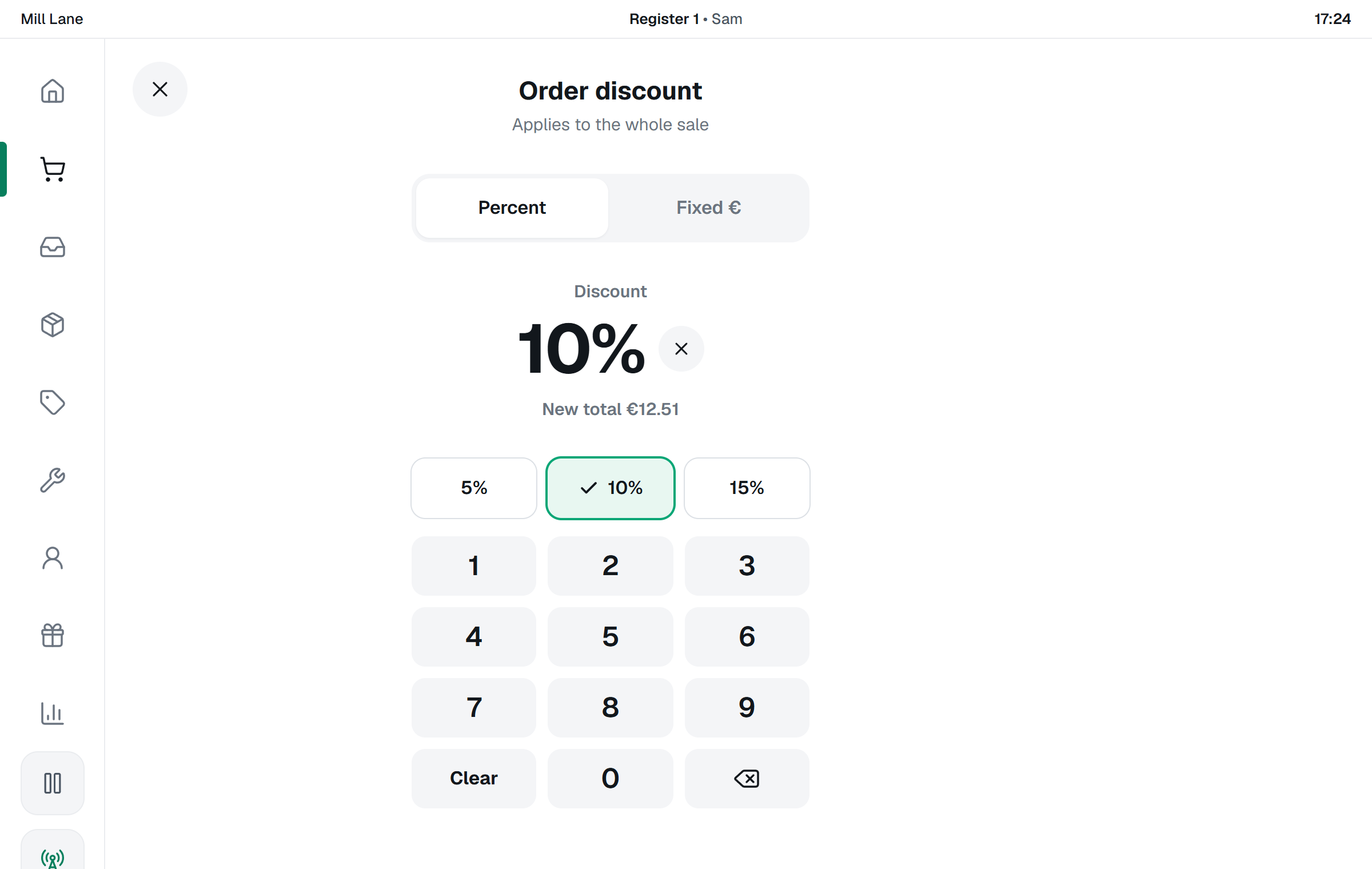
Discounts and held baskets
Take 10% off for a regular, or park a basket with a label and serve the next in the queue.
- Percent or fixed, from presets you choose
- A reason on every discount, and a ceiling
- Park a basket with a label, pick it up later
Payments
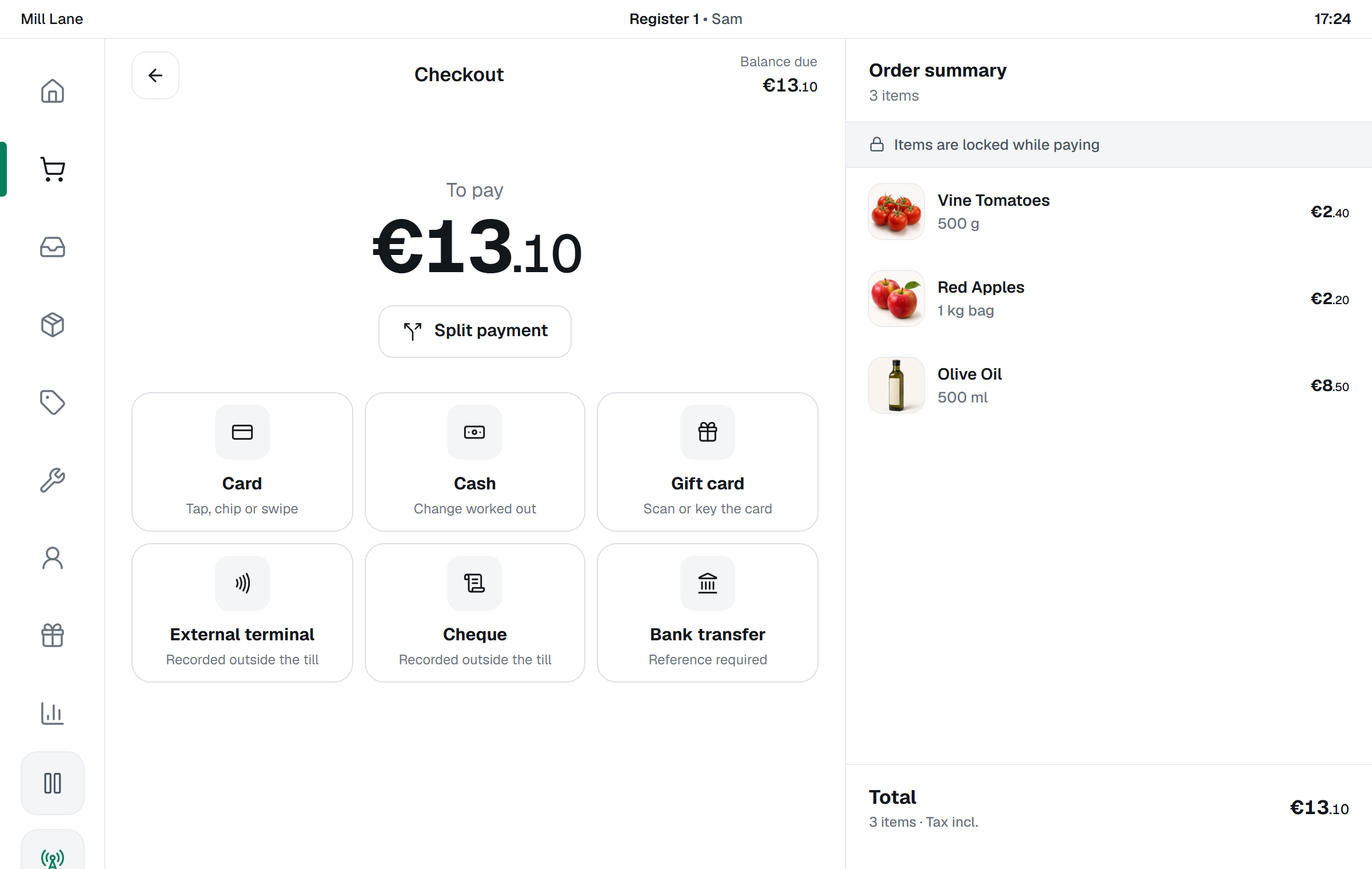
Card or cash, change counted for you
Card, cash and gift cards on one screen, and the change shown as soon as the cash is counted.
- Card, cash and gift cards side by side
- Change worked out for every cash sale
- Split one sale across ways to pay
Deliveries and stock
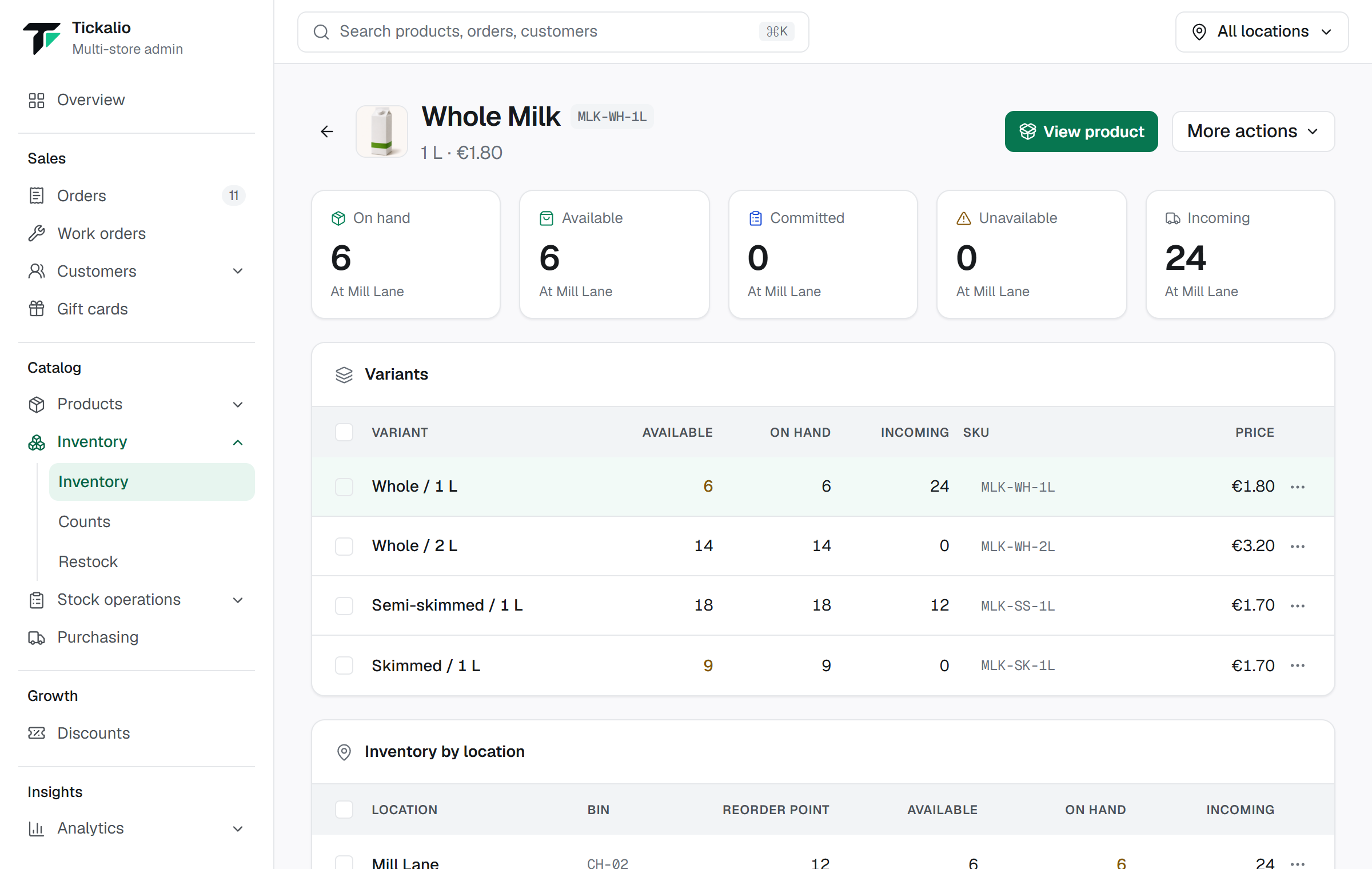
Deliveries counted in, shelves kept full
Receive a supplier's delivery against its purchase order, and every pack size shows what's on the shelf and on its way.
- Count deliveries in against the order
- Every pack size under one product
- Reorder points that become purchase orders
Stock counts
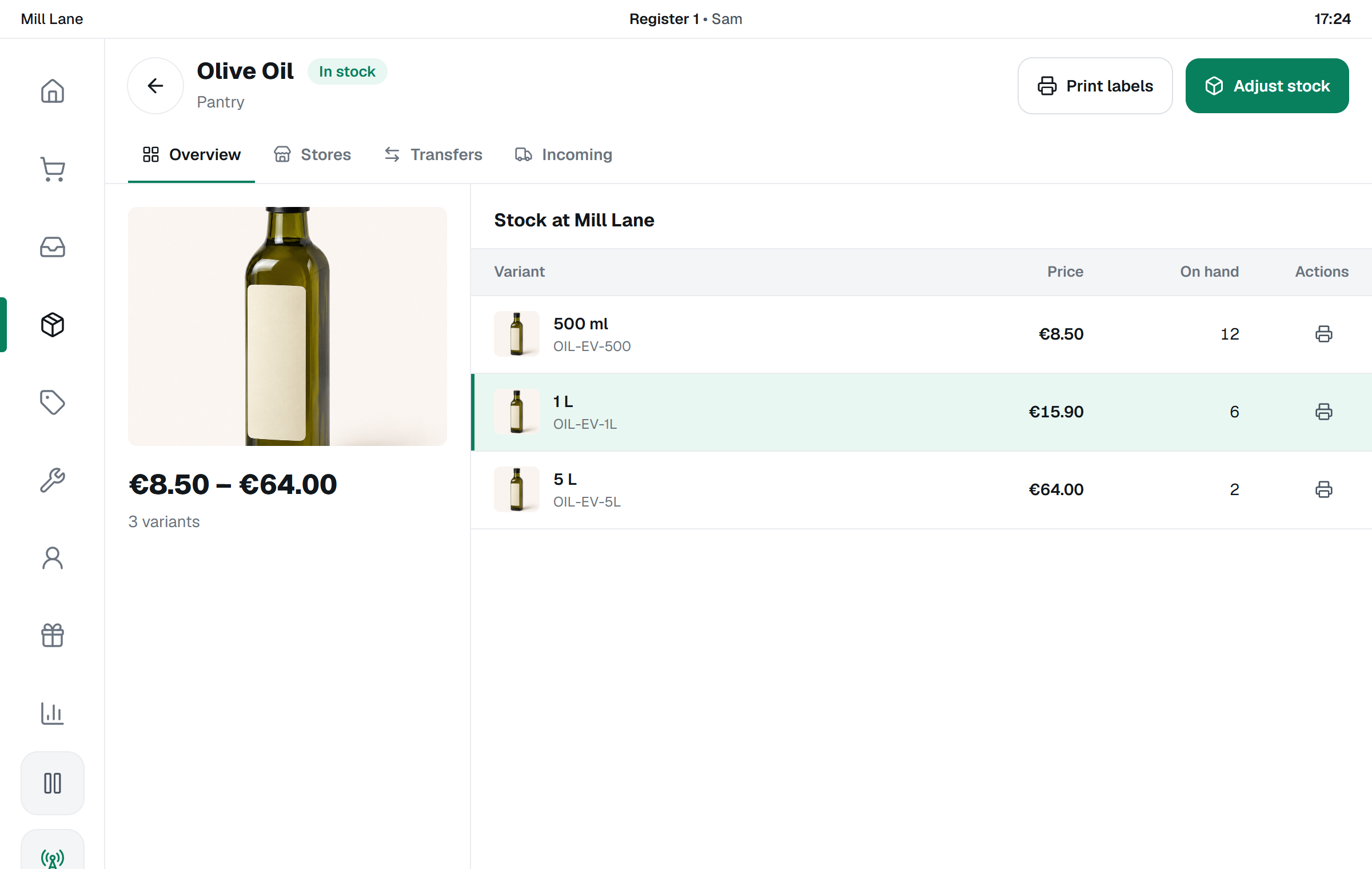
Every bottle on the shelf, counted
Count a size on the till and its stock is corrected, each change approved and logged.
- Stock for every size at a glance
- Count and correct from the till
- A manager's PIN and a log of every change
Online and collection
Order online, collect at the counter
Customers fill their basket on your website from the till's catalogue, and collect it at the counter with a code.
- Your shelves and your website, one catalogue
- A pickup code, and the customer told when it's ready
- Collections beside the till's sales in one list
Regulars
Regulars, known at the till
Add a regular to the sale and their tier and points sit on it, with every basket kept in their history.
- Find them by name, phone or email
- Tier and points on the sale
- Every basket kept in their history
Tally for grocery
Ask your grocery anything
Choose a question. See Tally answer from your grocery’s records.
Explore the questions
1 of 12
Which staples are running low?
Read products and inventory
Minimum stock levels
Inventory
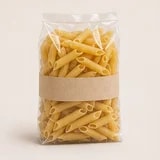
 Whole milk · 1 L6 of 24
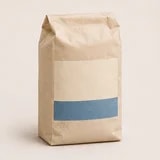 Plain flour · 1 kg4 of 12


Your shop, in view
Your grocery reports, together
Read the day’s sales, compare everyday lines and review stock before deciding what to order.

Total sales
Sales · Monday · example day
- Total sales
- €1,600
- Transactions
- 80
- Average transaction
- €20
| Time | Sales |
|---|---|
| 9:00 | €260 |
| 12:00 | €430 |
| 15:00 | €390 |
| 18:00 | €520 |
Demo figures · illustrative shop

Sales by product
Products · Example day · selected grocery lines
| Product | Quantity sold | Sales |
|---|---|---|
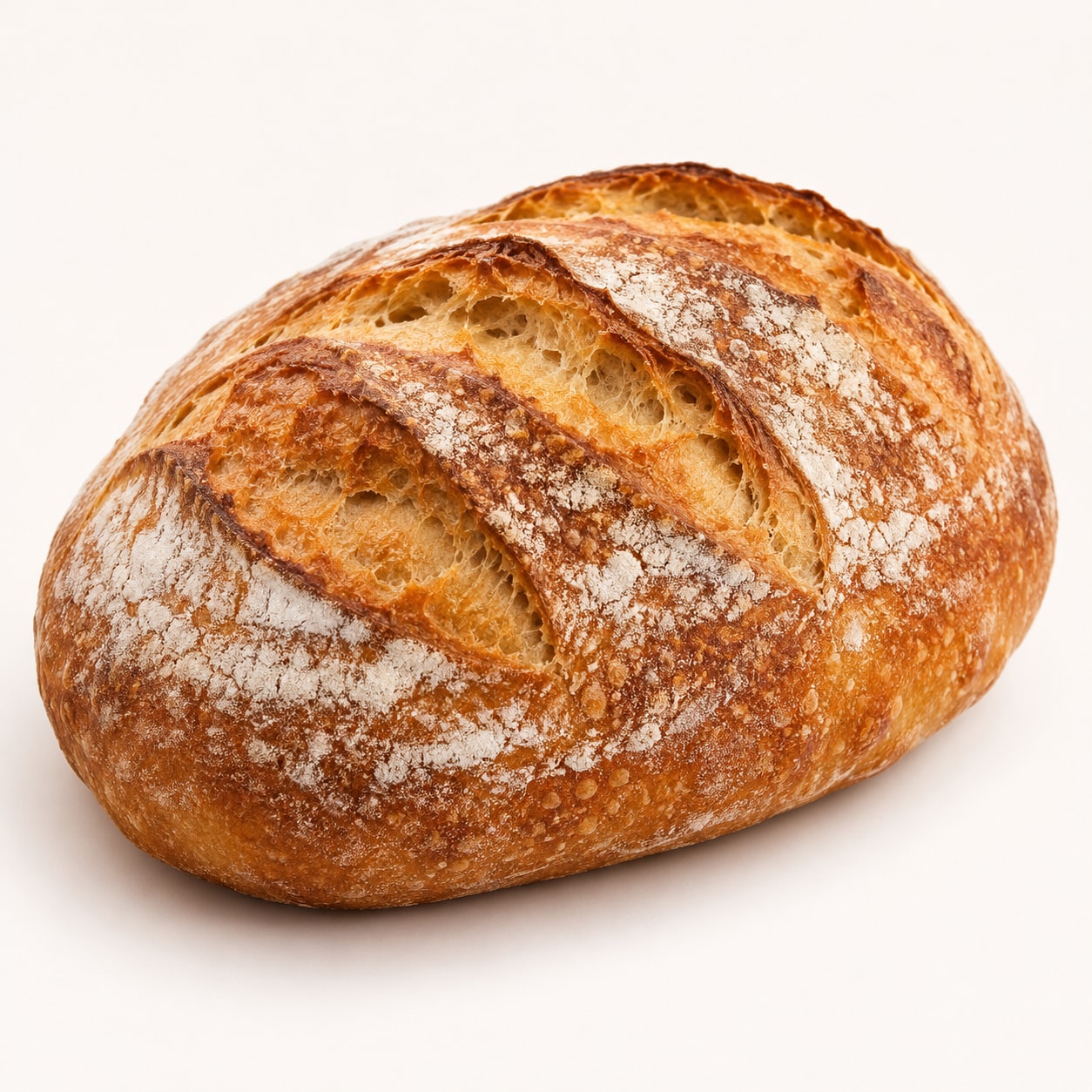
| Sourdough loaf | 40 units | €160 |
| Whole milk · 1 L | 50 units | €75 |
| Free-range eggs · six | 20 units | €60 |
Demo figures · illustrative shop

Below reorder level
Inventory · Example stock position
| Product | On hand | Reorder level |
|---|---|---|
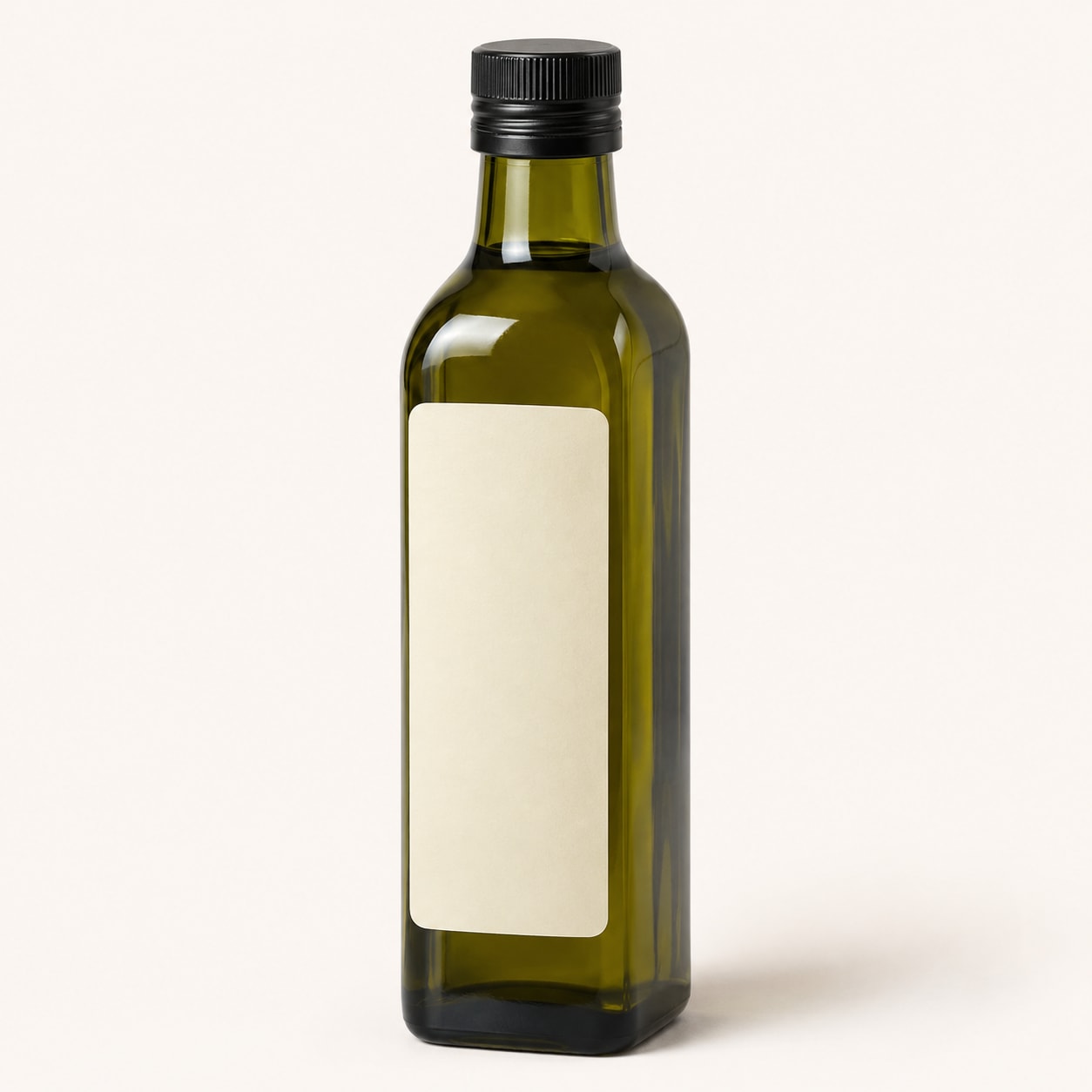
| Olive oil · 500 ml | 3 units | 12 units |
| Basmati rice · 1 kg | 5 units | 16 units |
| Ground coffee · 250 g | 2 units | 8 units |
Check expected deliveries before placing an order.
Demo figures · illustrative shop

Reports
| Report name | Category | Last viewed | Created by |
|---|---|---|---|
| Total sales | Sales | — | System |
| Sales by product | Products | — | System |
| Below reorder level | Inventory | — | System |
A selection from the report library, with grocery examples in the tabs above.

Reports
| Report name | Category | Last viewed | Created by |
|---|---|---|---|
| Total sales | Sales | — | System |
| Sales by product | Products | — | System |
| Below reorder level | Inventory | — | System |
A selection from the report library, with grocery examples in the tabs above.
Tally · Assist · Example · Grocery · Reports
Build a weekly grocery sales report.
Here is a sales-by-product report. Nothing is saved until you approve it.
Grocery sales by product, this week · Waiting for your approval
- Kind
- By dimension
- Metric
- Net sales
- Grouped by
- Product
- Columns
- Units sold, net sales
The rest of your toolkit
More for your food shop
Tools for your counter, your stockroom and your next shop.
Offline cash
Sell when Wi-Fi drops.
Your stock
See what's on hand.
Click & collect
Sell online for pickup.
Every shop
Stock by location.
In the stockroom
Beyond the counter
Set up in your shop
Your setup, step by step
Prepare your product list, check the counter and give your team time to practise before the first day.
Products
Get your list into shape
Prices, barcodes and the items you sell by weight, in one list.
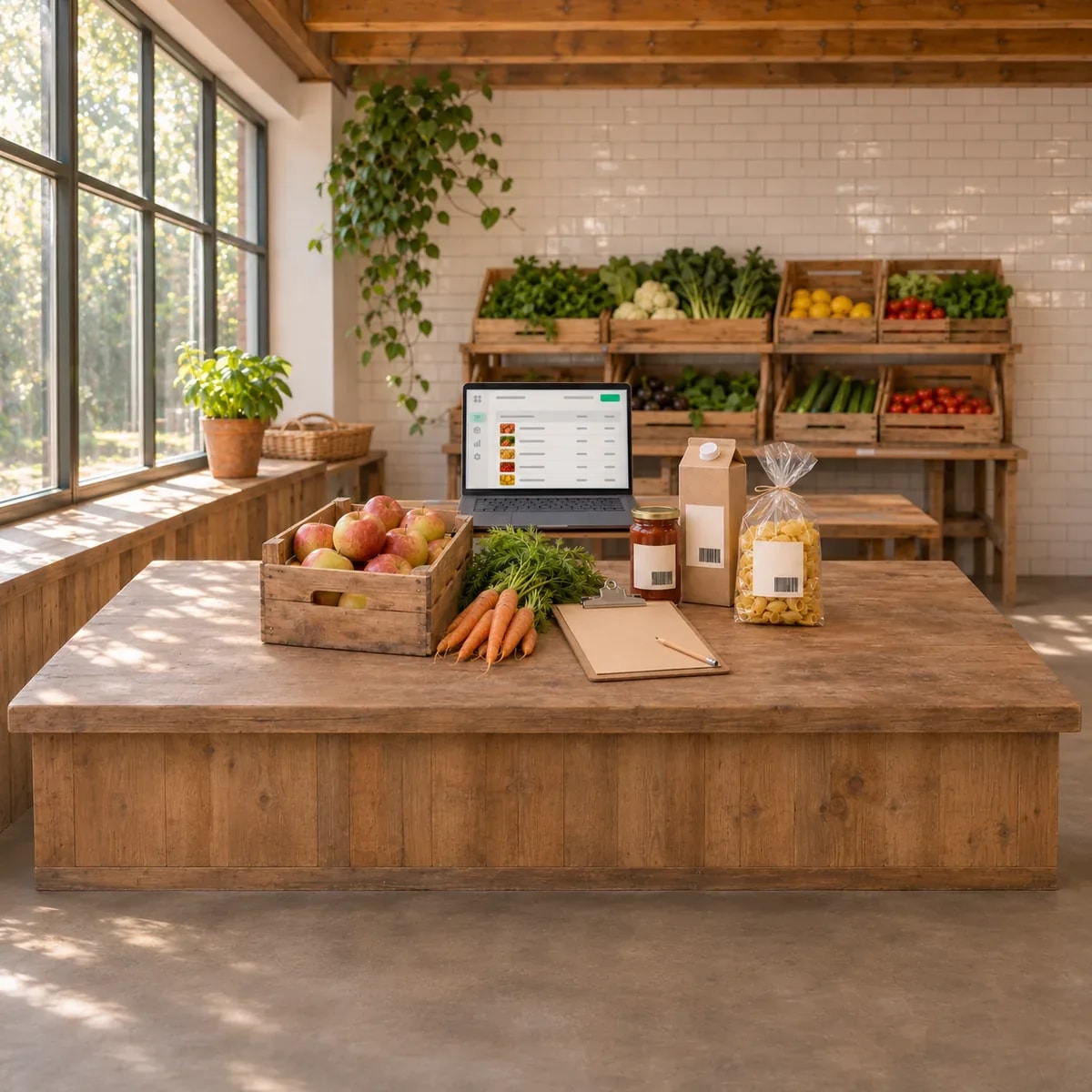
List in shapePrices, barcodes and weights
Counter
Check your counter equipment
Till, scanner, scales and receipt printer, reviewed at your counter.
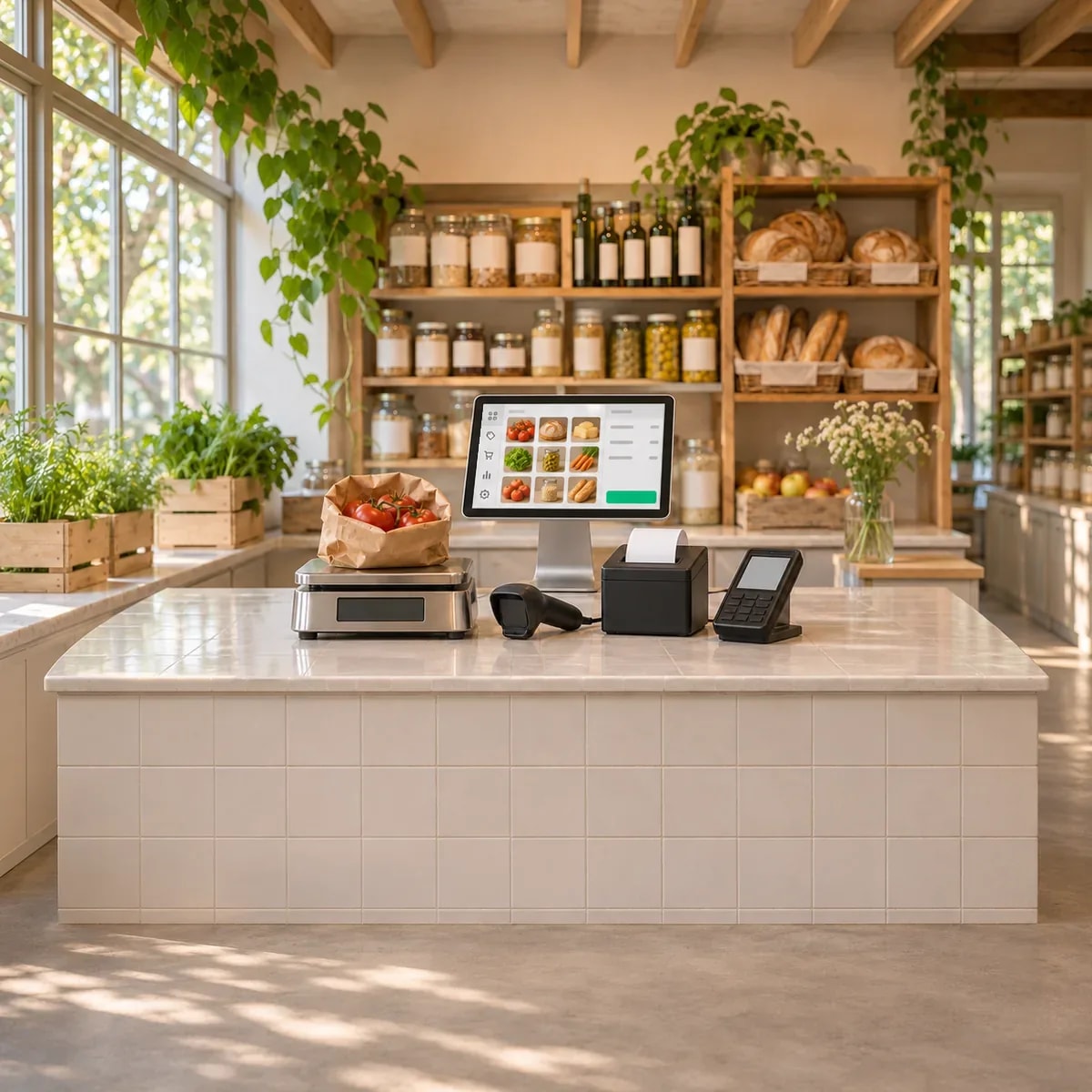
Counter checkedTill, scanner, scales, printer
Practice
Run through a sale
Your team scans, weighs and applies an offer before the first sale.
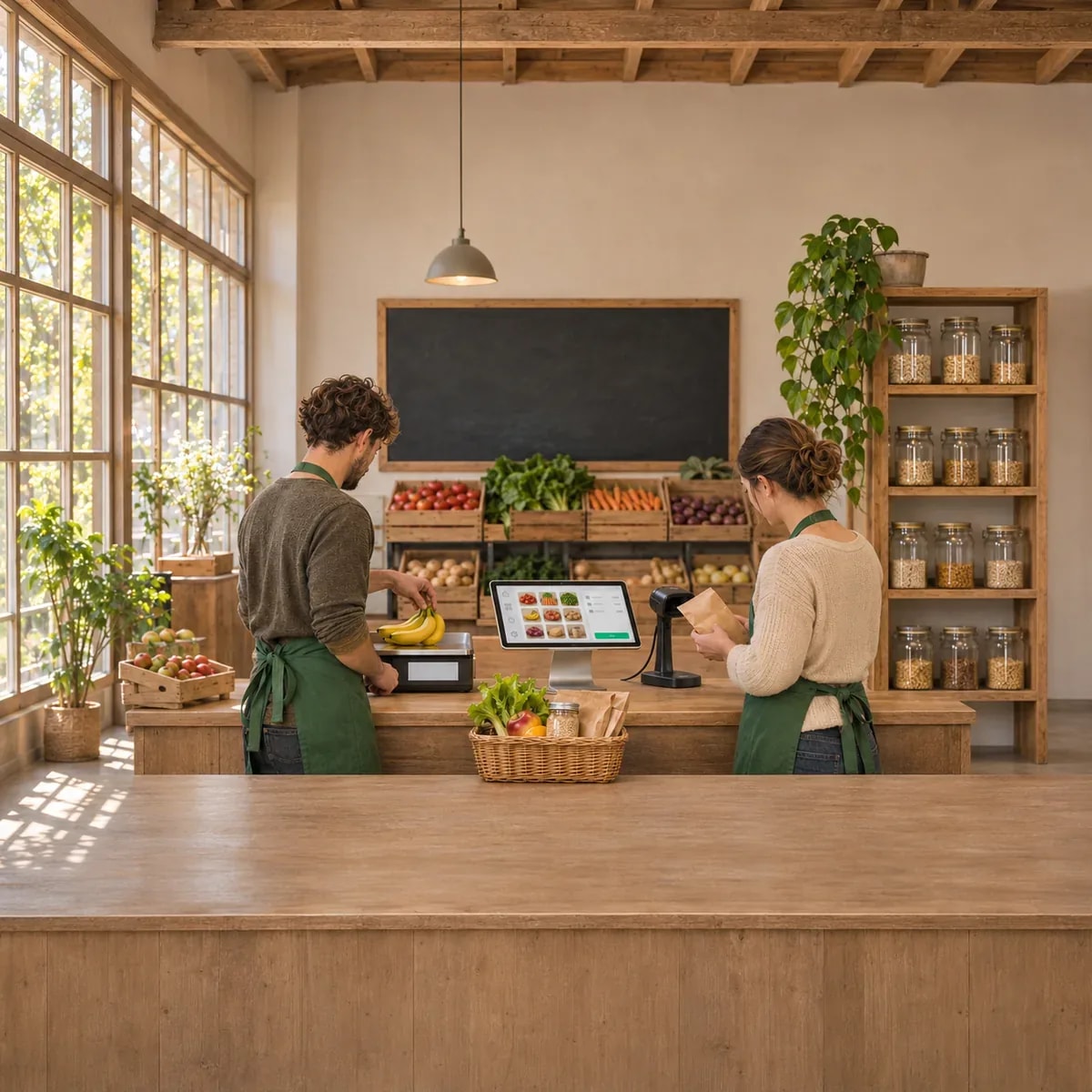
Team practisedScan, weigh, apply an offer
First day
Plan your first day
What is ready, what needs attention and what is still to settle.
First day plannedWhat is ready, what is left
A few practical questions
What grocers ask us
Let's check the details that matter at your counter before you make the move.
Tickalio supports weighed products, PLUs and embedded weight or price labels. Send us your scale, scanner and printer models so we can check compatibility with your setup before you switch.
Yes. Bring your product list so we can review the file and prepare the import together. We'll check the details your range needs, including barcodes and weighed products.
We offer in-person setup with your products and counter equipment. We'll agree the work with you, check compatible hardware and show your team how to use the till.
Yes, Tickalio supports automatic discounts at the till. Bring examples of the offers you run so we can confirm the exact supported rules before setting them up.
You can continue taking cash sales offline, with sales syncing when the connection returns. This does not mean card payments work offline; we'll explain the requirements for your setup.
Yes. Your online shop can offer collection, and your team can prepare those orders in the shop. We'll walk through how collection fits your counter and daily routine.
Tickalio supports multiple locations, with stock kept by shop. We can help you plan the second counter, catalogue and hardware around the way you want both shops to work.
Bring us your product list
See how your groceries, weighed goods and everyday baskets work in Tickalio.