One till. Every counter.
Point of sale software: ring up, take any payment and keep selling offline, on a till, tablet or phone.
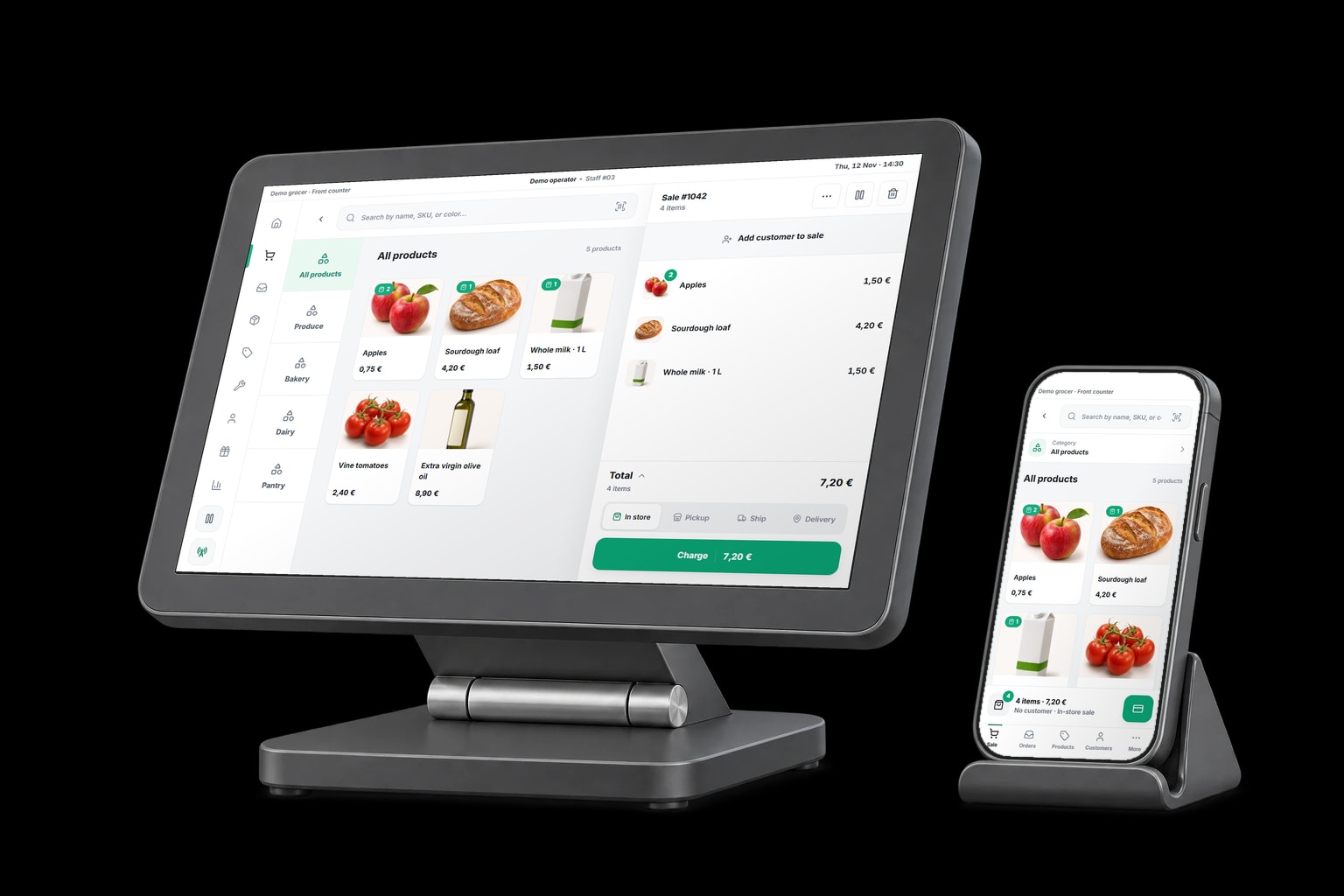
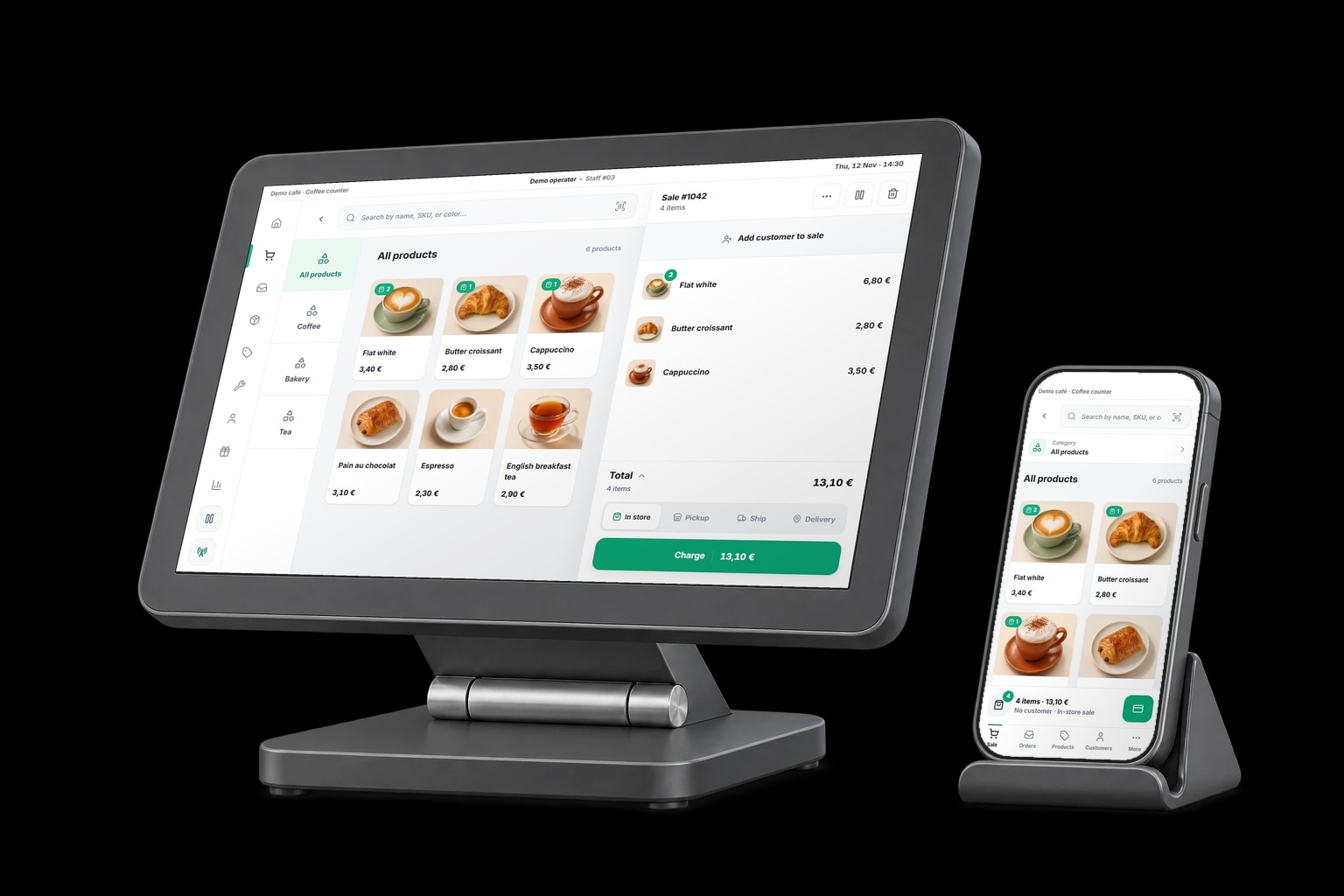
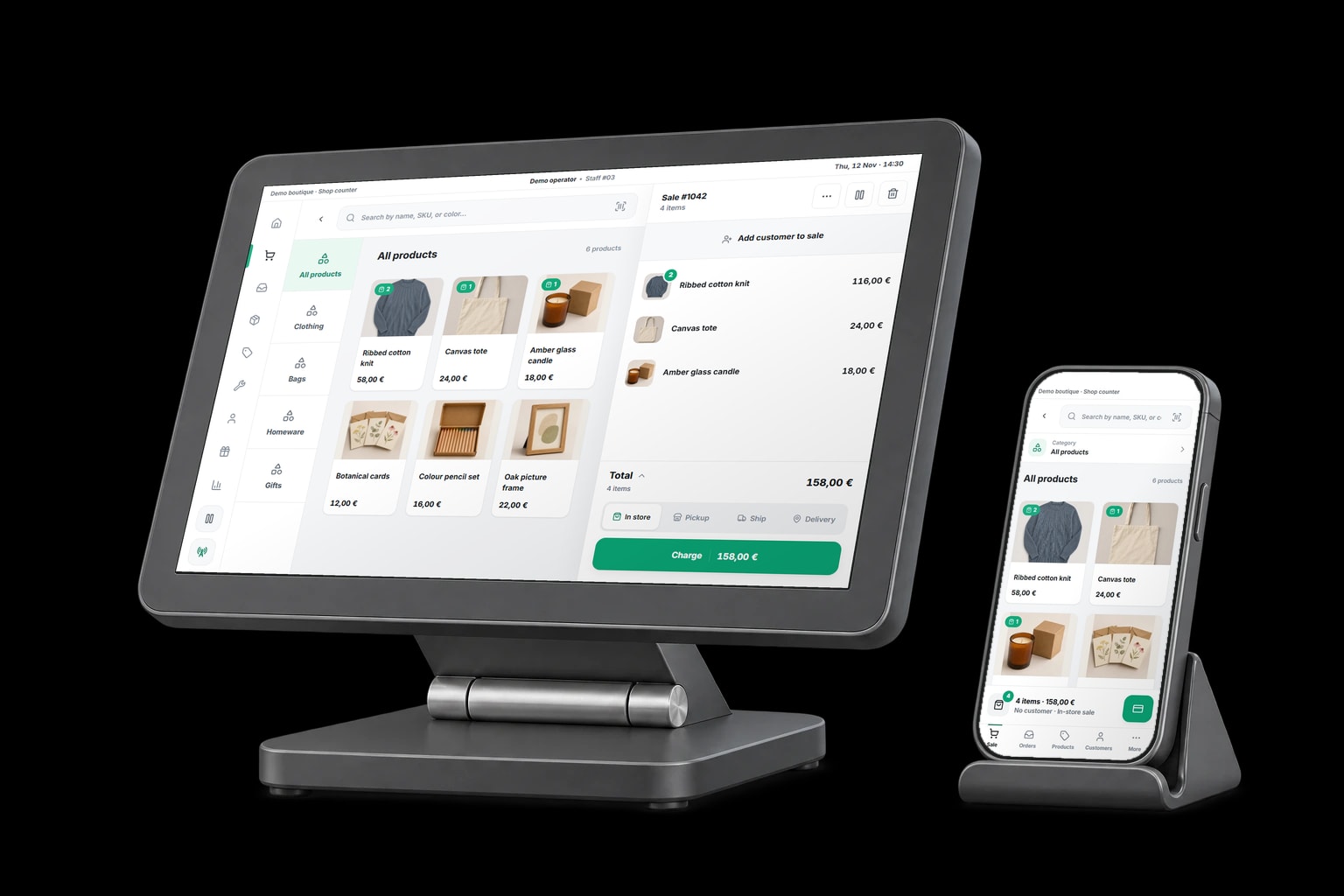
- Any screenWindows, Mac, Android, iOS
- Any paymentCard, cash, split, gift card
- Sells offlineSends when the line is back
- Set up with youIn your shop or remotely
Your trade
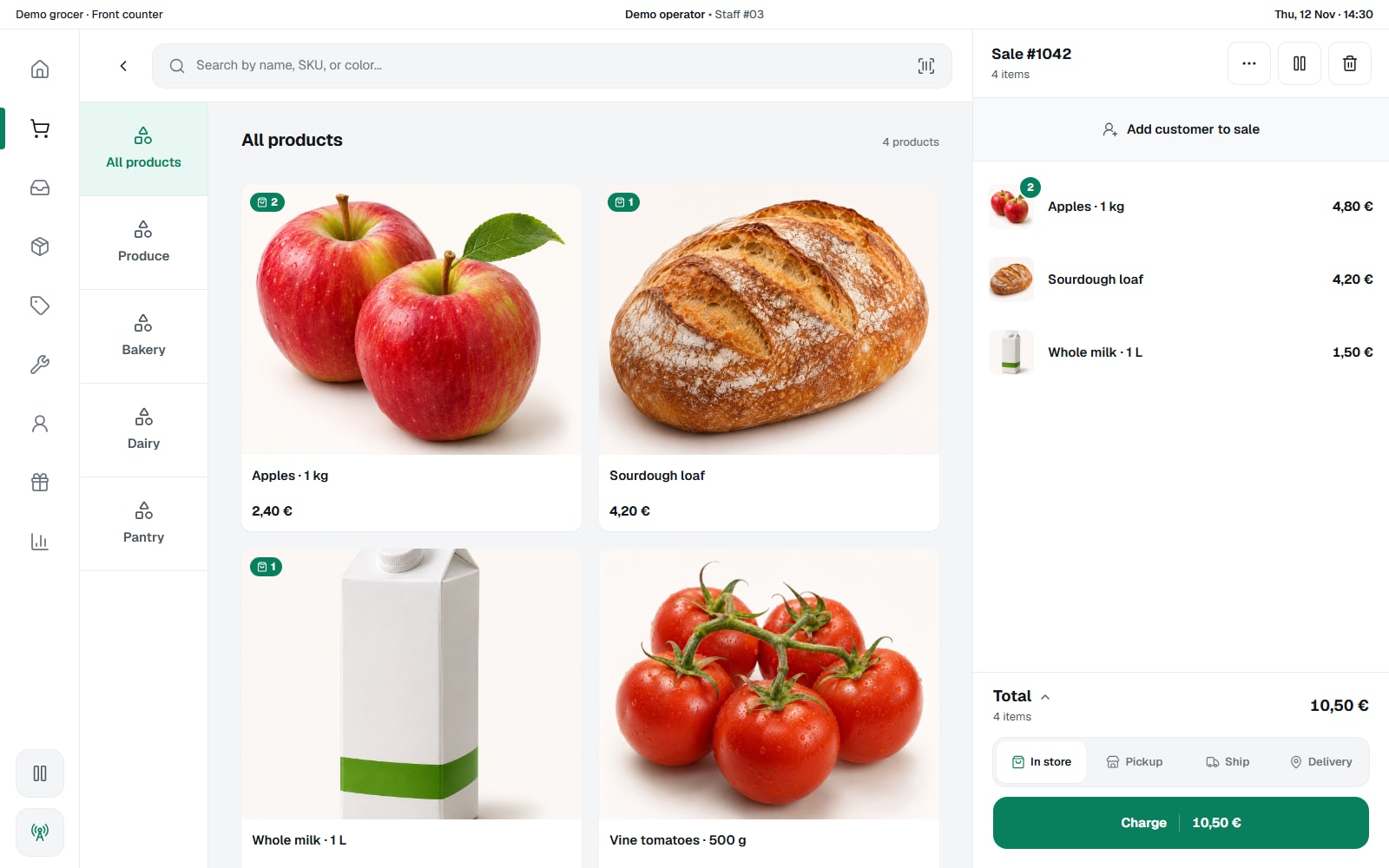
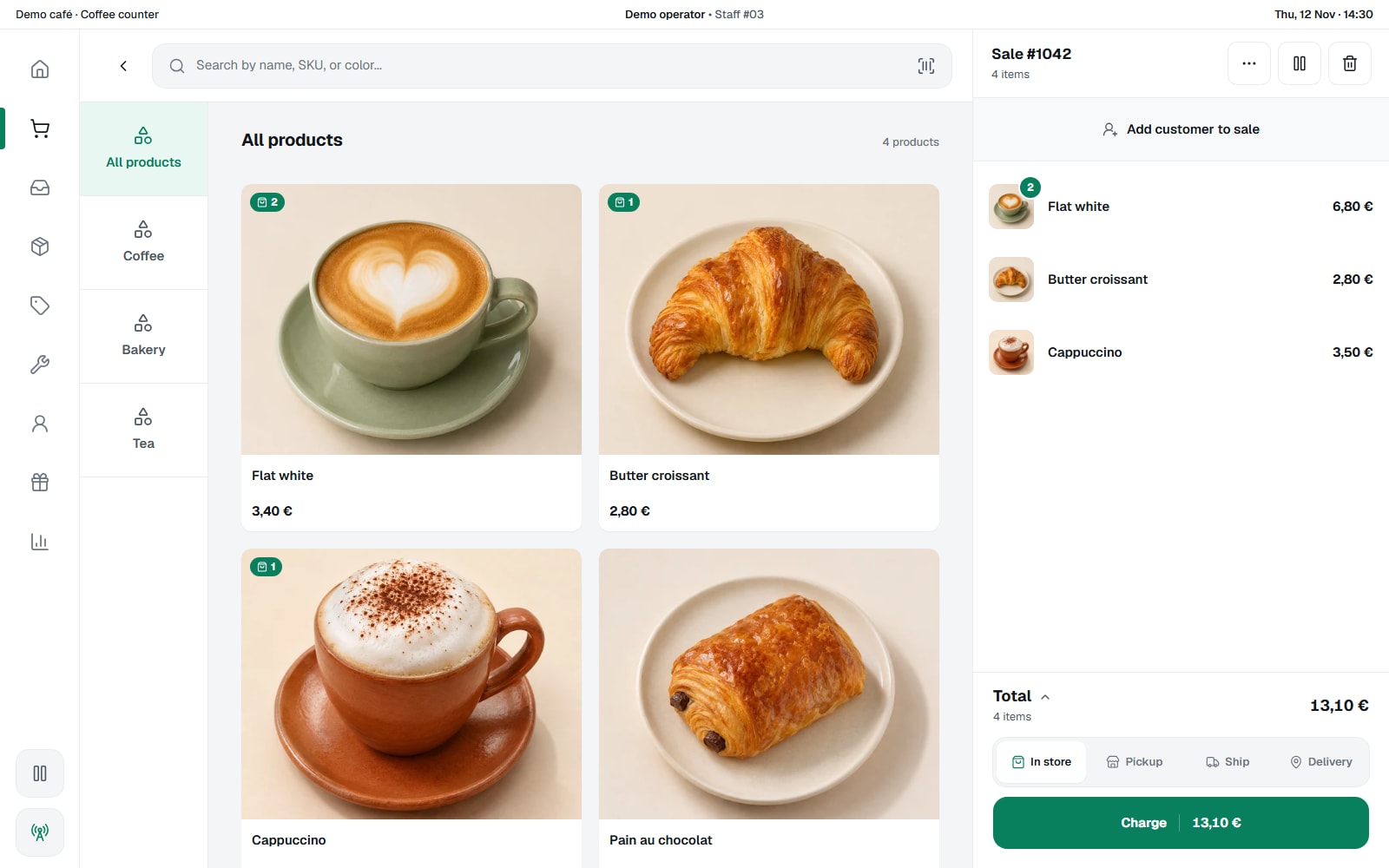
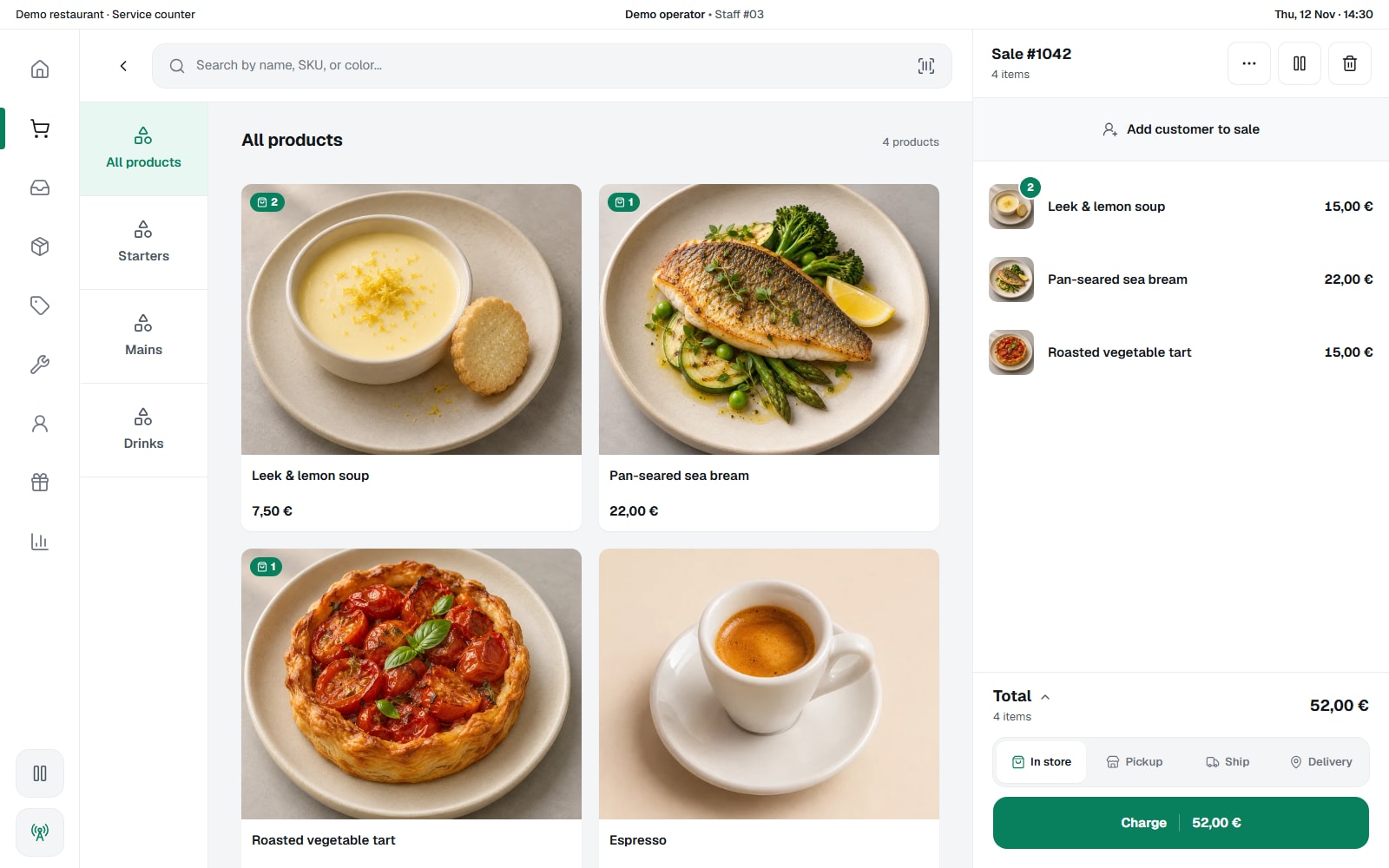
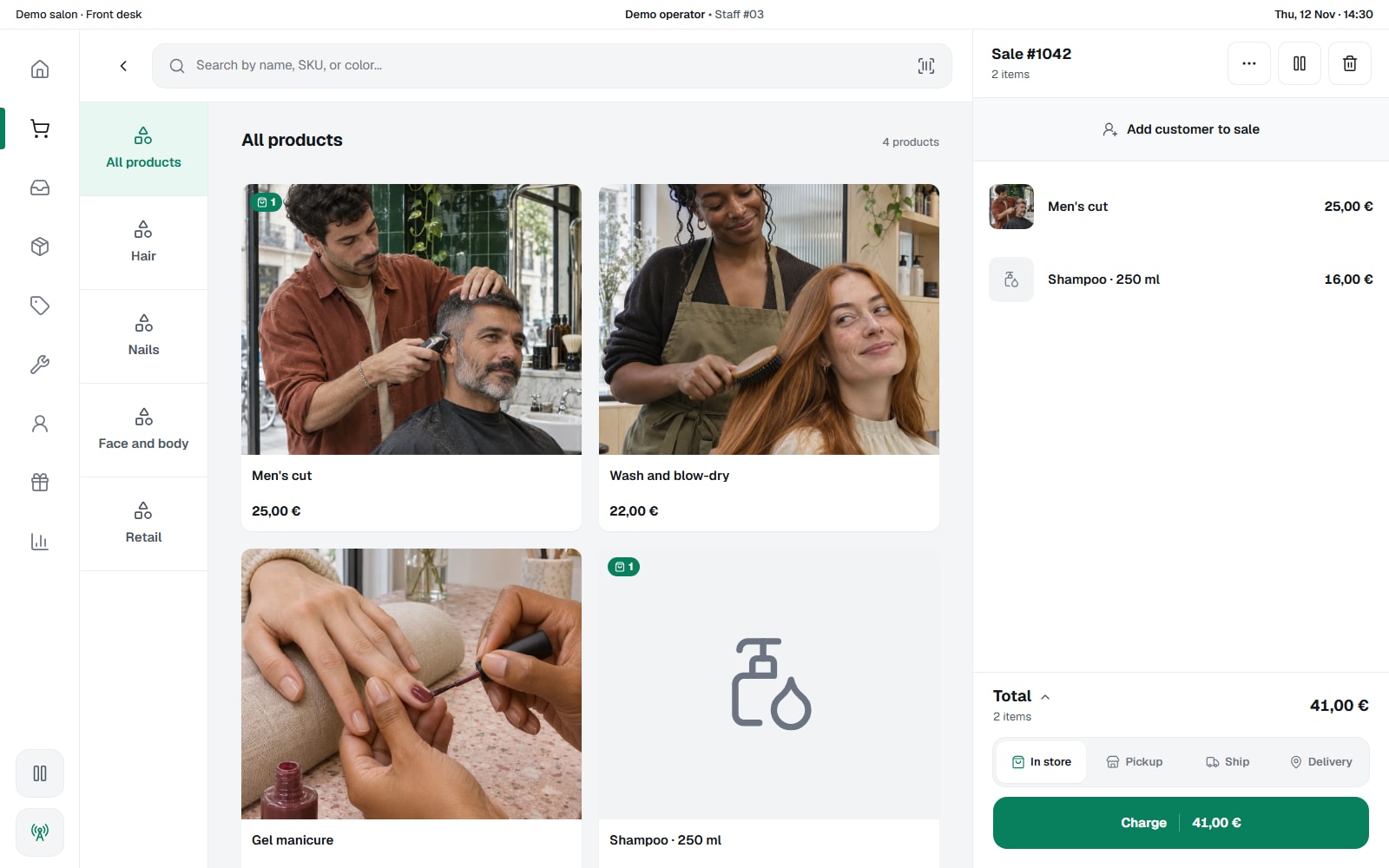
One till, set up for your trade
The same till, with what each kind of business needs on top.
Retail
Every size, in every shop
Sizes and colours live under one product, so the till knows what's left here and at your other shops.
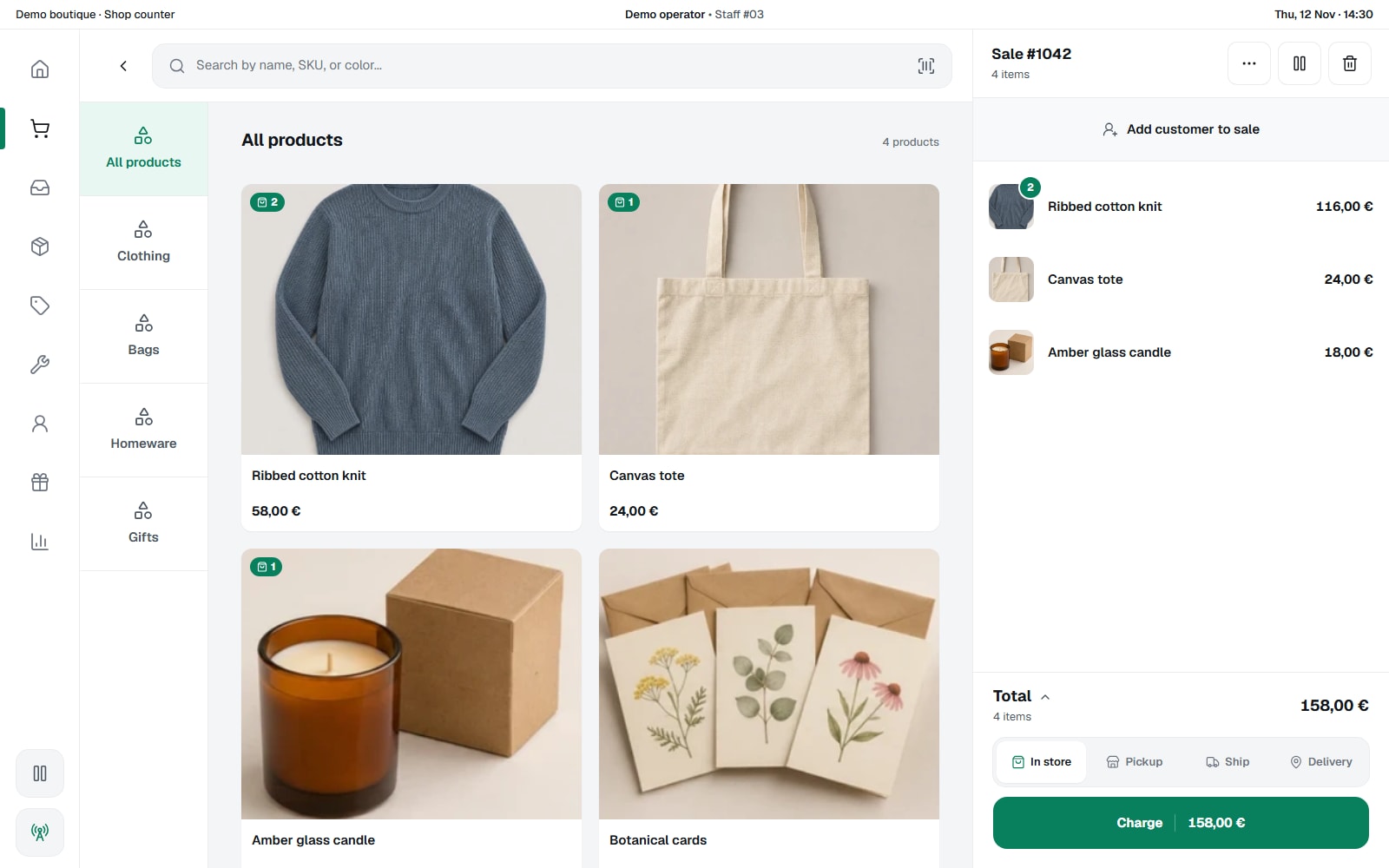
At the counter
Made for a busy counter
The jobs every sale needs, each one tap away.
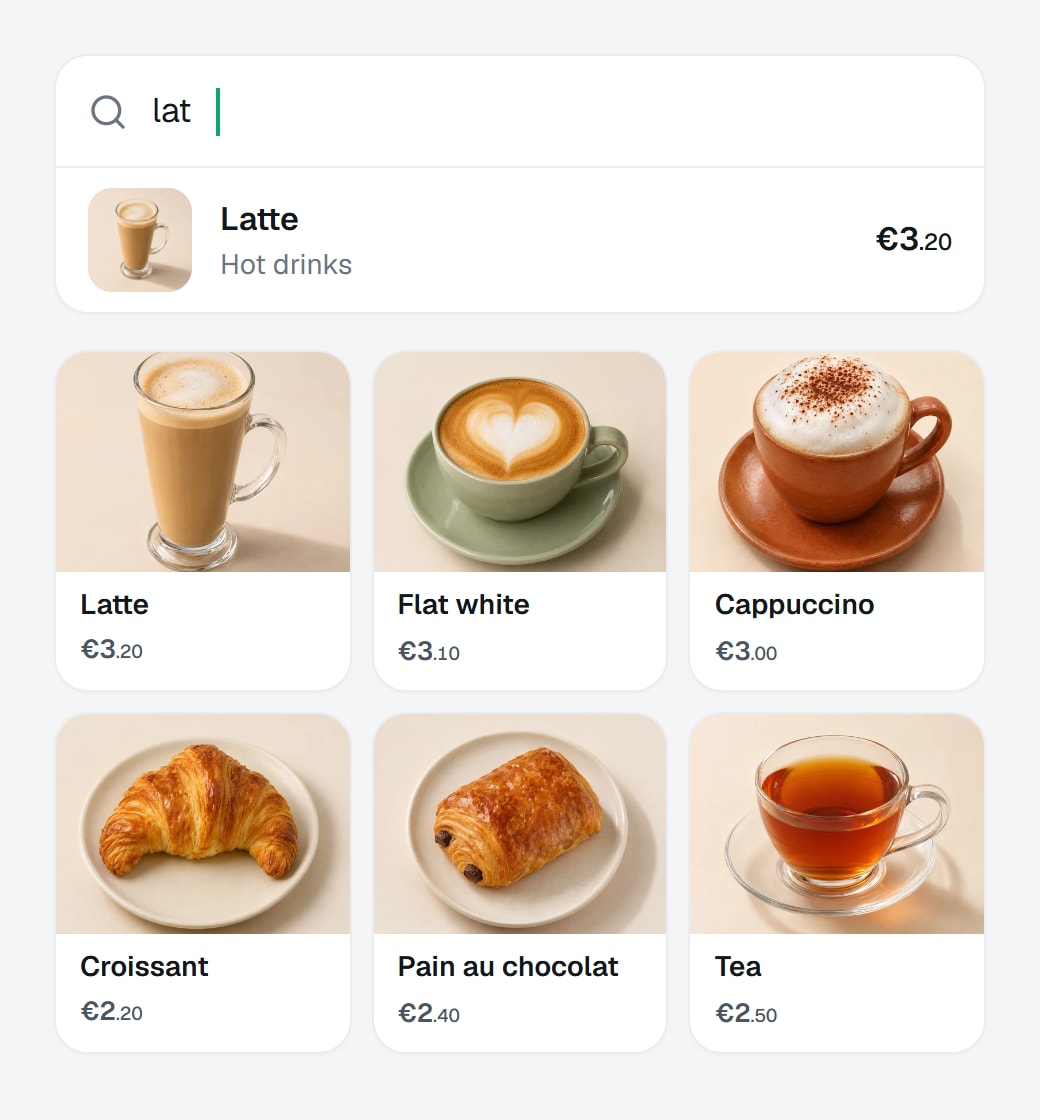
Finding products
Any product in a second
Scan the barcode, search by name or SKU, or tap a tile on the grid you arrange.
- Search by name or SKU
- Scan or key in a barcode
- A product grid you arrange
Sizes and colours
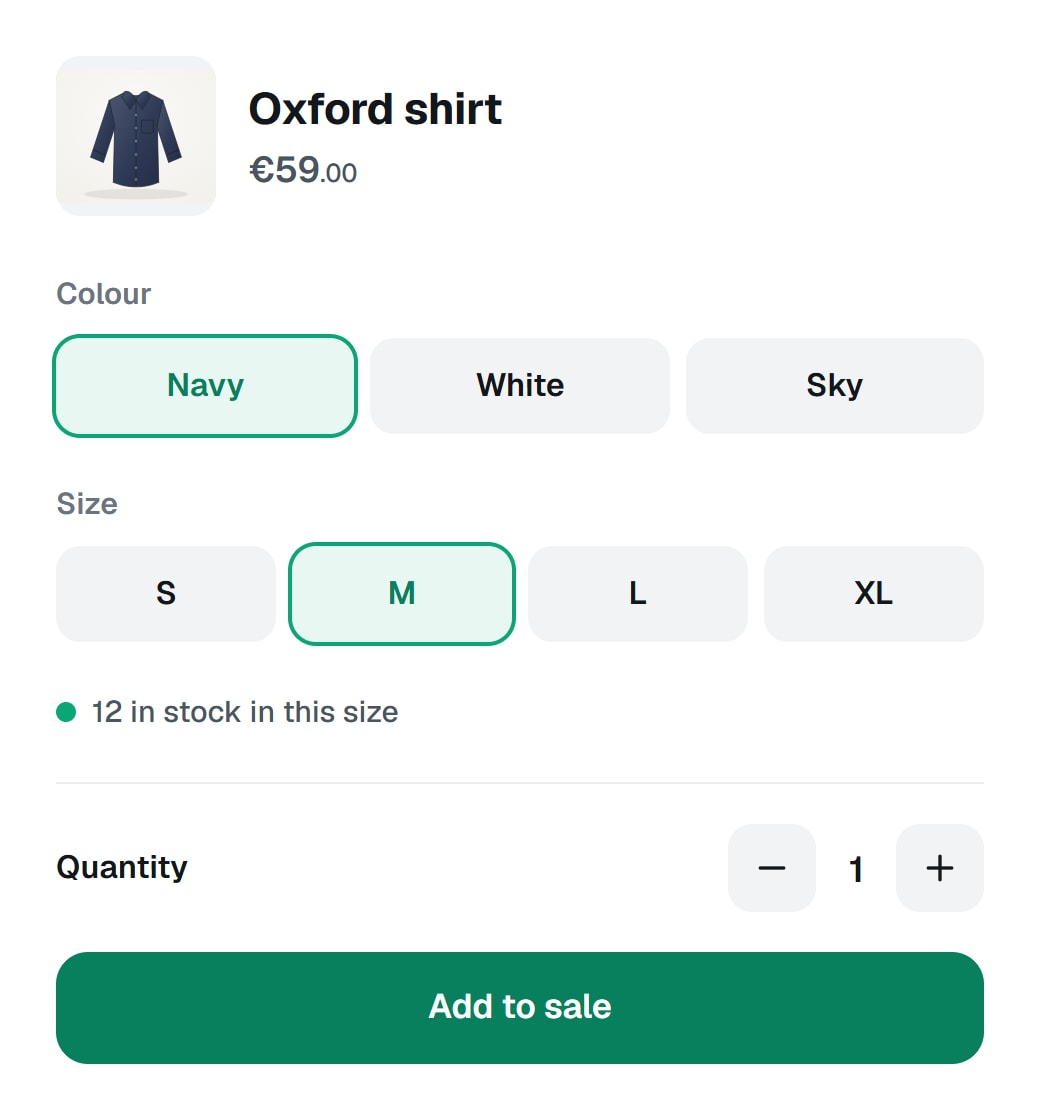
The right size every time
Pick the colour and size on one sheet and see how many are left before you add it.
- Colour and size on one product
- Stock left in each size
- The exact size recorded on the sale
Discounts
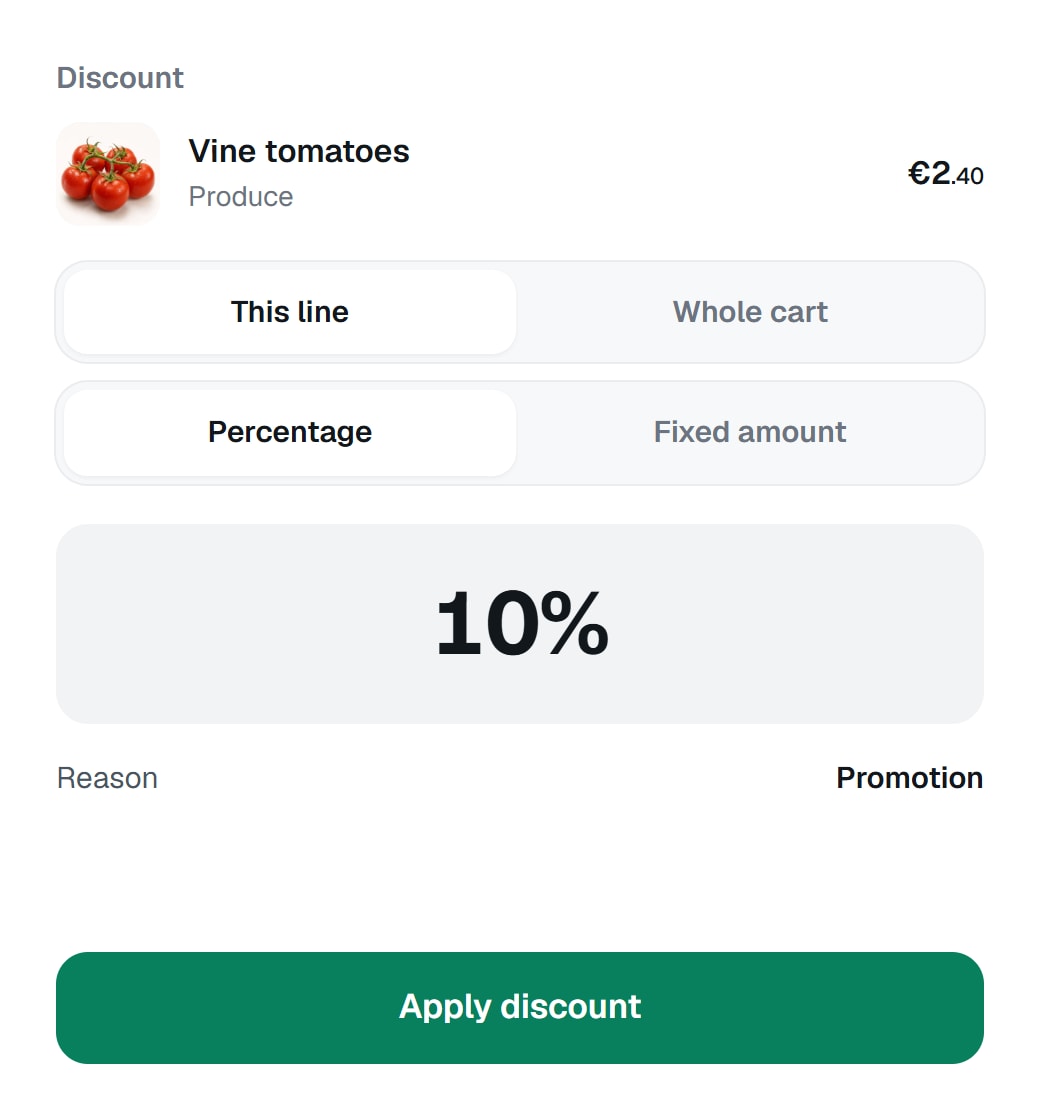
Money off without a calculator
Take a percentage or an amount off one line or the whole sale, and keep the reason.
- One line or the whole sale
- Percentage or fixed amount
- A reason kept with each discount
Customers
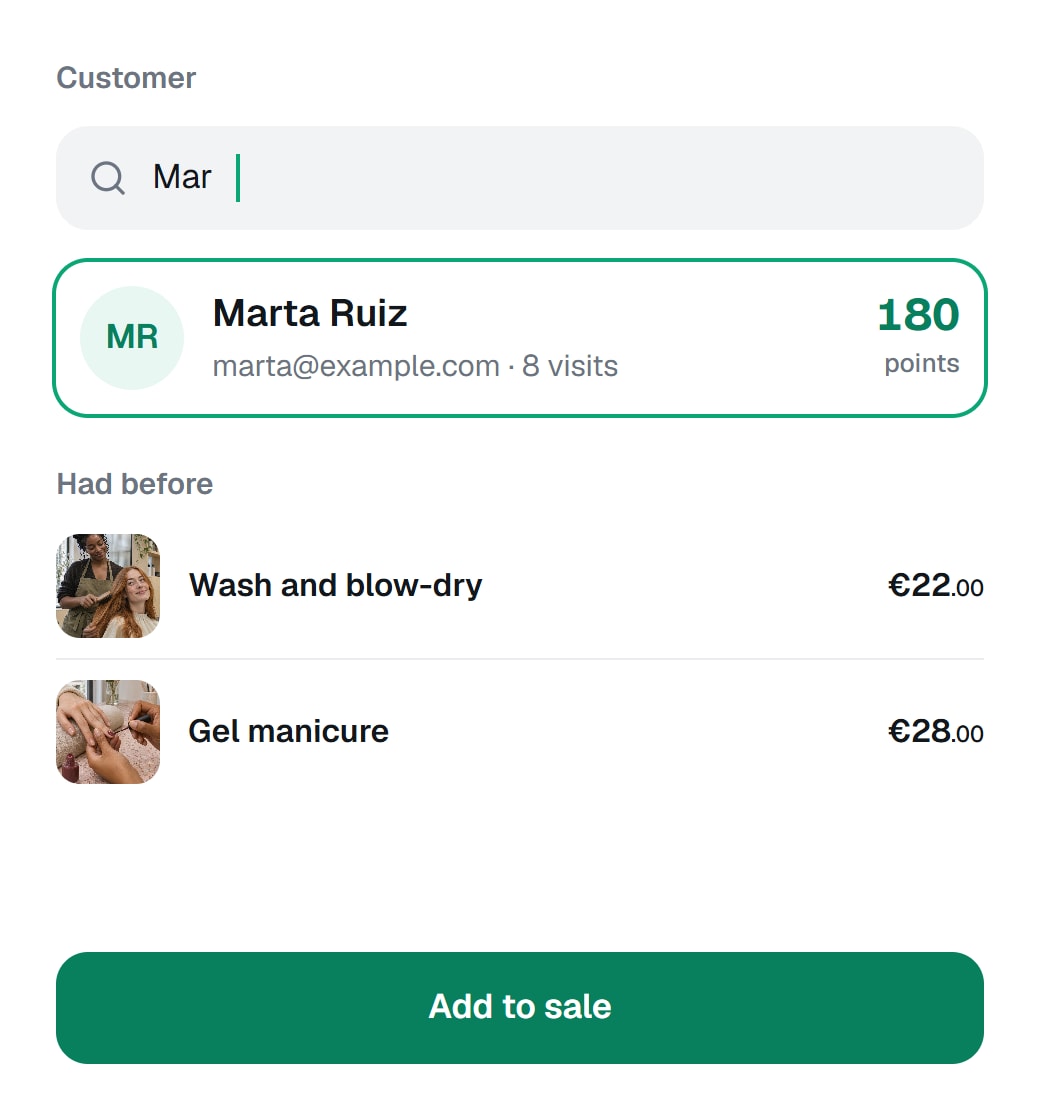
Know the customer at checkout
Find them by name, phone or email and see their points and what they had before.
- Find or add a customer at the till
- Loyalty points shown and earned
- What they bought before
Shipping, pickup and delivery
Ship it, hold it or drop it off
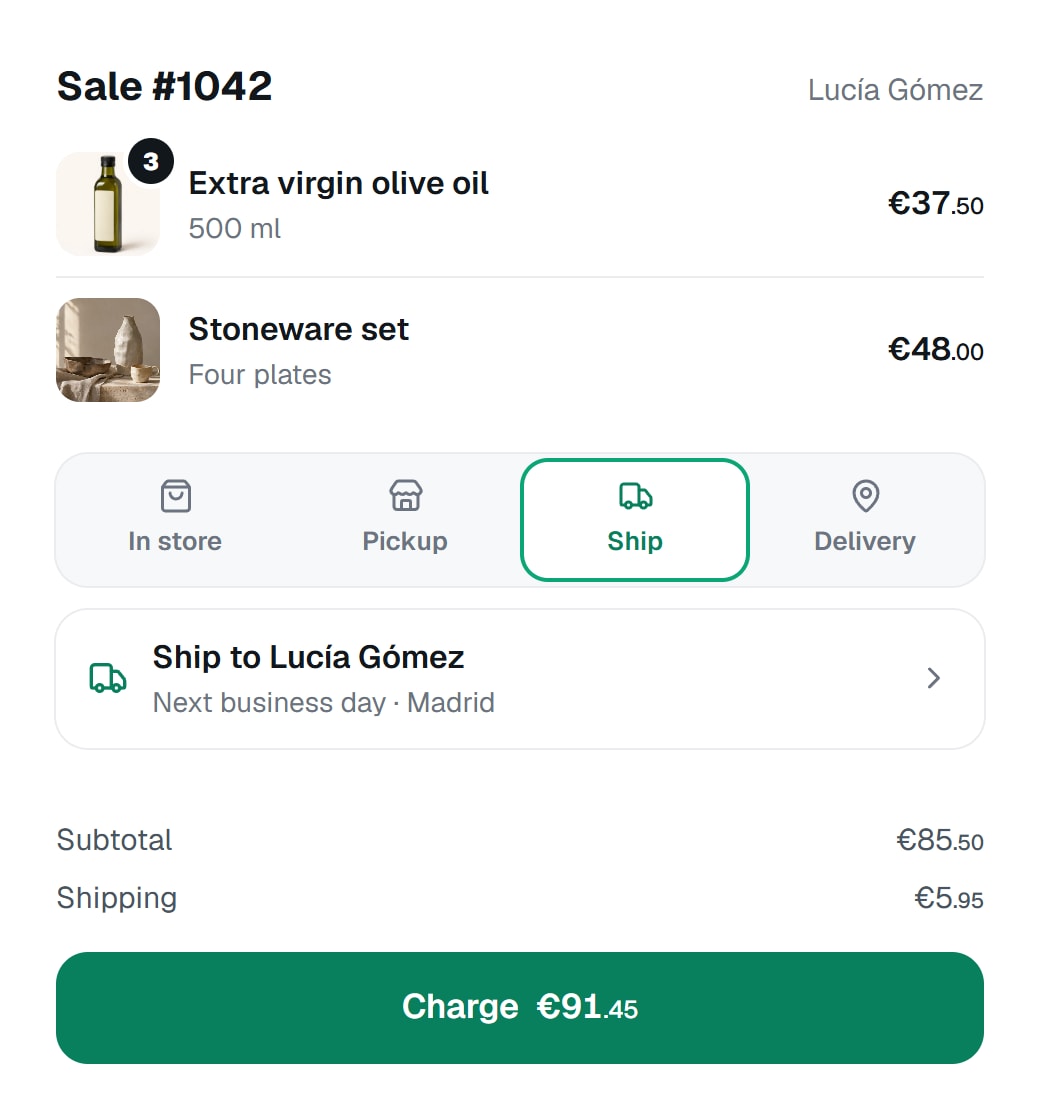
Send the order, set it aside for pickup or deliver it locally, all from the same sale.
- Your carrier rates, or your own
- Pickup at the store you choose
- Local delivery with its own fee
Returns
Returns and exchanges, line by line
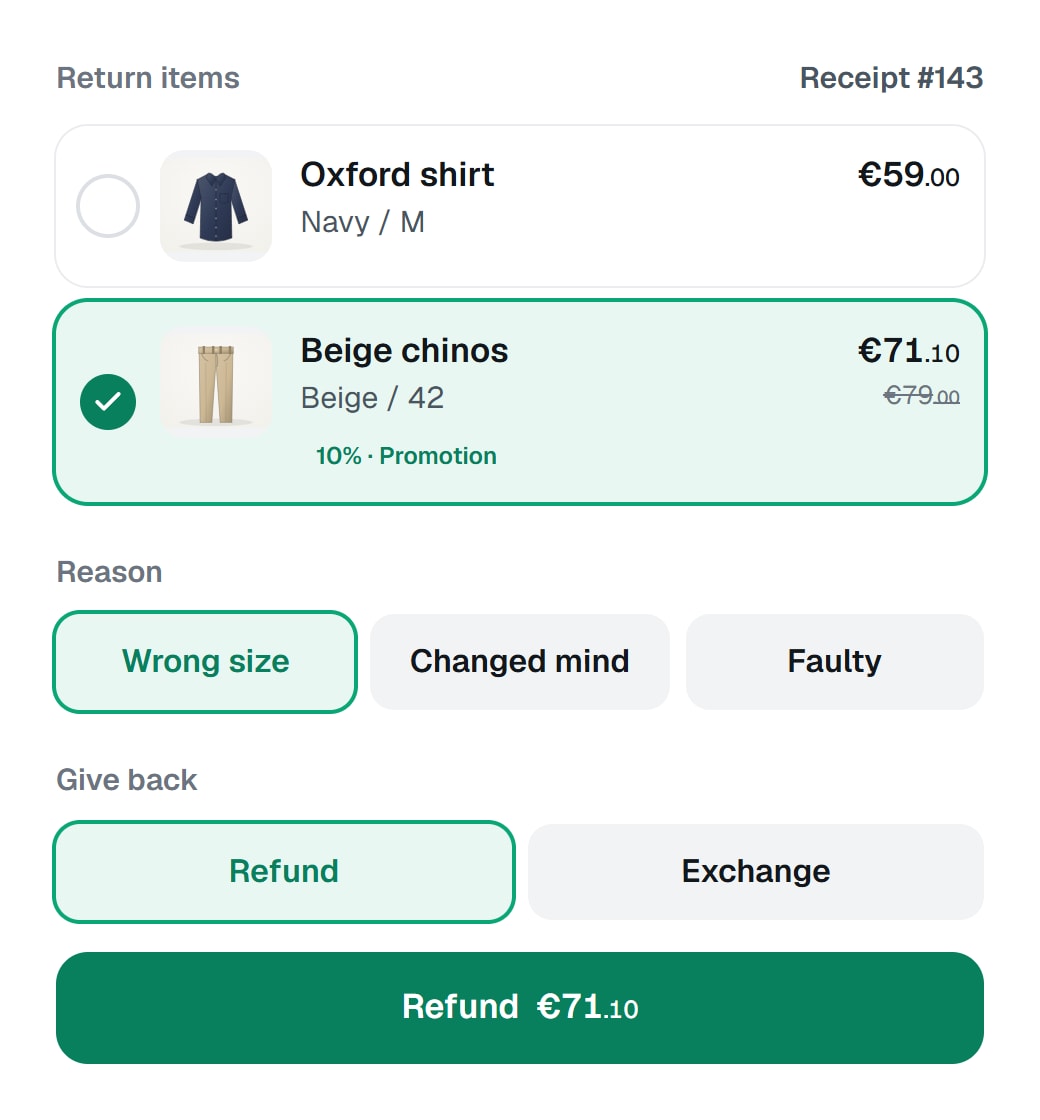
Open the receipt, pick what comes back and refund it or swap it for another size.
- Against the original receipt
- Refund or exchange each line
- A manager's PIN where you want one
Receipts
The receipt they want
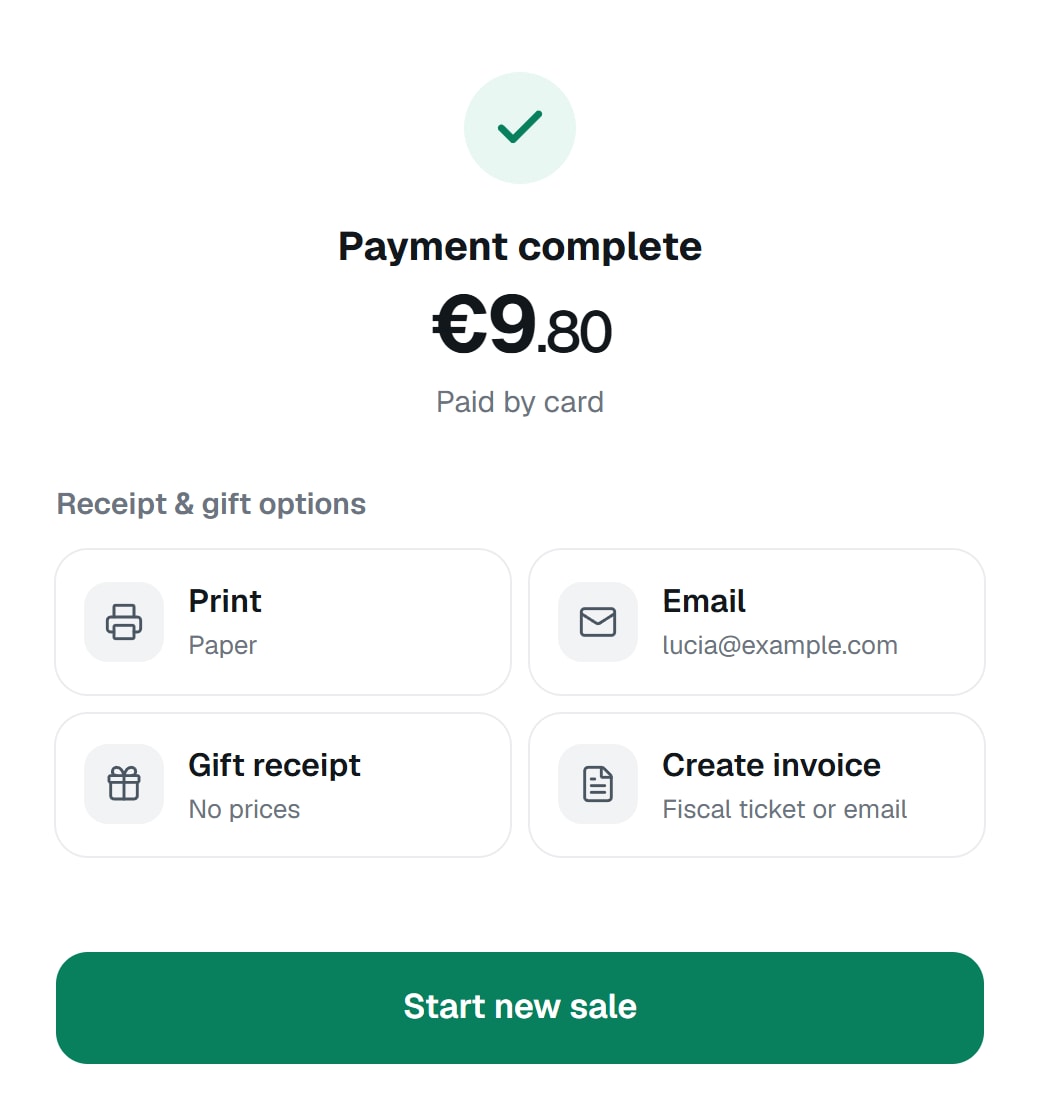
Print it, email it, give a gift receipt or make an invoice when the sale is done.
- Your logo, header and footer
- Gift receipts without prices
- Reprint from any order
Opening and closing
Close the till to the cent
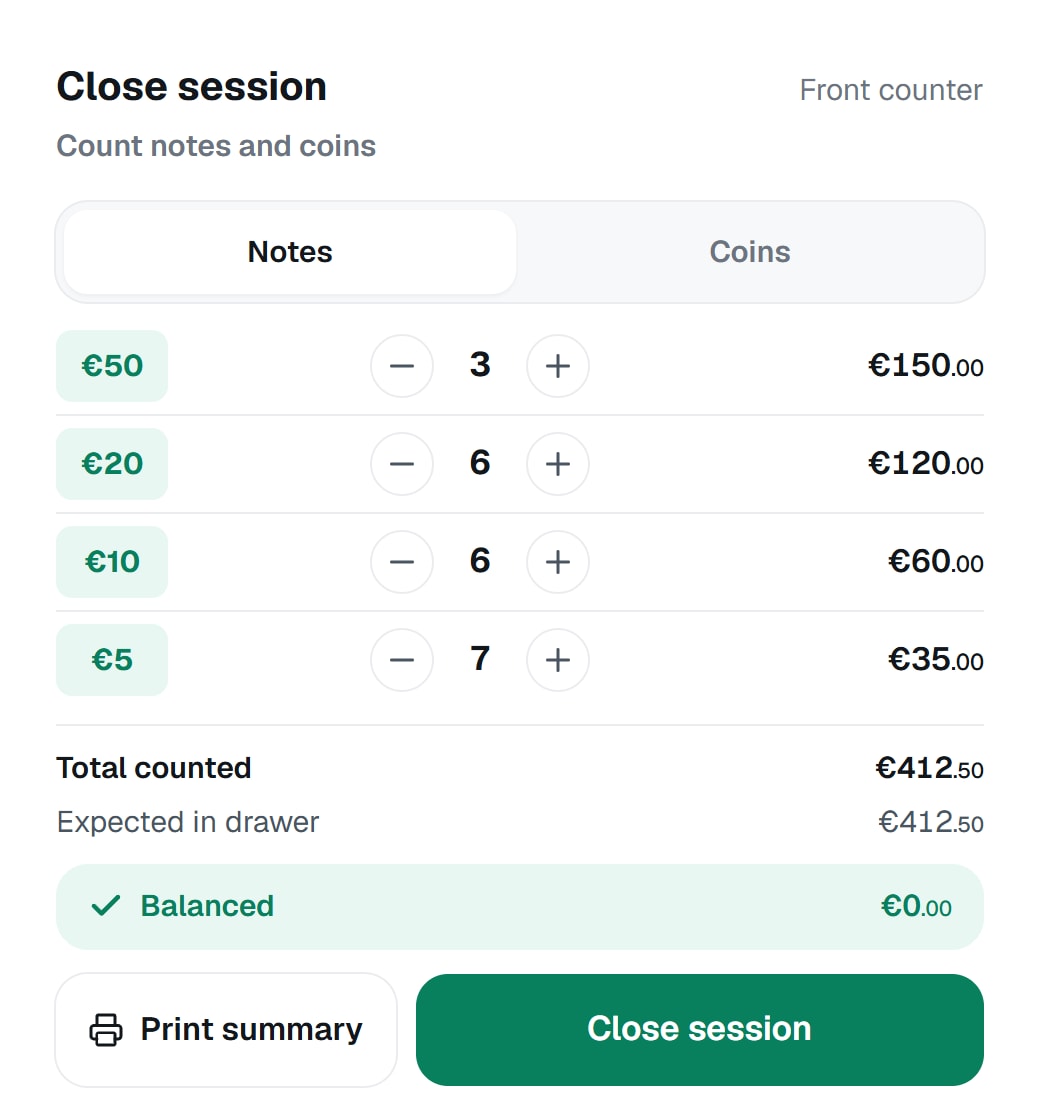
Count the drawer note by note and see what's expected beside what you counted.
- Open with a counted float
- Cash in and out with a reason
- A printed summary of the session
Taking payment
Every way to pay, one till
Card on your terminal, cash with the change worked out, and the rest on the same screen.

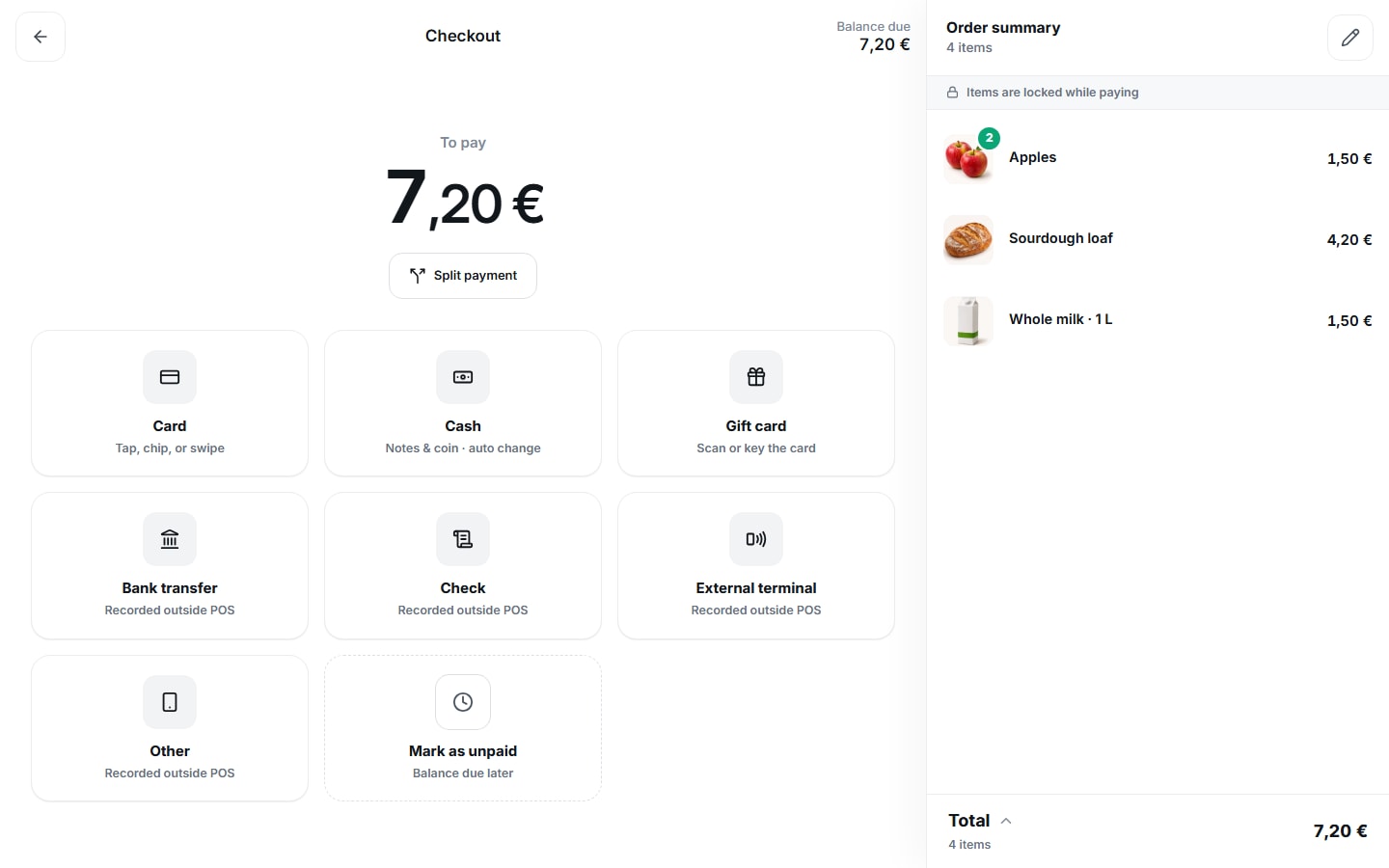
Card
Tap, chip or swipe on the card terminal.
Cash
Notes and coins, with the change worked out.
Split payment
Part on card, part in cash, on one sale.
Gift cards
Scan the card or key in its number.
Deposits
Take part now, settle the rest later.
Your other methods
Bank transfer, cheque or another terminal.
Keeps selling offline
The internet drops. You don't.
The till keeps taking sales when the line goes down, and sends everything once it's back.
- Cash, and card up to a limit you set
- Your own payment methods keep working
- Payments sent when the line returns
Runs on your screens
A counter till, a tablet or a handheld
One login, one catalogue and the same sale on every device, so you can mix them.
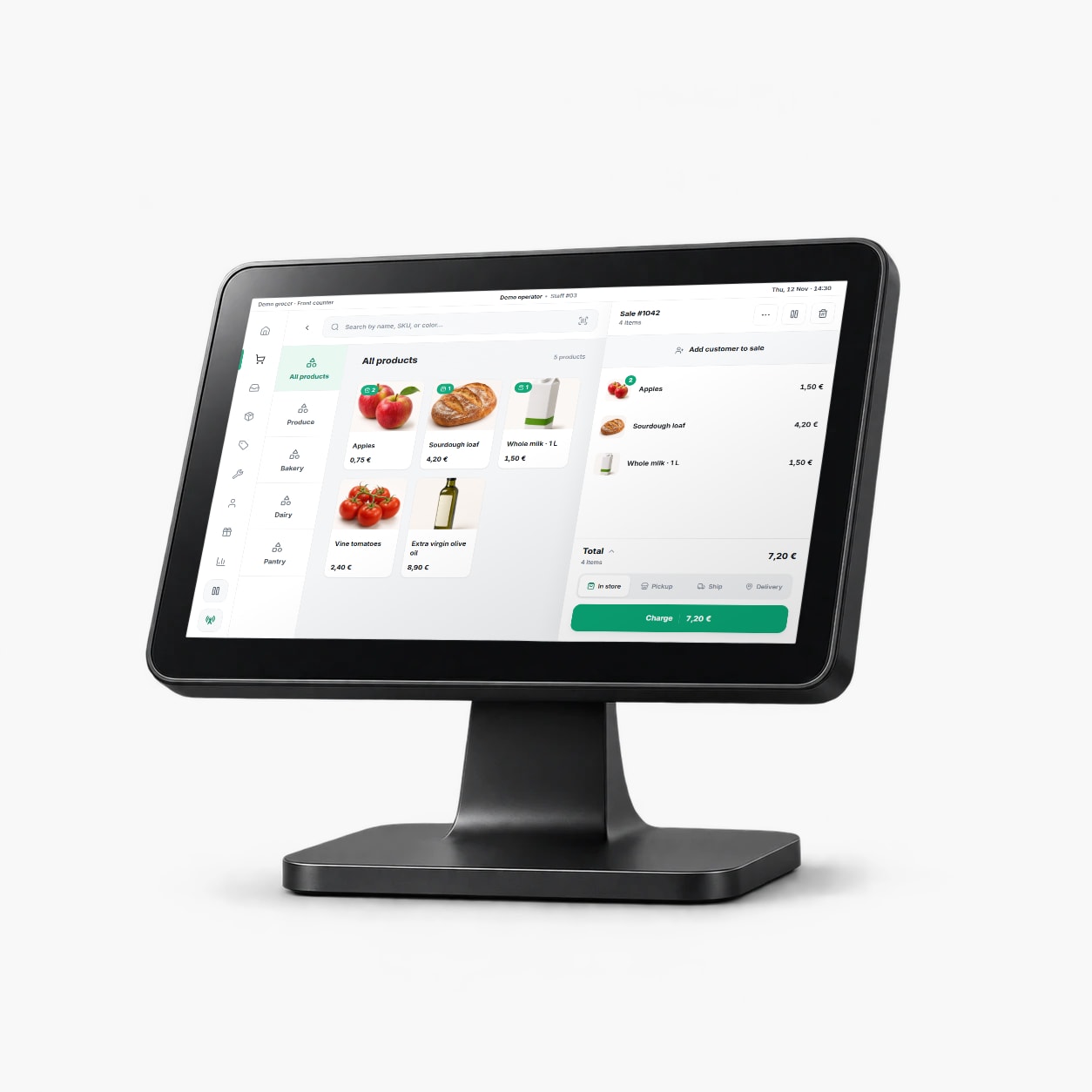
Counter till
A touchscreen till on its own stand, for a busy counter.
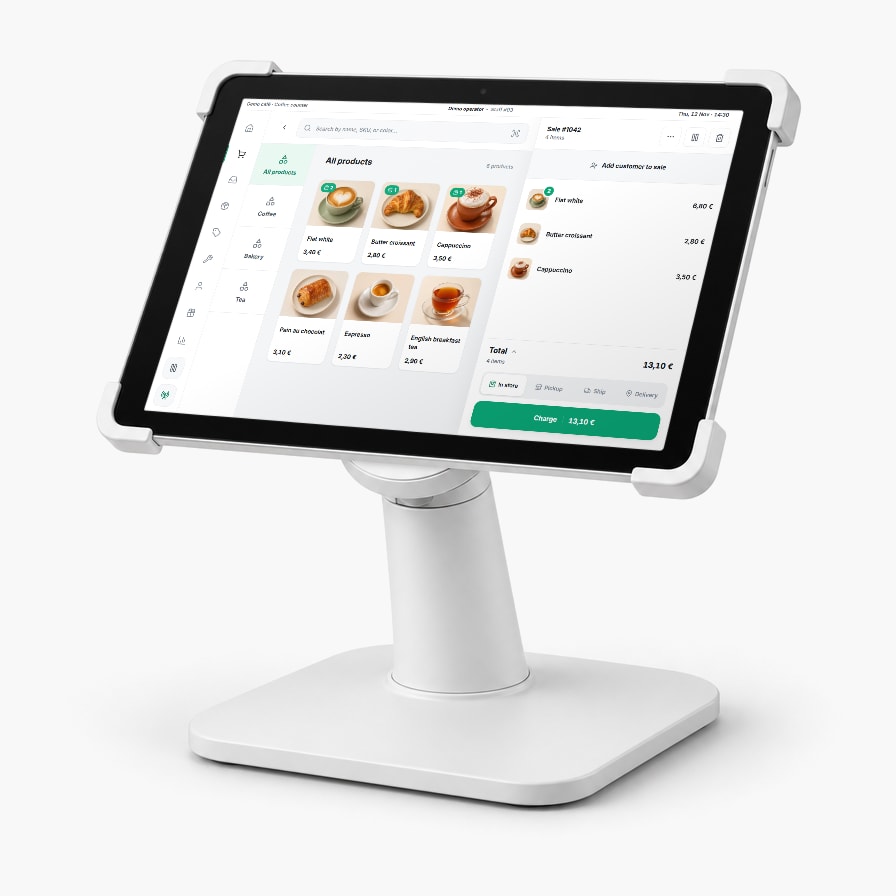
Tablet and stand
A tablet on a stand, the till at eye level on a small counter.
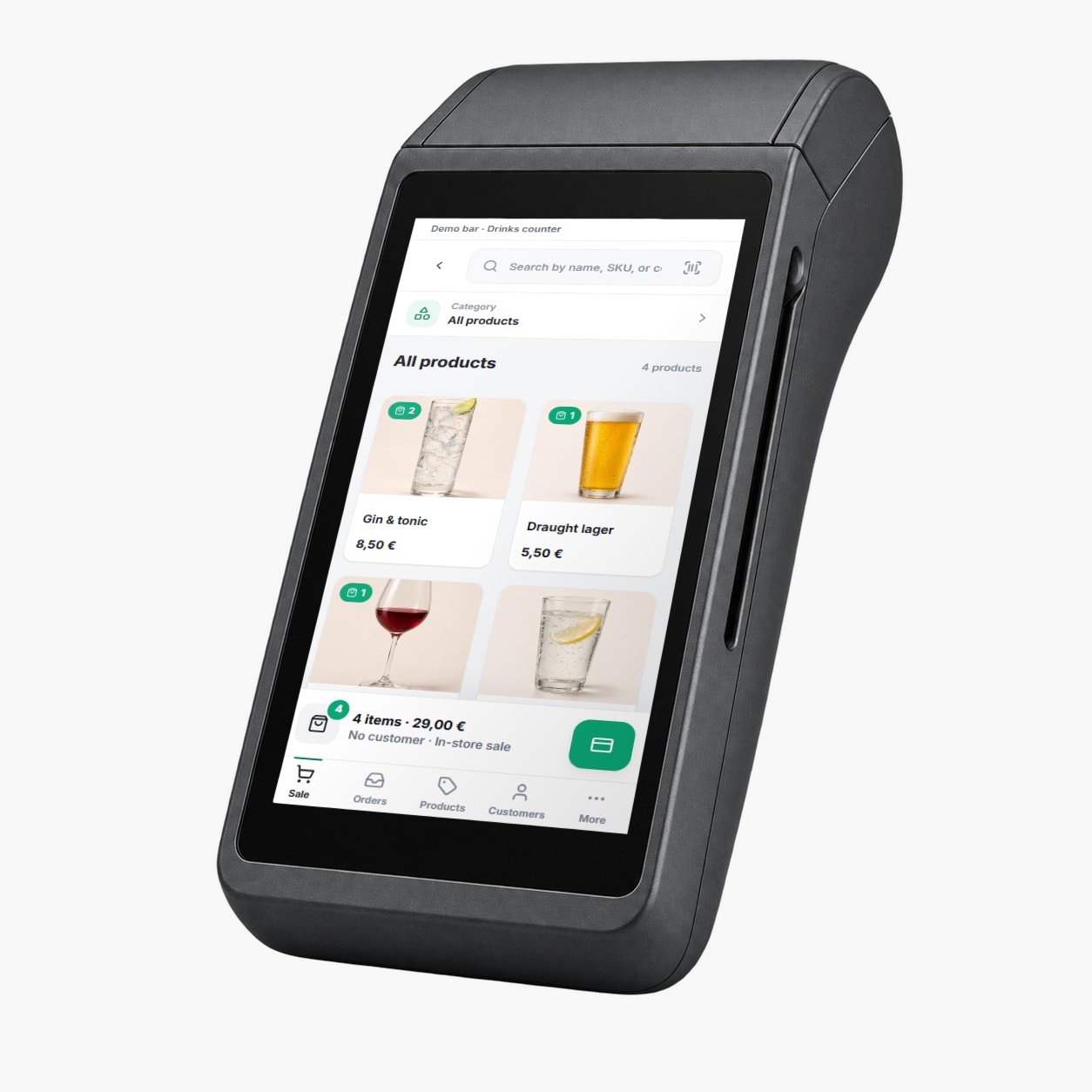
Handheld
The till in your hand, for queues and the shop floor.
Features
Everything the till does
Four jobs it does all day, and what else comes with it.
Selling
Scan, search or tap the grid.
Taking payment
Card, cash, split or a gift card.
Receipts and returns
Print or email it, refund against it.
Staff and shifts
PIN sign-in, approvals and cash-up.
Set up with you
Ready before your first sale
We do the setting up with you, so your first day is just selling.

Your products brought across
We load your products, sizes, barcodes and stock.
Your counter connected
Till, scanner, printer and card terminal, on site or remote.
A practice sale first
Scanning, payment and a refund, before your first customer.
Help once you're open
By phone and chat, when something comes up.
Phones, tablets and a countertop till. The same login, catalogue and sales are on each, so you can mix them in one shop.
Yes. The till keeps selling with cash, cards up to a limit you set and the methods you allow offline. The payments finish and the sales sync when the line returns.
On the card reader connected to the till: the customer taps or inserts their card. Payments taken on another terminal can be recorded too.
Yes. Bring a spreadsheet or an export from your old system, and we import it during set-up and count it back to you.
Cafés sell on the same till today. Kitchen screens, guest ordering from the table and a floor plan of your room are coming soon.
A phone, a tablet or a till, and a visit from our team. We fit the hardware, bring your products in and train your staff.
One till for every shop on the street
Book a demo, or see what it costs per device.